See what the wall hides.
Locate what's behind the wall before you drill or cut.

Locate what's behind the wall before you drill or cut.
Thermal, moisture, and live-wire indications add context to the job.
Measure distance, check angles, and project guide lines for layout.
STRATA PRO Spend less time switching tools and more time on the work in front of you.
TV mounts, kitchen and bath projects, electrical and HVAC work, and property maintenance all call for a different kind of check.
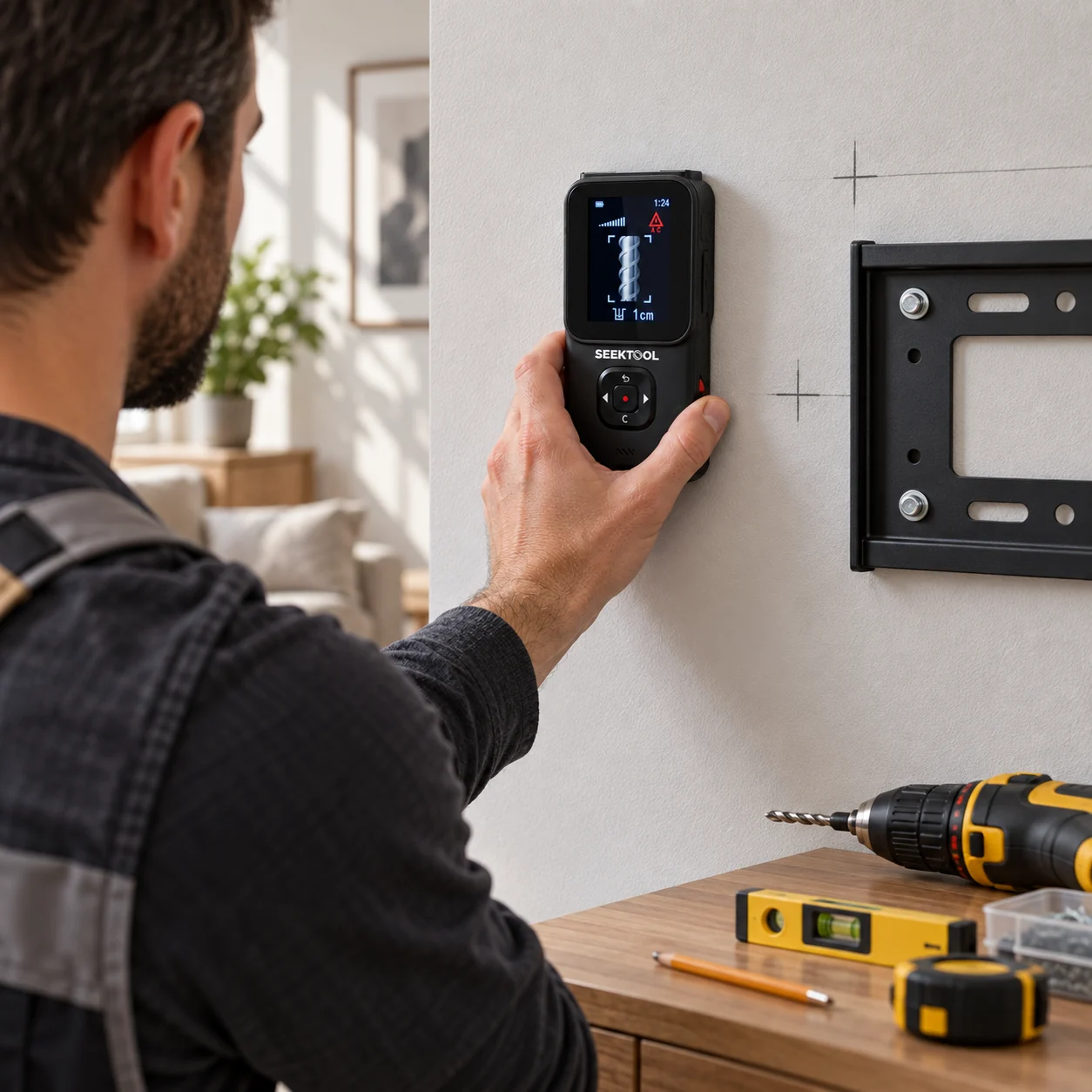
Scan the wall, measure and lay out the work, and check thermal, moisture, and live-wire signals when the job calls for them.
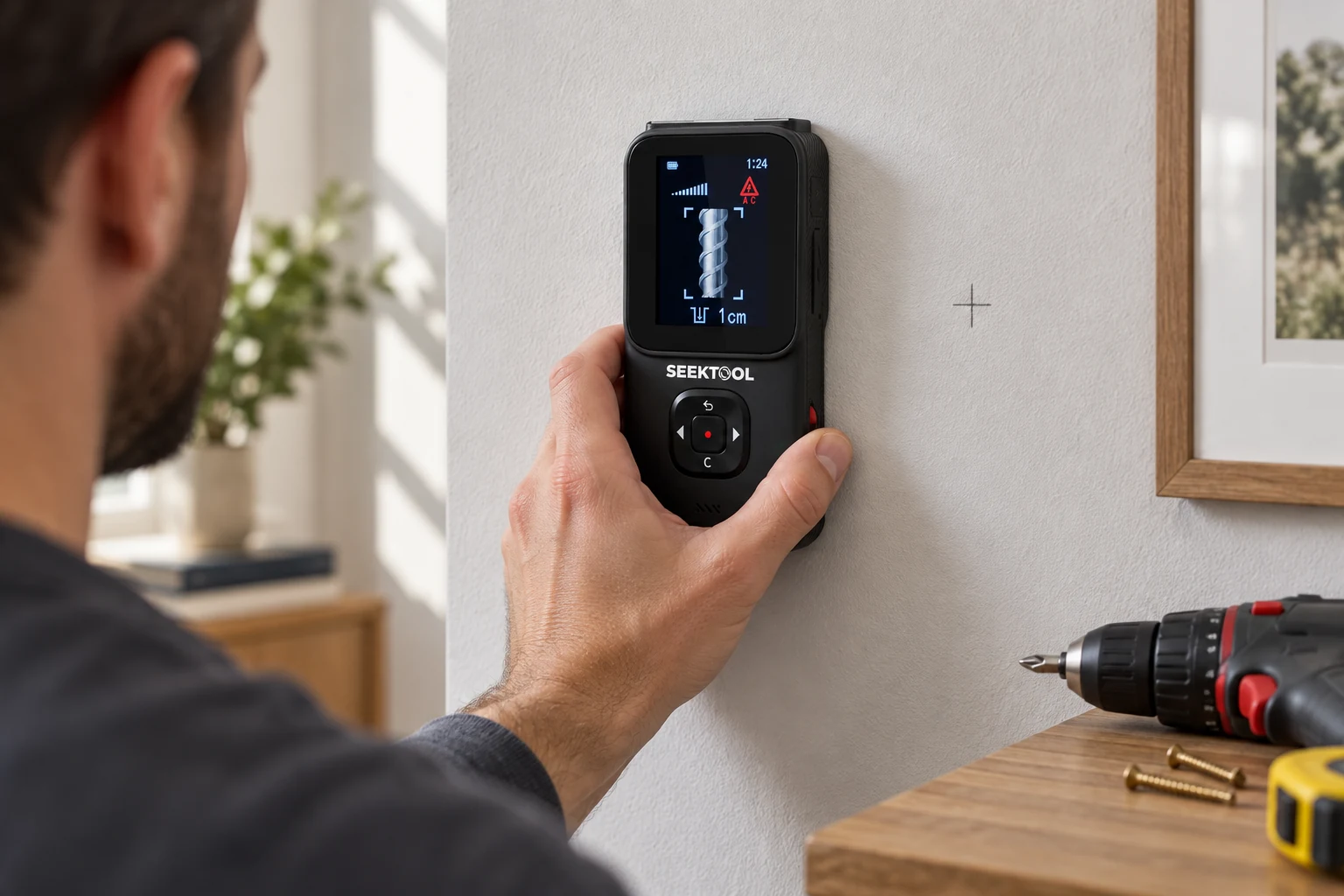
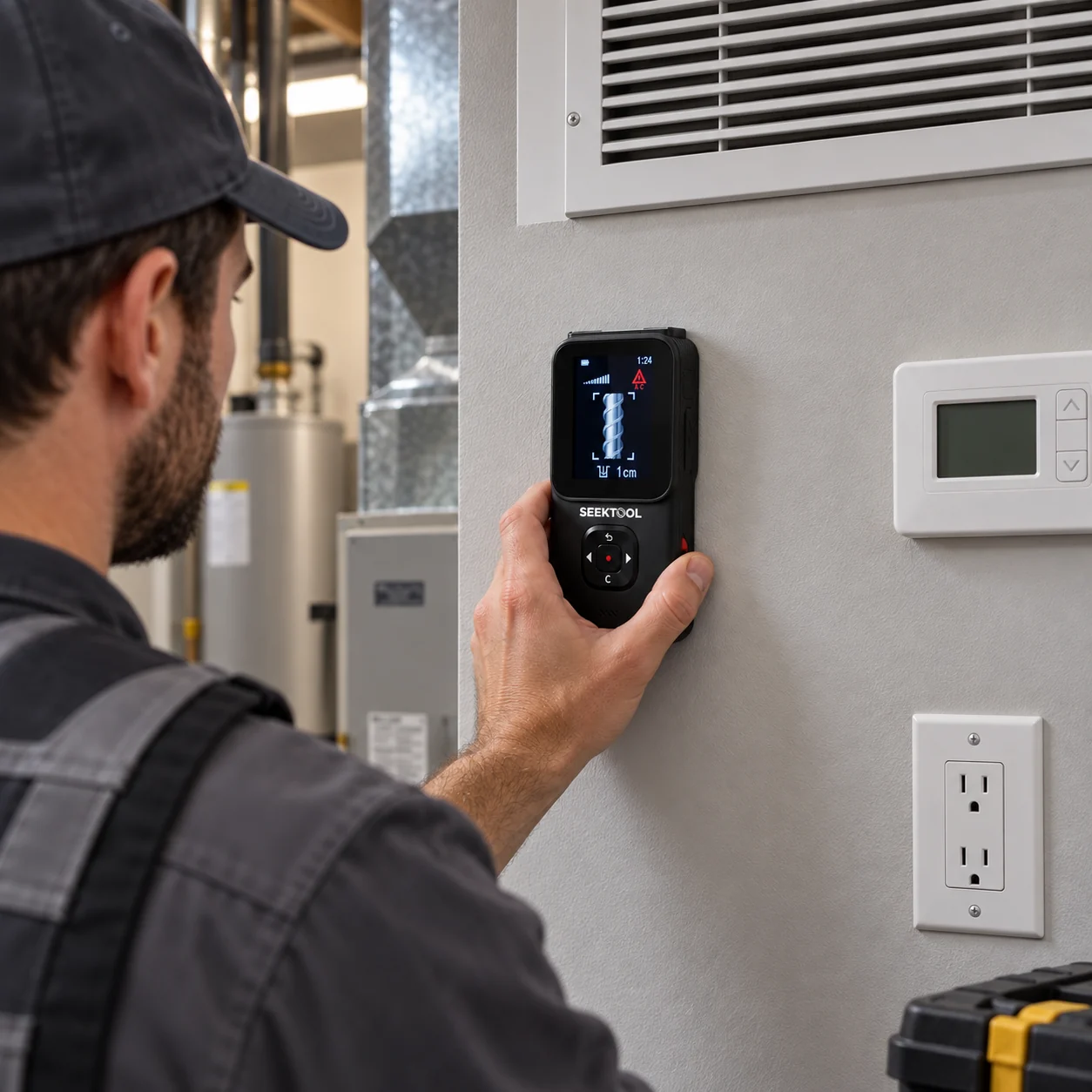
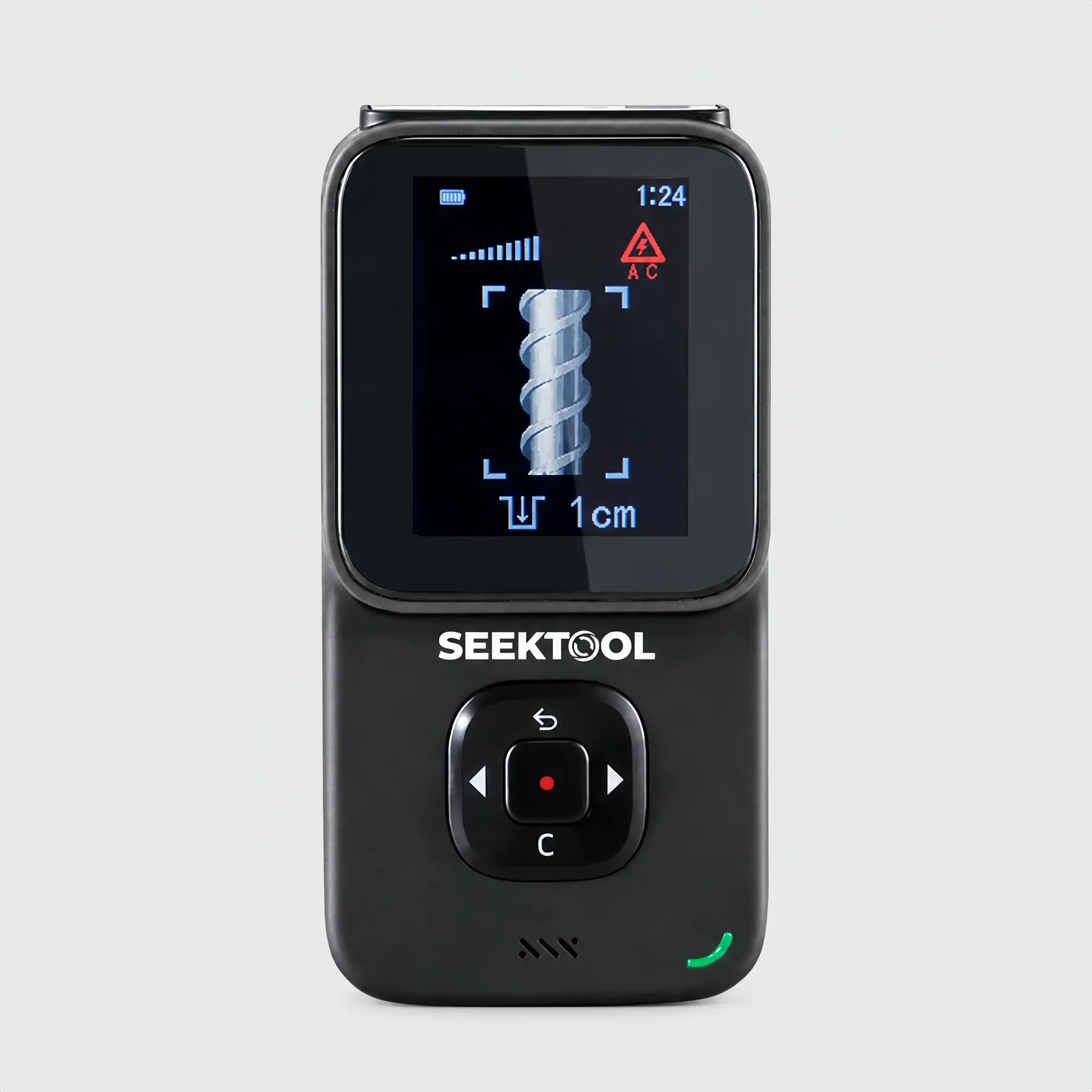
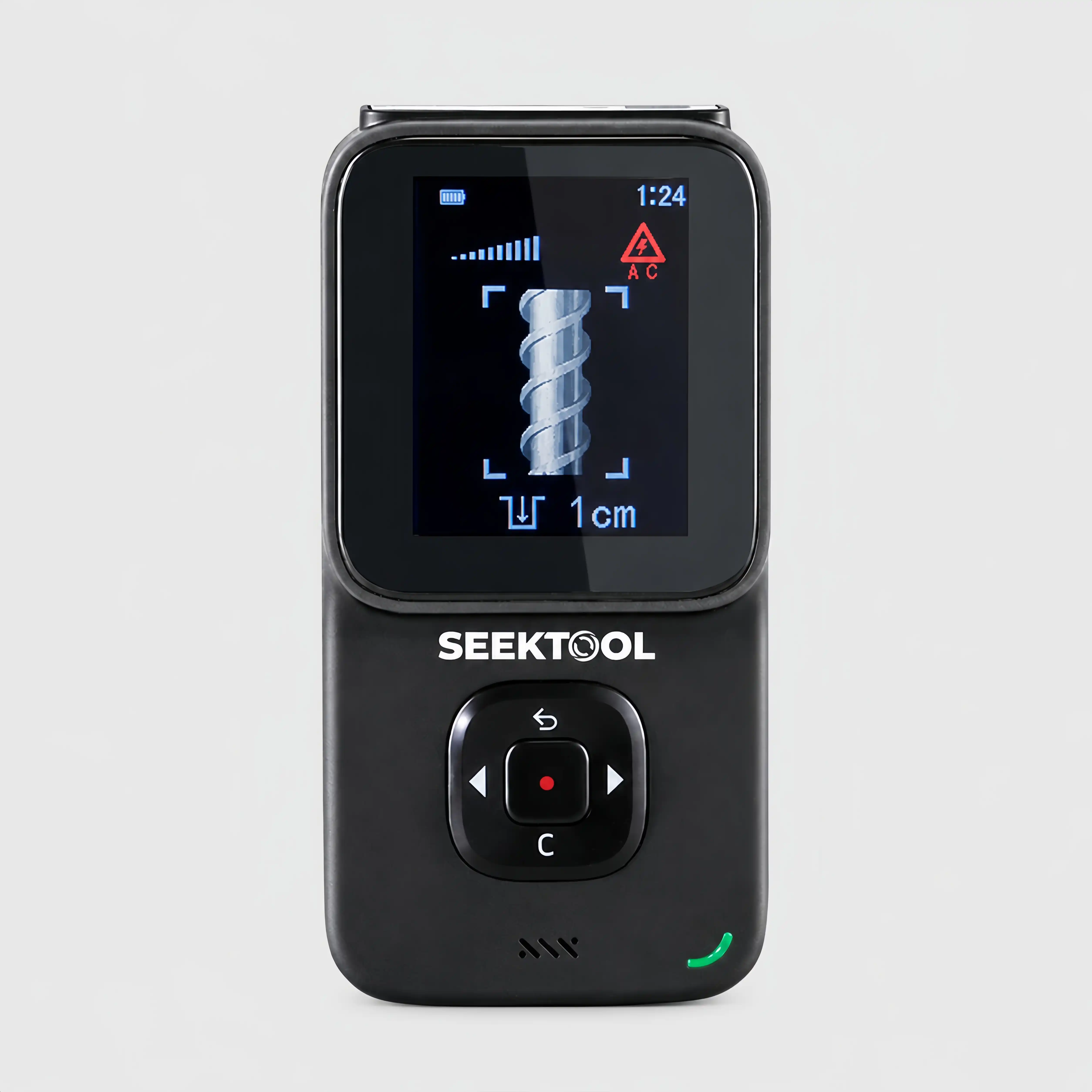
Detect responses from metal, live wires, studs, and other dense objects.
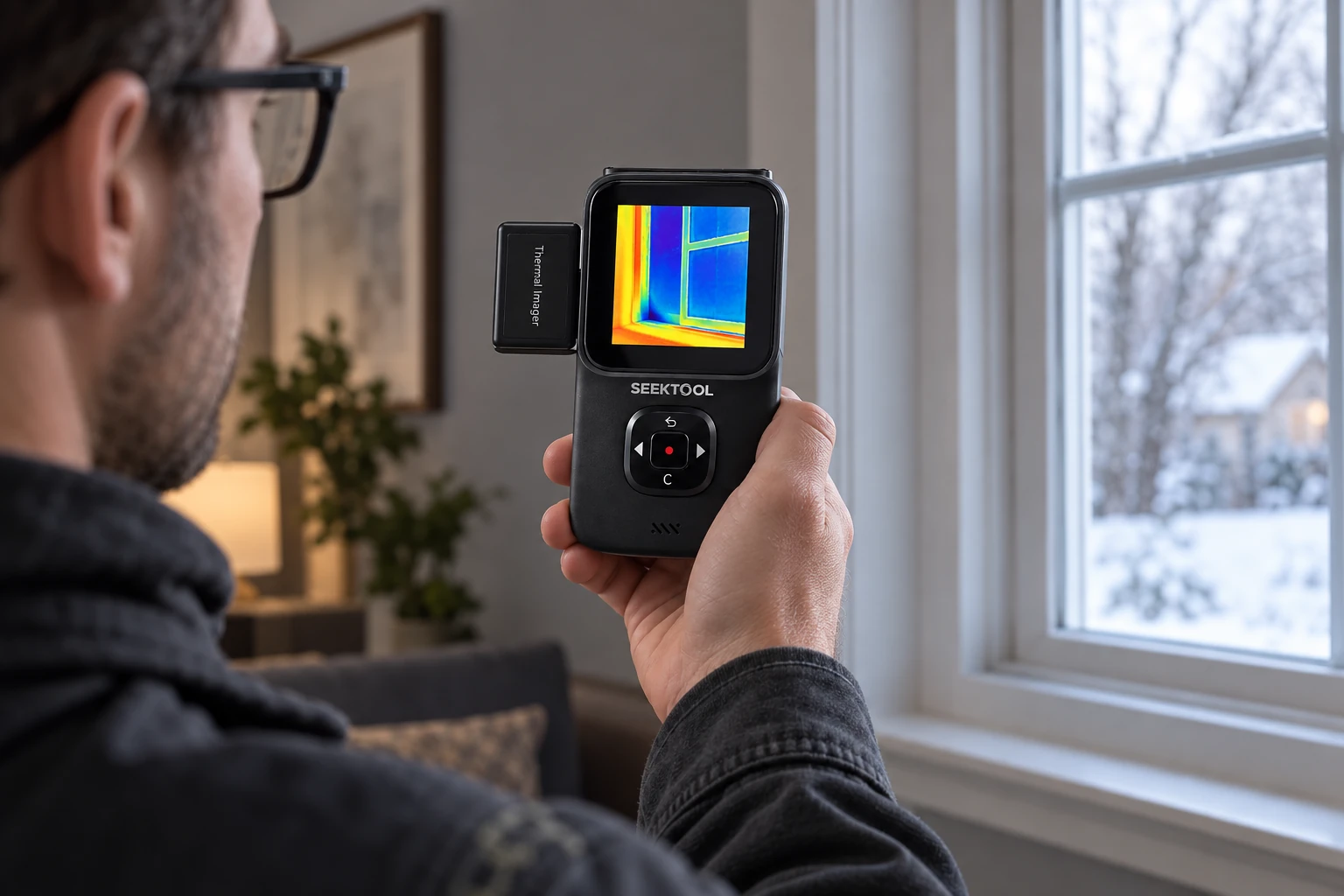
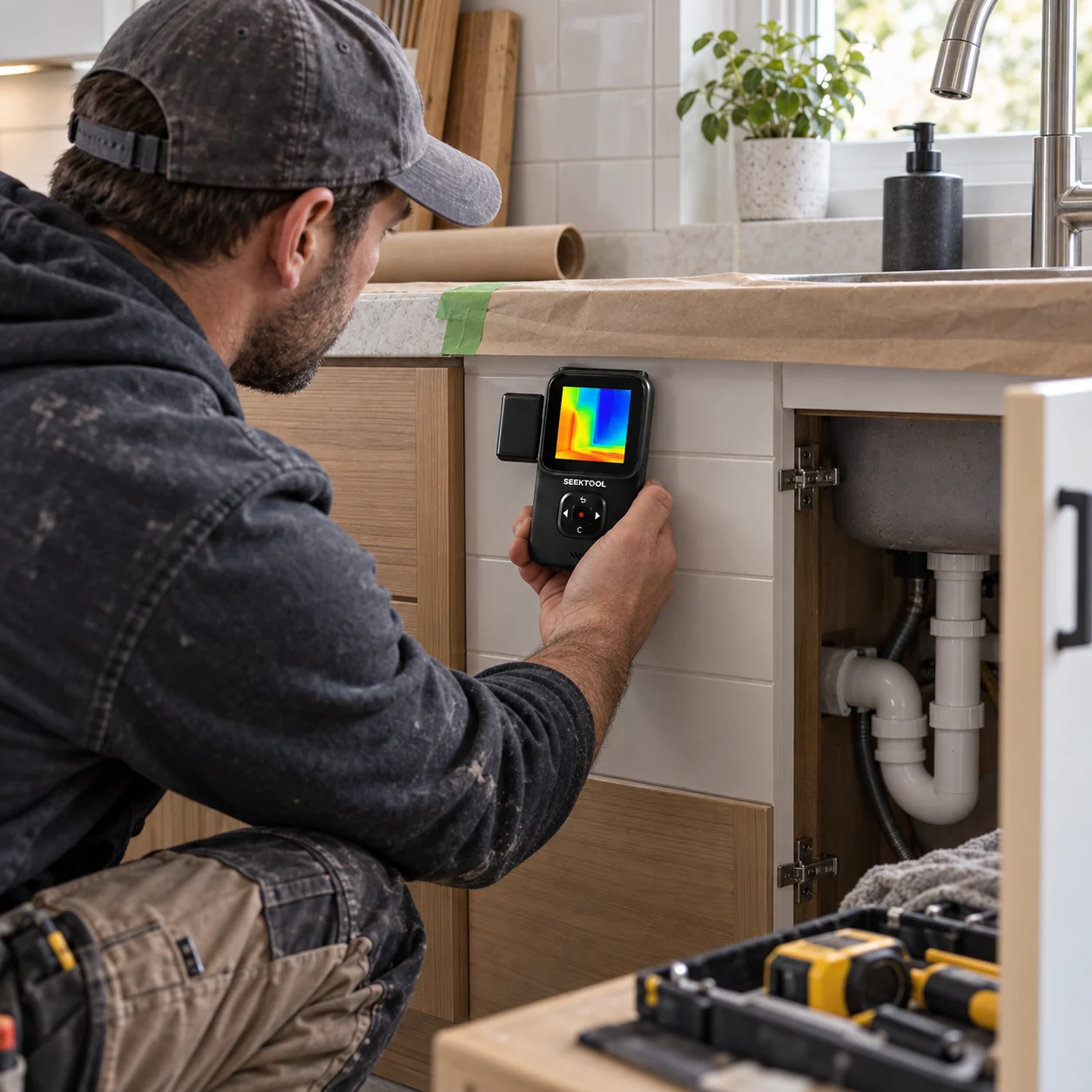
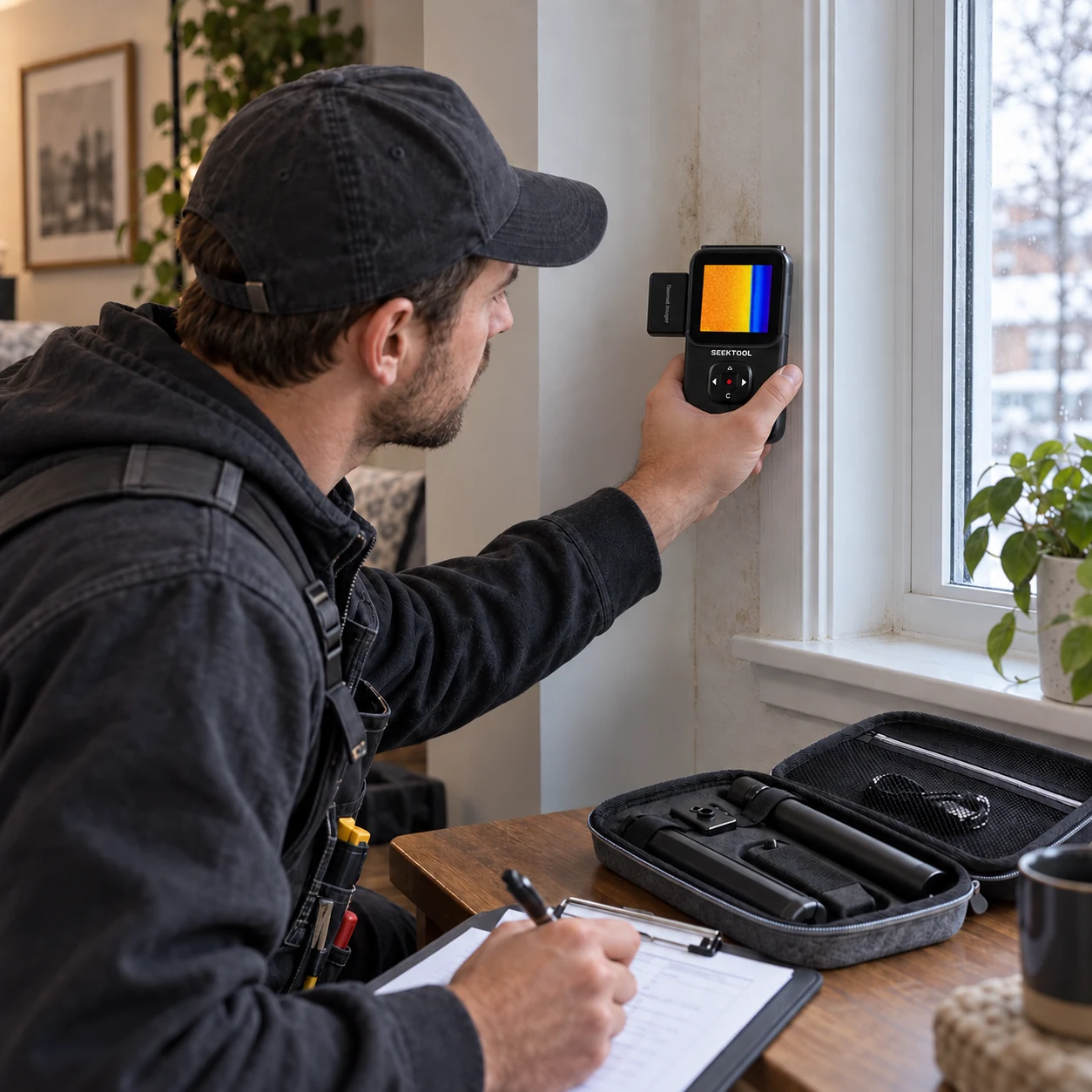
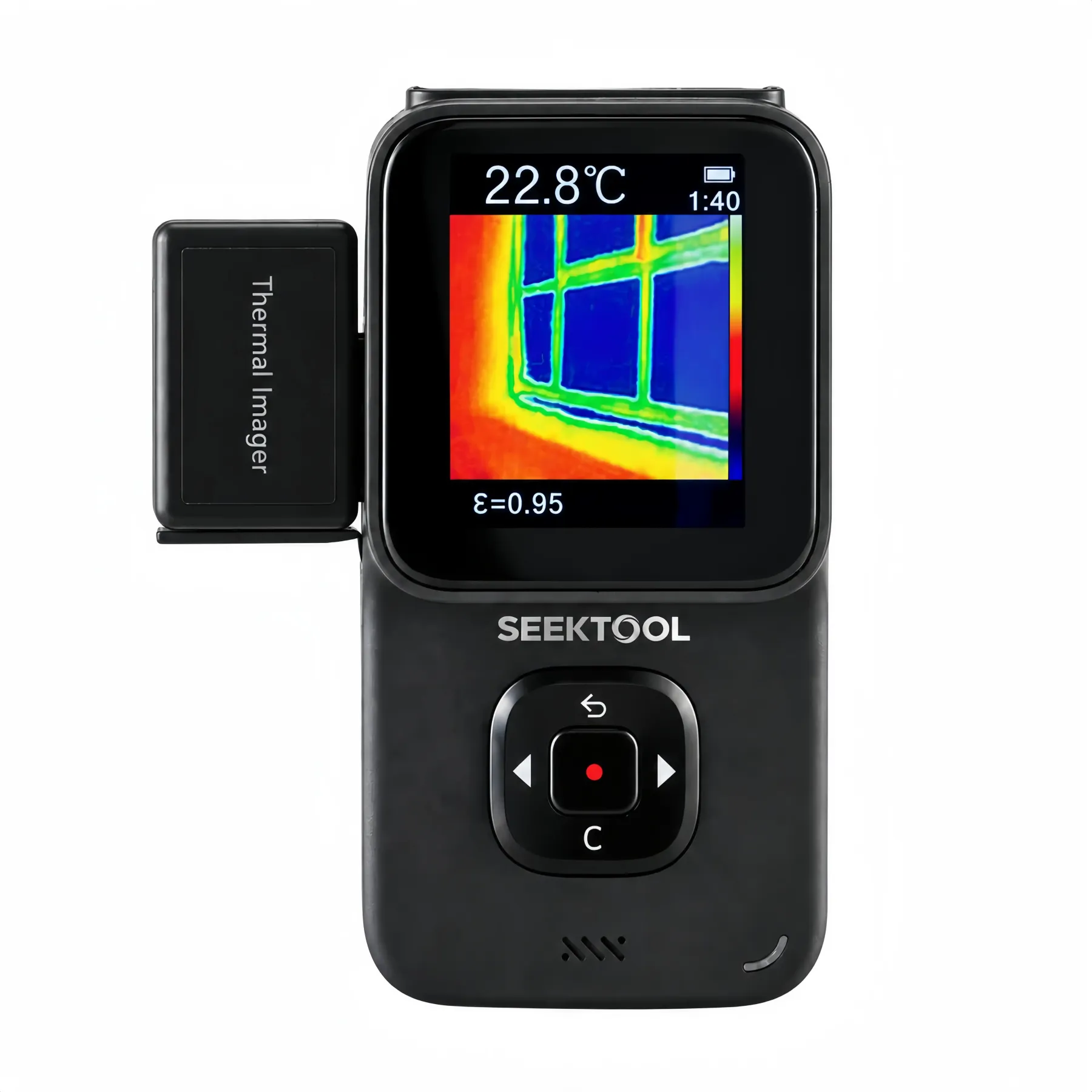
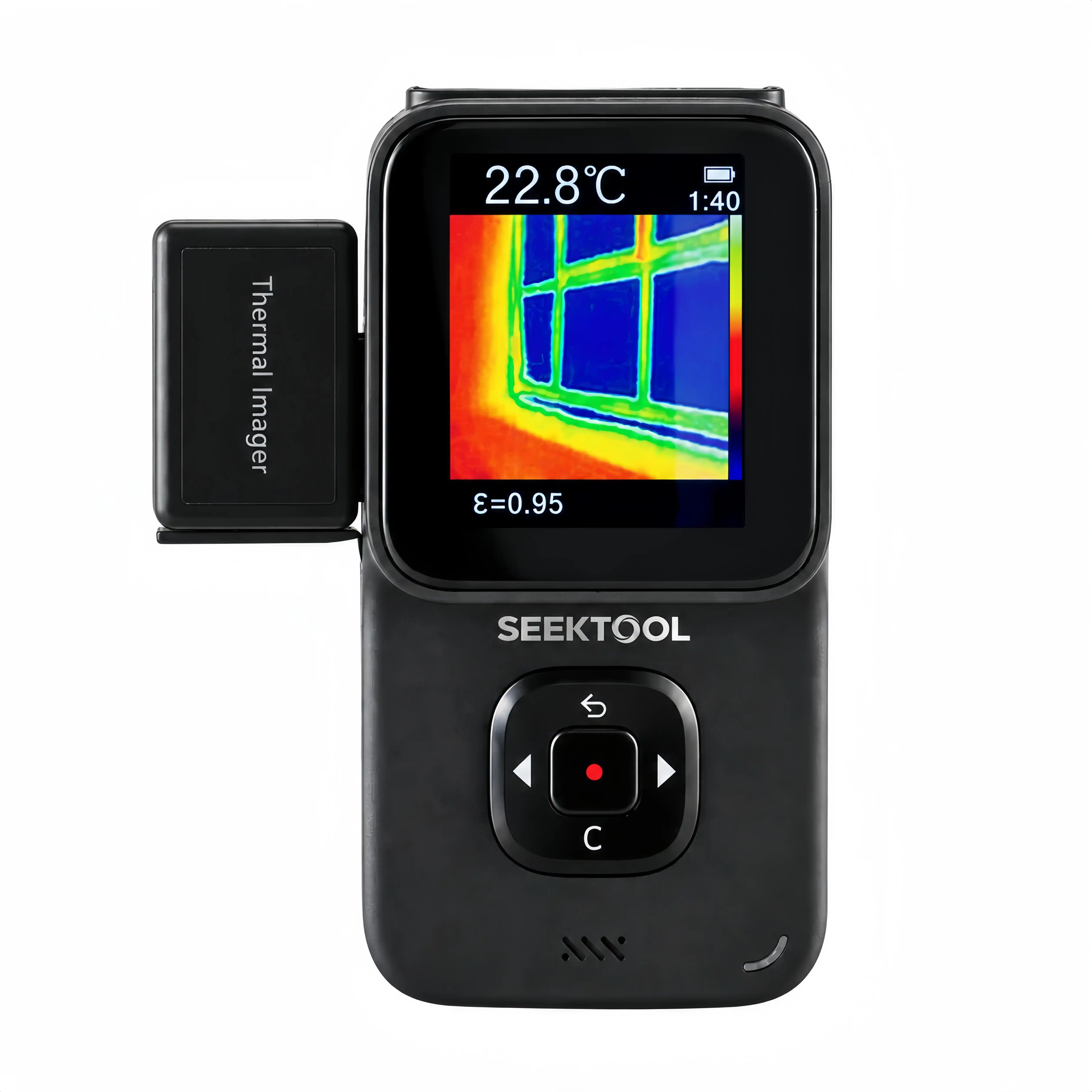
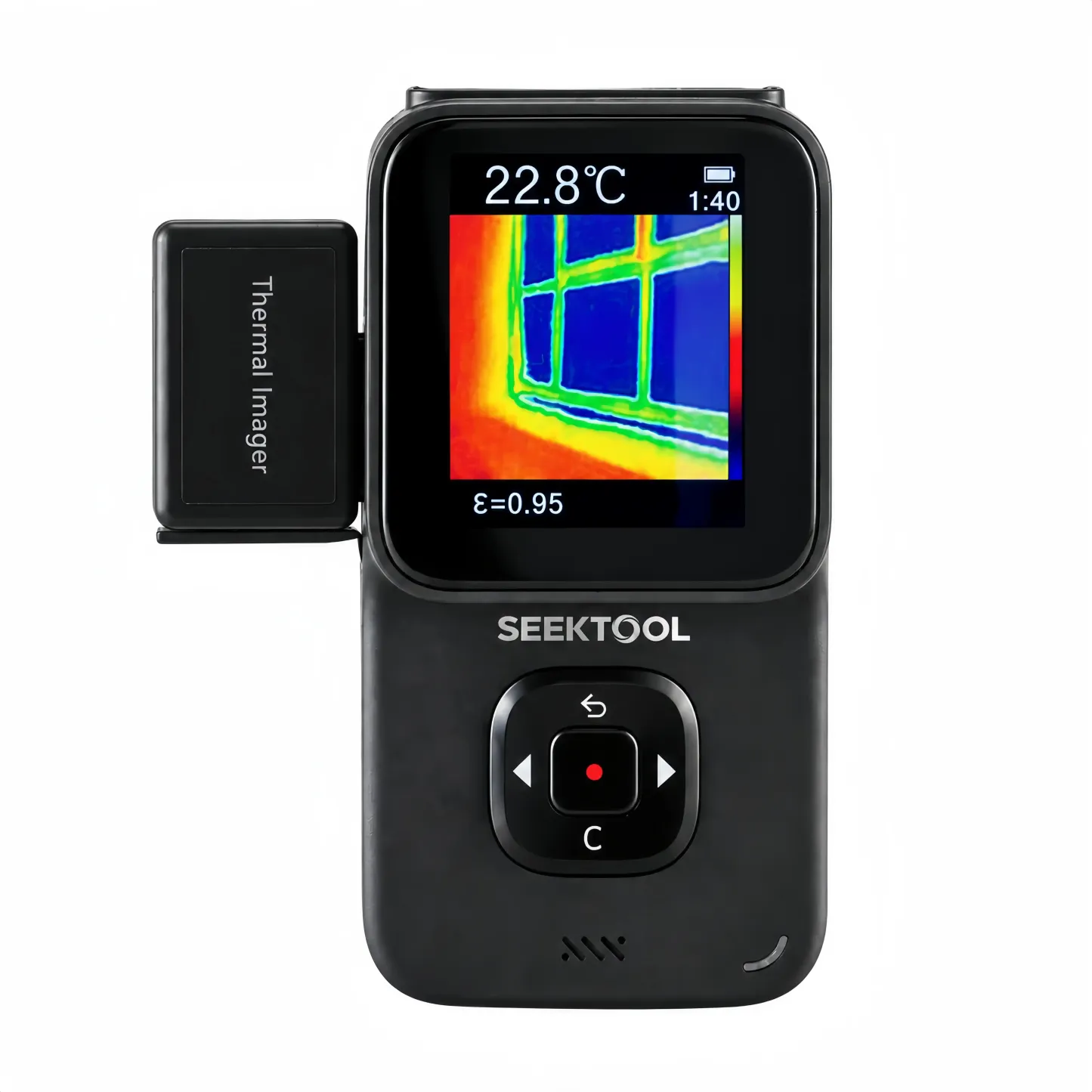
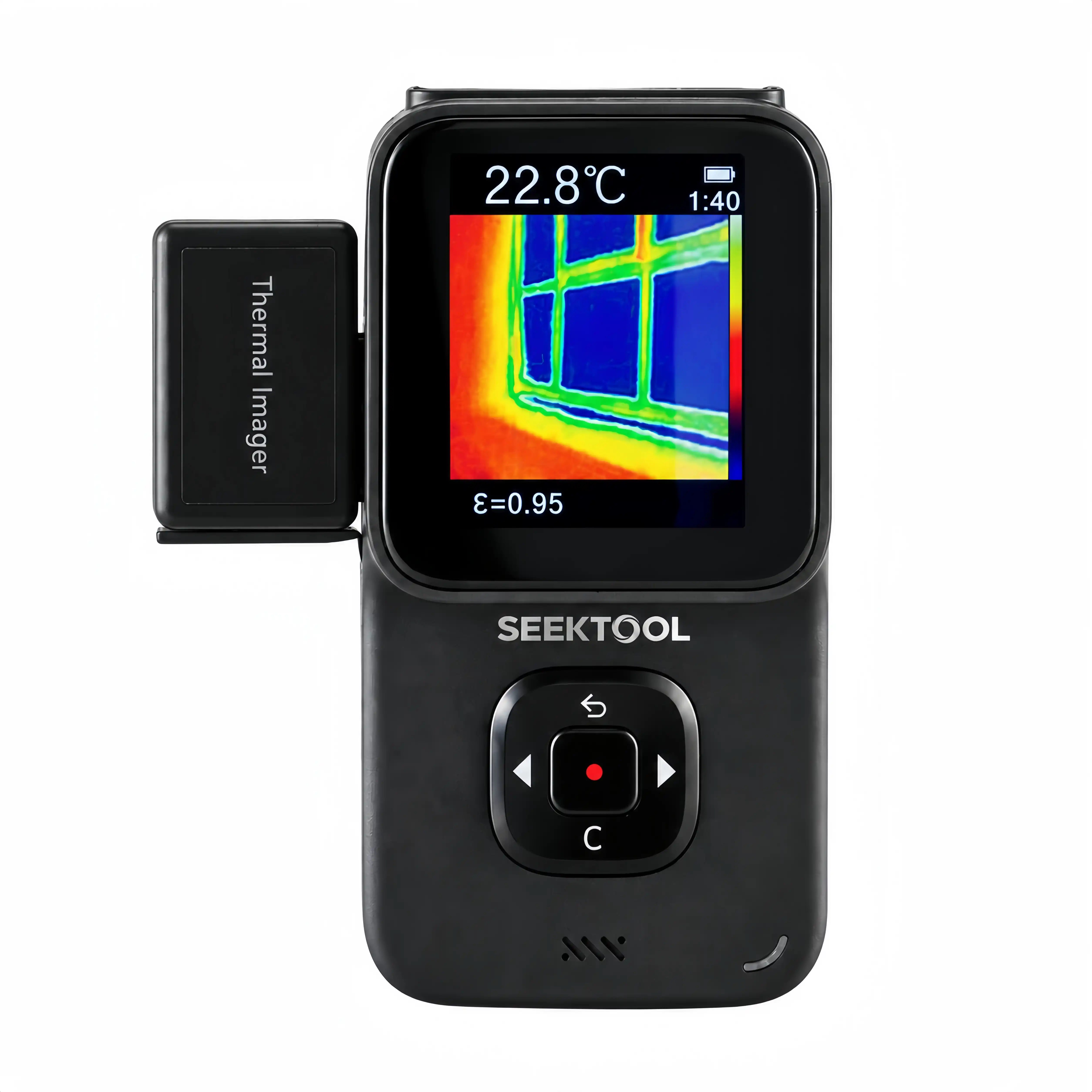
With the Extended Bundle module, screen for heat sources, temperature differences, and insulation gaps.
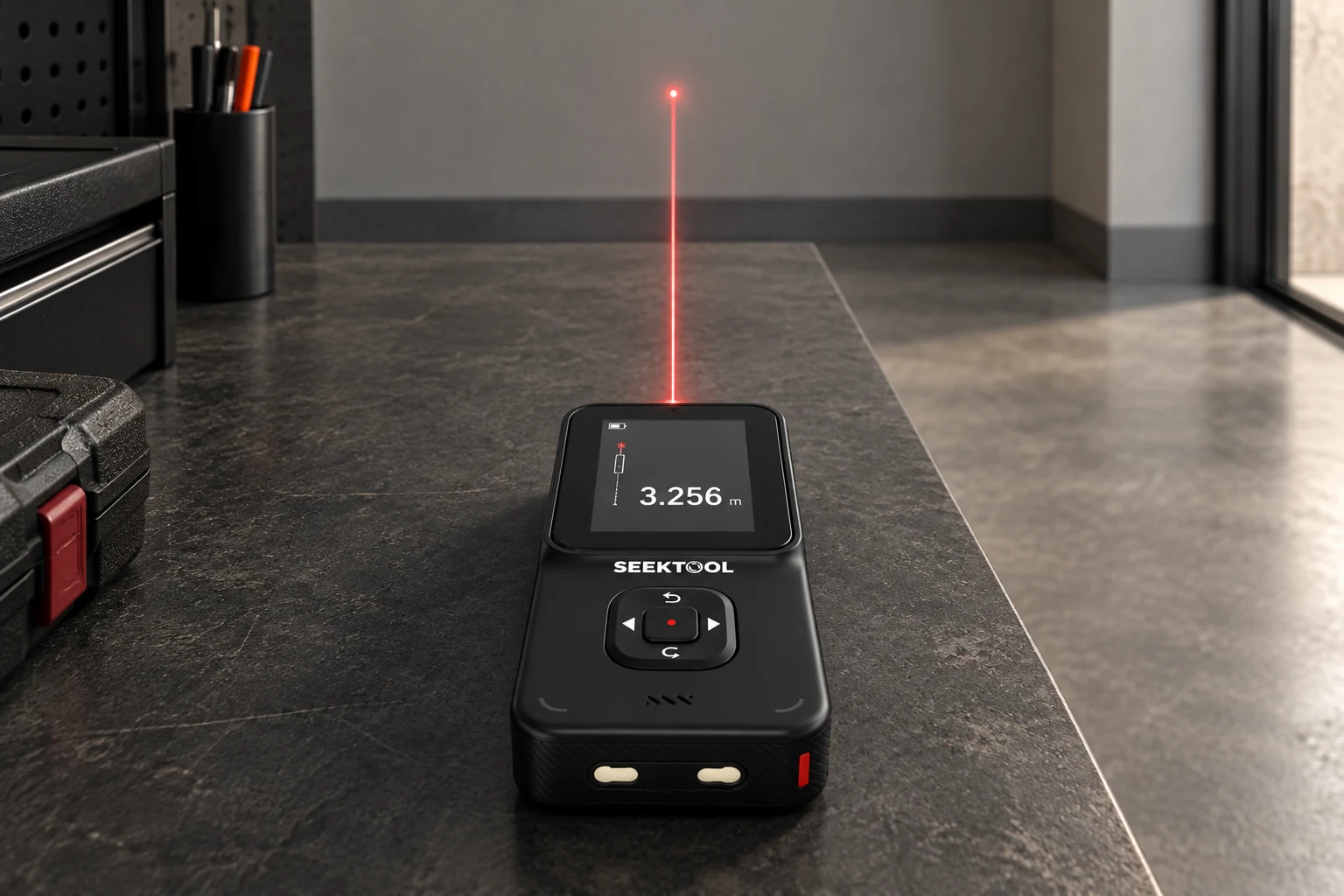
Measure distance, area, volume, and indirect lengths.
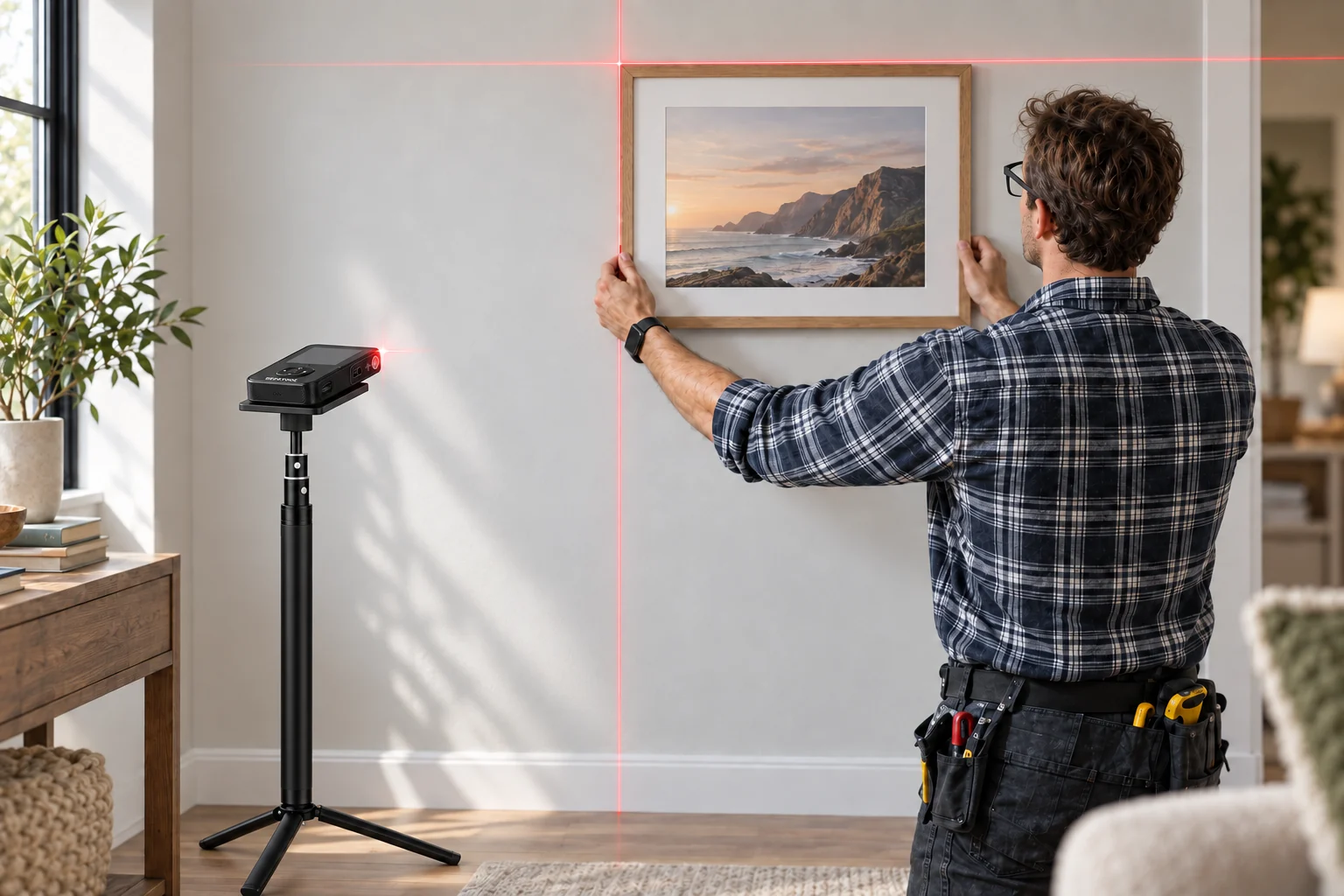
Project crosshair guide lines to help position frames and shelves.
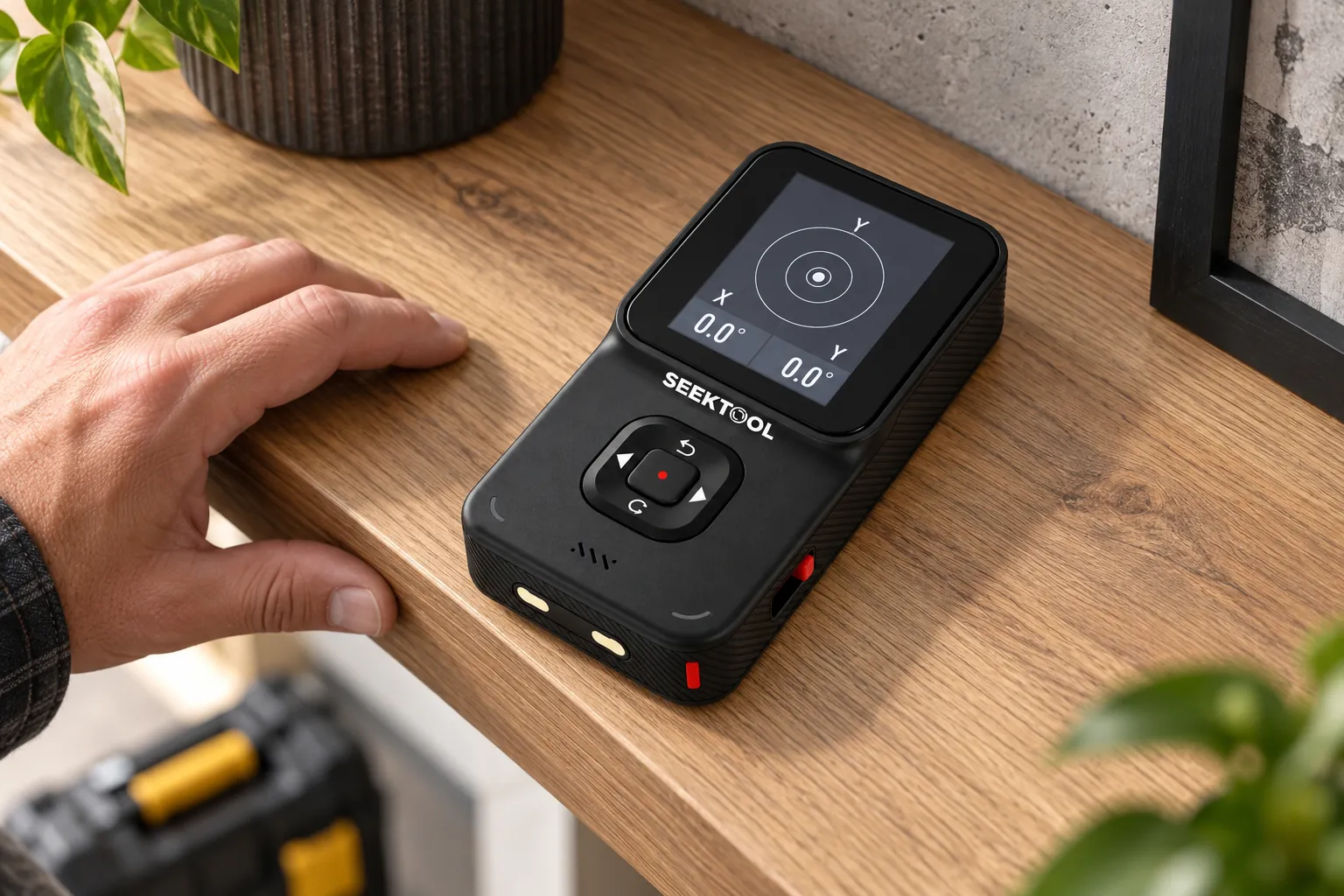
X/Y dual-axis angle readings.
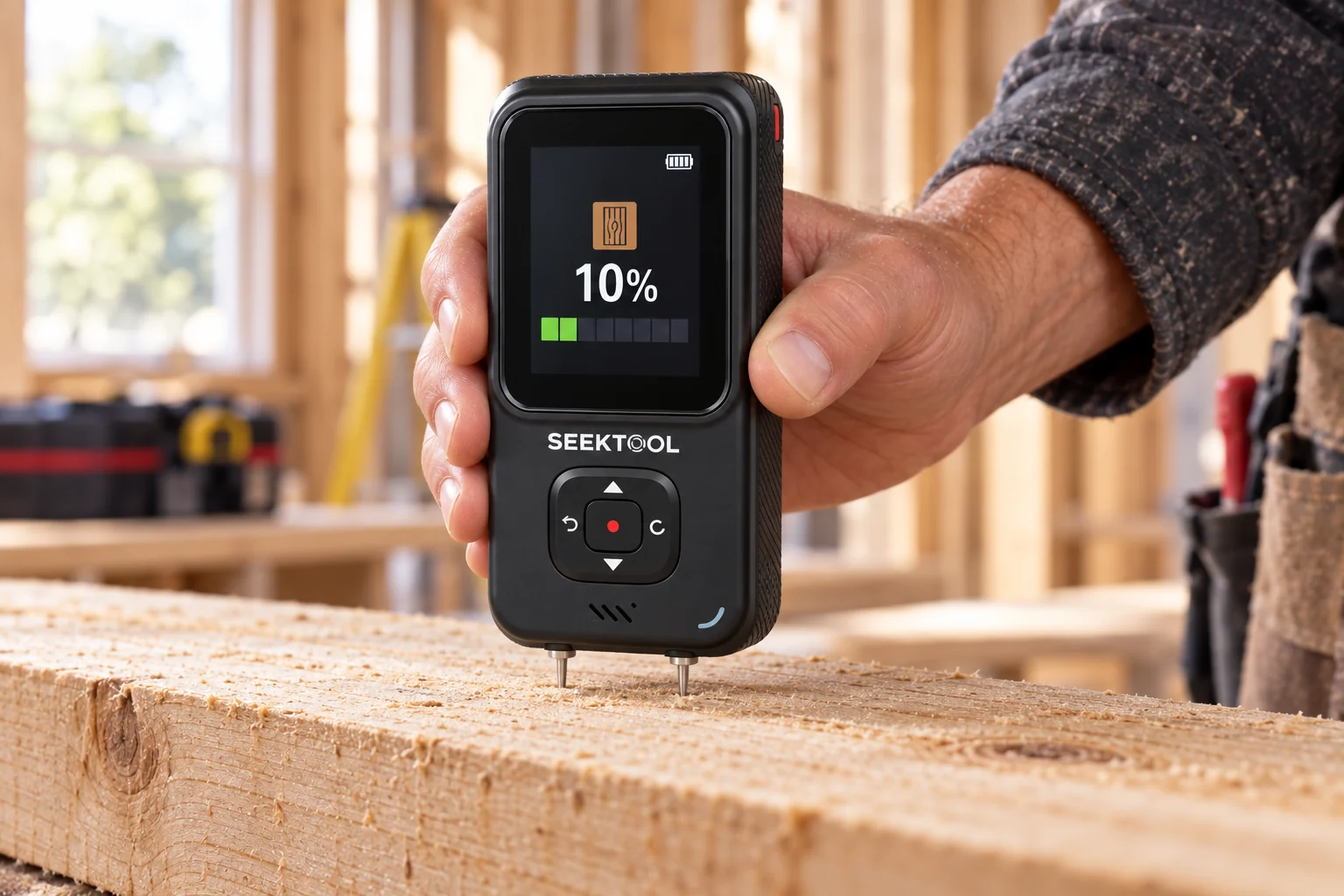
Check wood and common building materials.
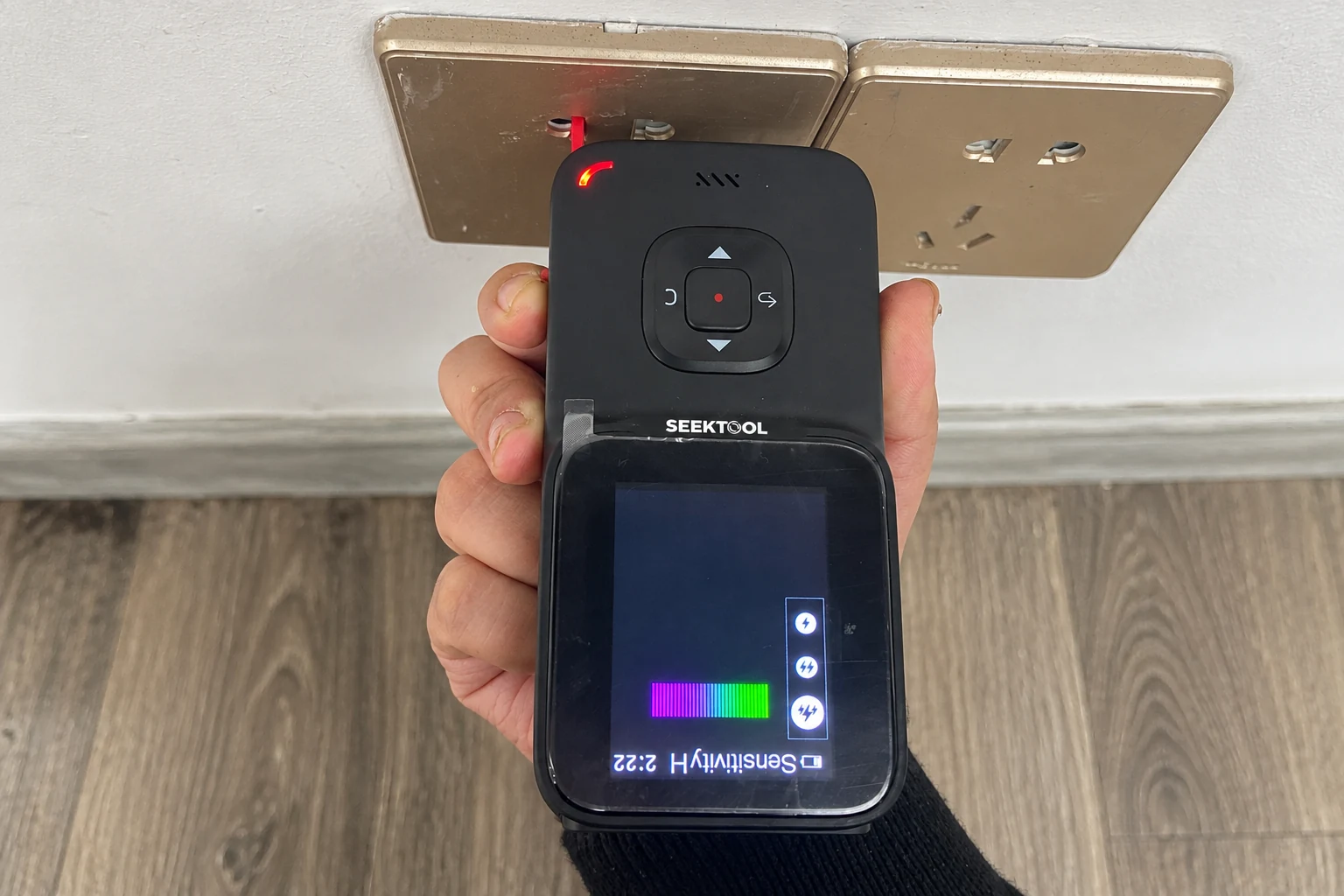
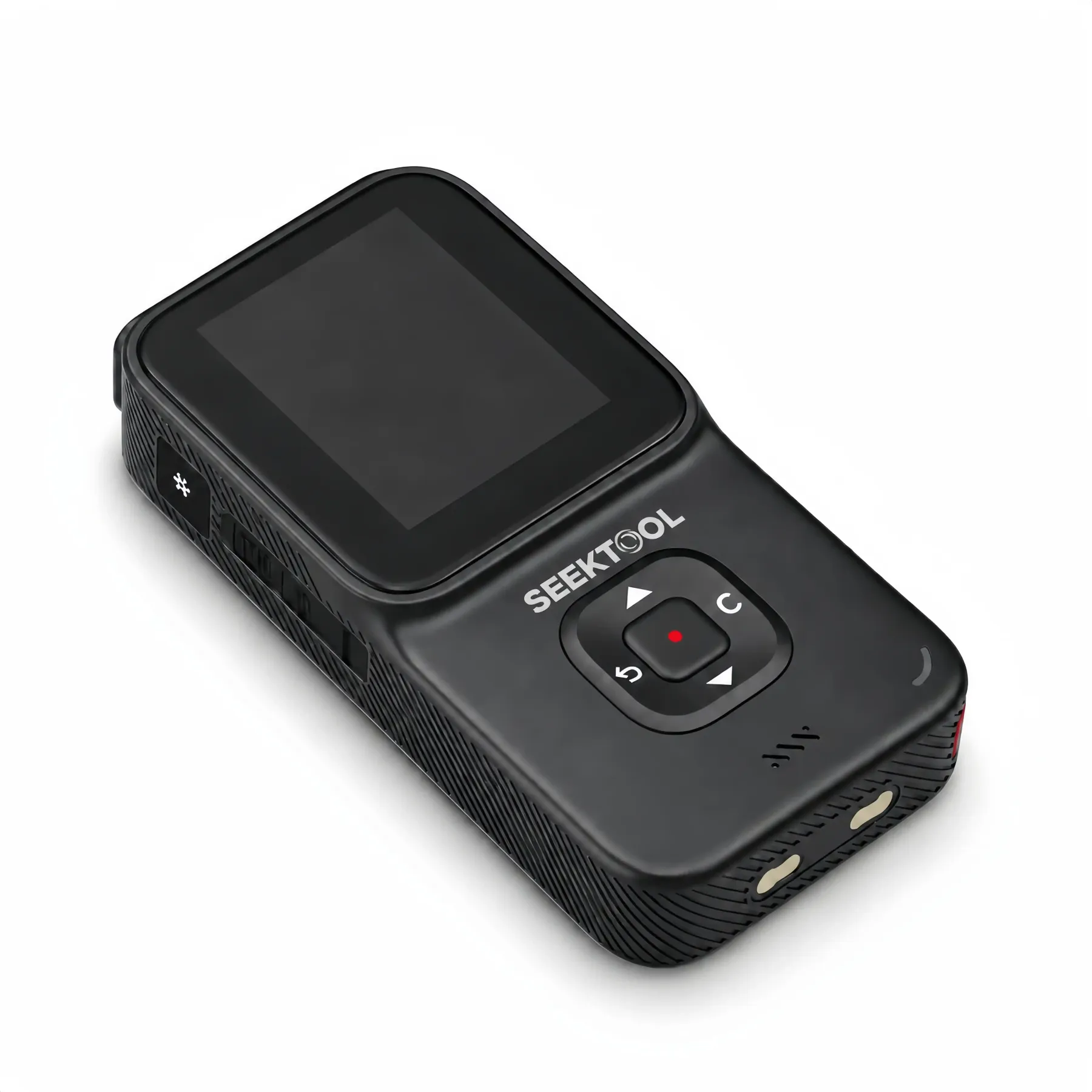
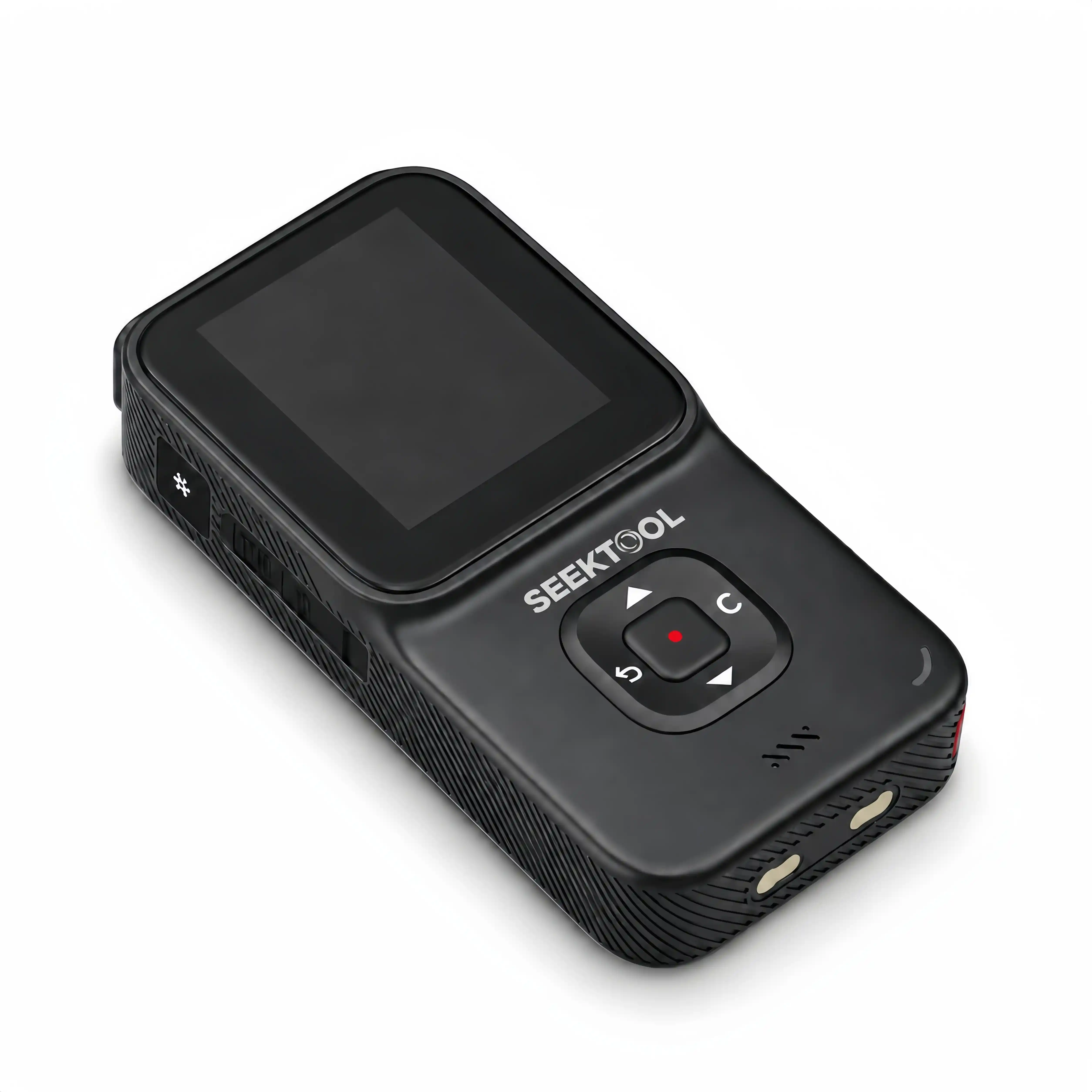
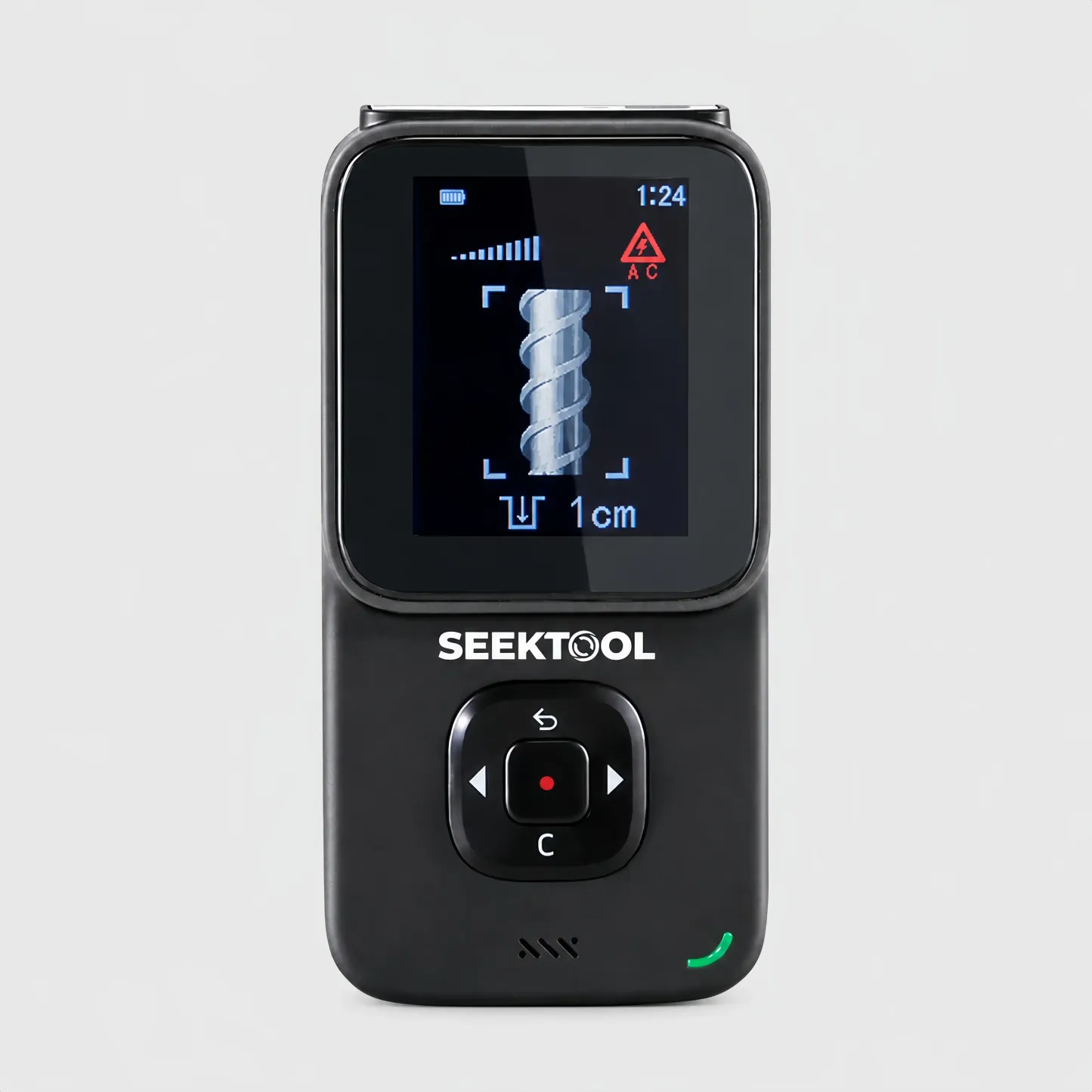
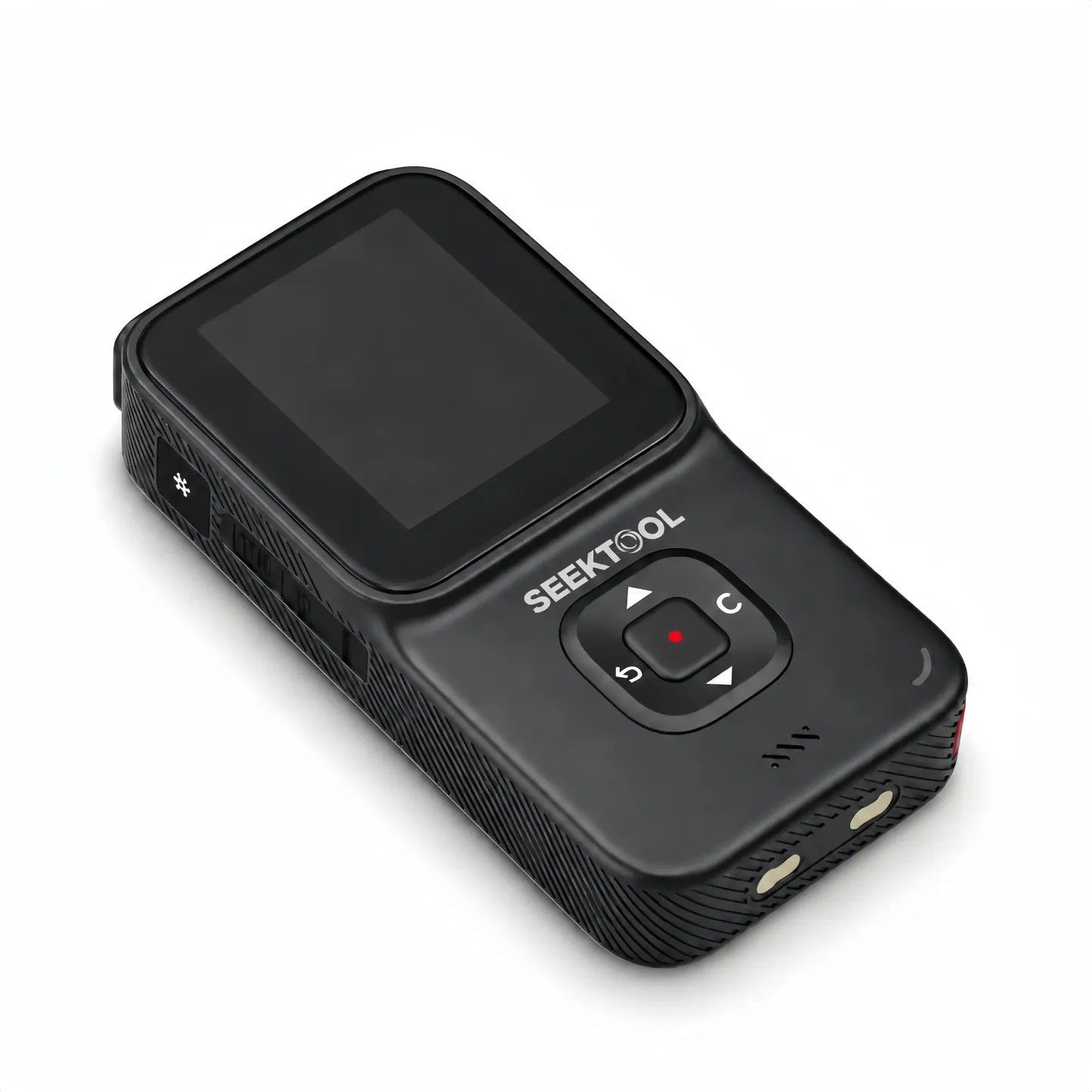
Use the red sensor on the lower-right side of the unit to check for AC voltage signals.
In metal mode, visual, numerical, and voice feedback help identify the target type and likely center. A reference depth appears when conditions support it.
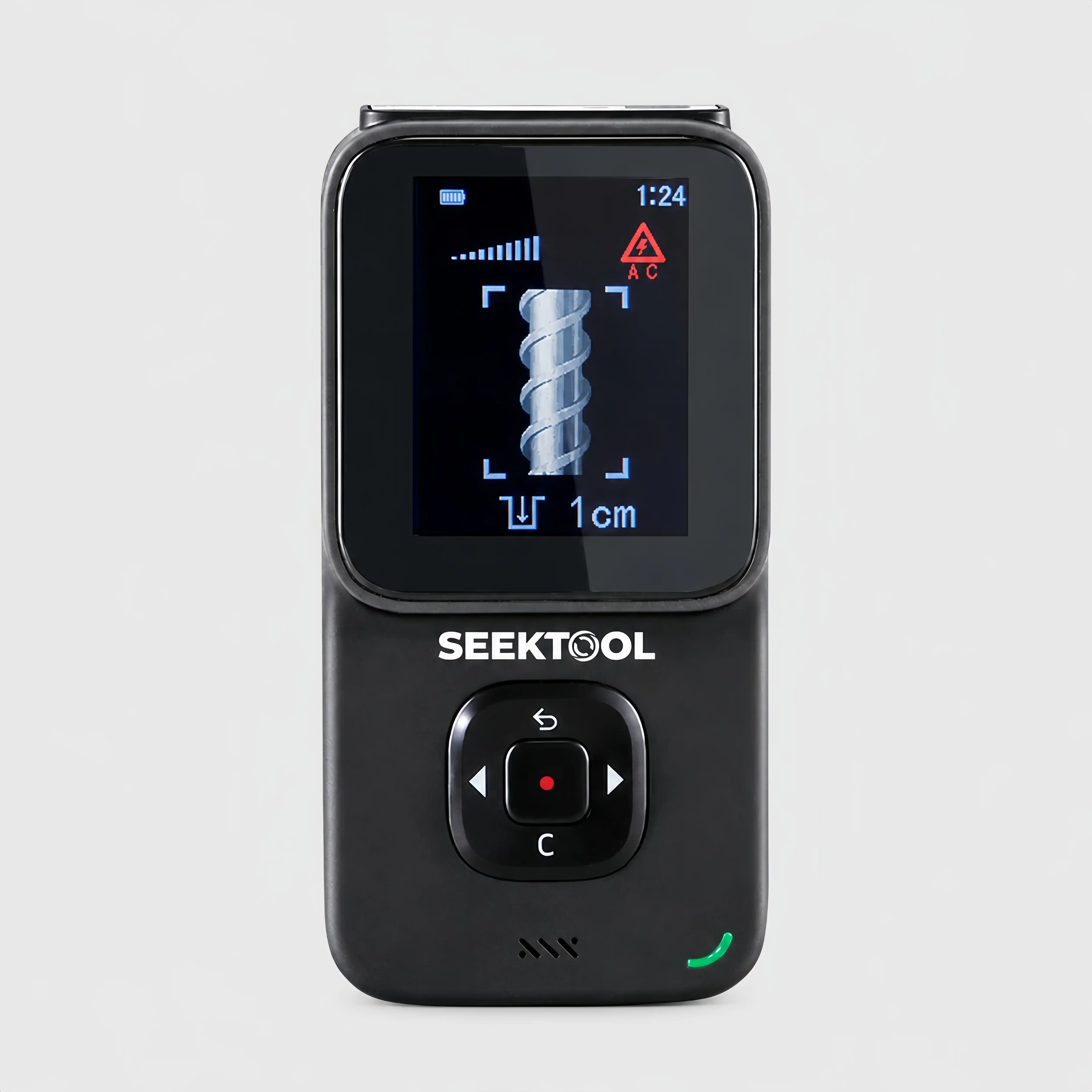
Typical targets include rebar and other iron or steel components
Targets such as copper pipe and nonferrous components
Test condition: single conductor cross-section ≥ 4 mm²
Precision mode 20 mmDeep mode 38 mm
A useful reading also depends on how you place, move, and rescan with the tool.
Hold the unit flat against the surface. Calibrate in the selected mode before moving.
Keep even contact and pressure as you move slowly in one direction without lifting the unit.
Rescan the same area from the opposite direction and compare the responses to help locate the target center.
Attach the thermal module (included with the Extended Bundle) to screen for insulation gaps, heat sources, and noticeable temperature differences. Five visible/infrared blend settings help relate the thermal view to the physical area.
Measure the space, check the angle, and project reference lines for installation. Each function has its own job.
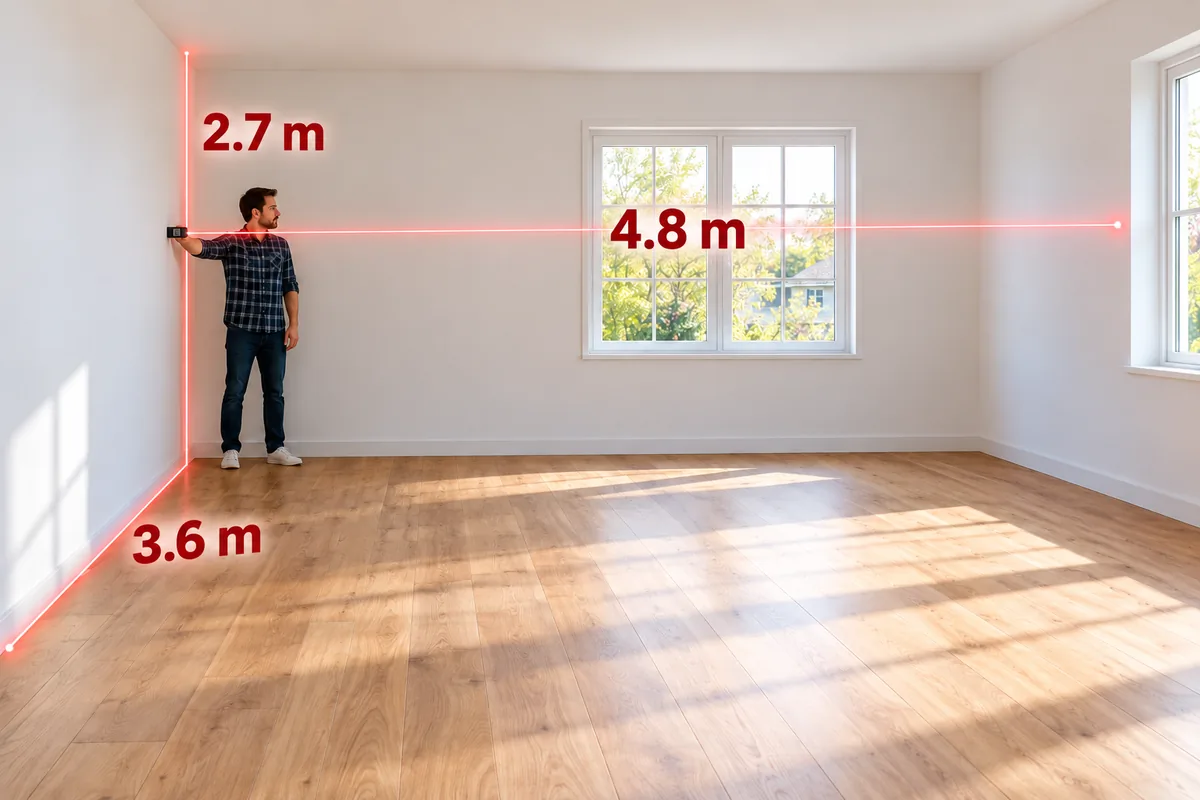
Measurement range
0.05–40 m
Measure distance and calculate area, volume, or indirect lengths.
Store up to 30 measurements
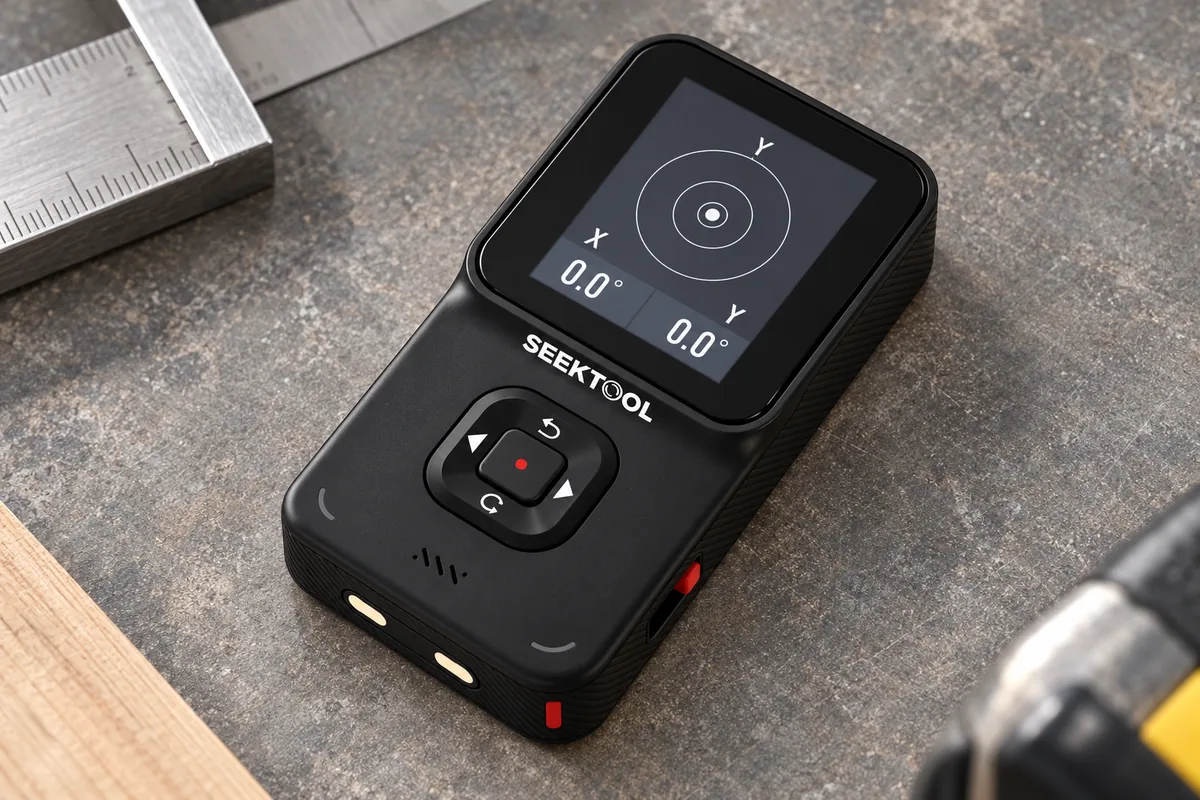
Dual-axis angle readings
X / Y dual axis
Adjust the unit while watching the angle readings on screen.
The 0.0° shown is an example screen reading
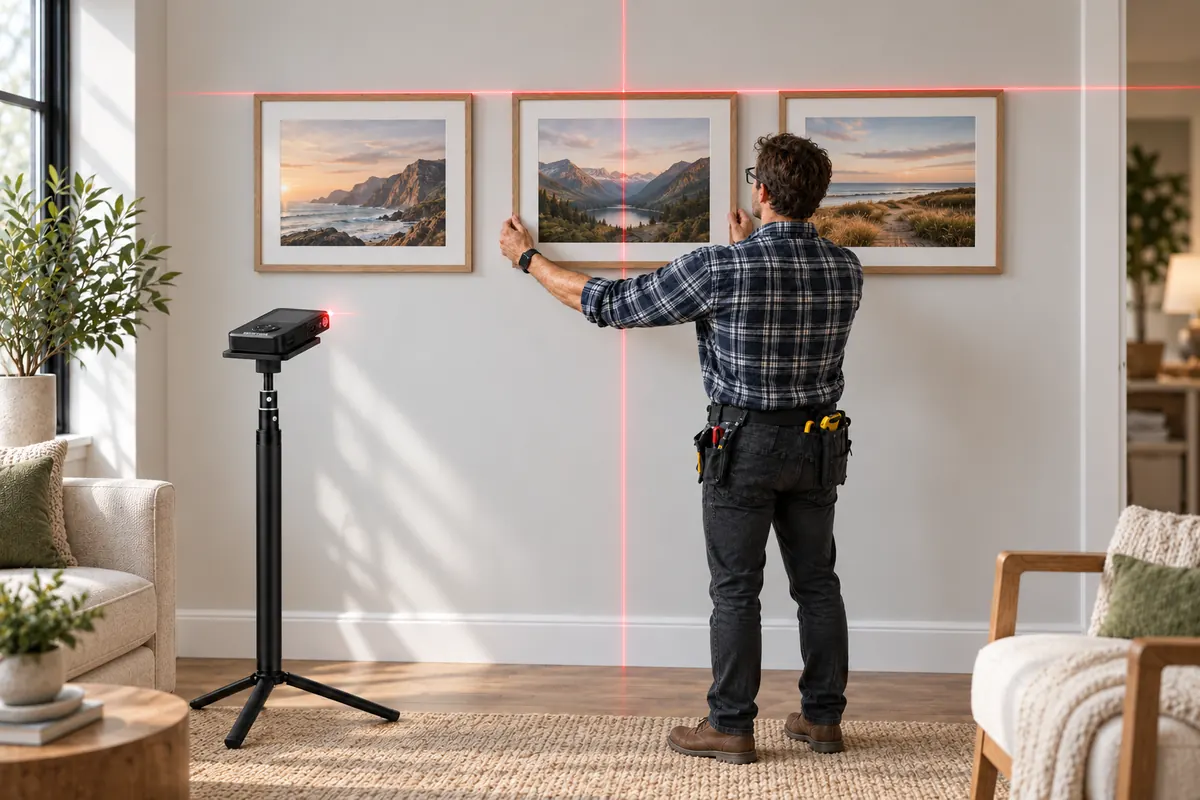
Cross-line angular accuracy
< ±0.5°
Project crosshair guide lines to help align and space your layout.
Recommended working distance: up to 5 m
Built-in probes provide a reference reading for material moisture. Non-contact voltage sensing adds another indication before work begins. Both are built into the same unit.
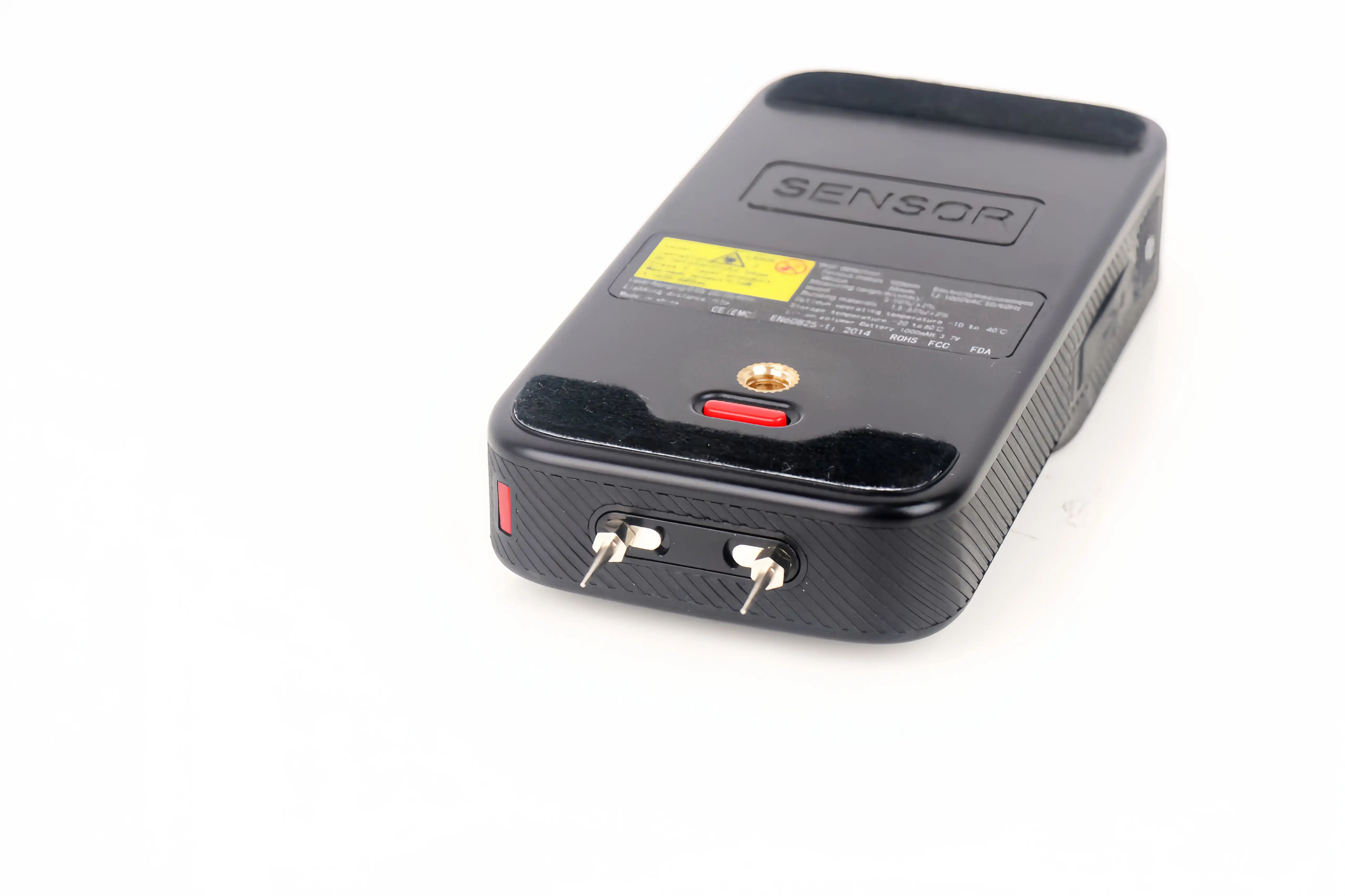
Extend the built-in probes to check wood or common building materials, then hold the on-screen reading for reference.
Check for AC voltage signals without touching an exposed conductor. Use it as an additional pre-work indication.
Each type of tool handles part of the job. The difference is how far you can go after checking the wall.
Built for a quick, single-purpose wall check.
Shows wall-scan results on a phone.
Brings detection, additional checks, measuring, and layout together.
Made for more complex or specialized scanning tasks.
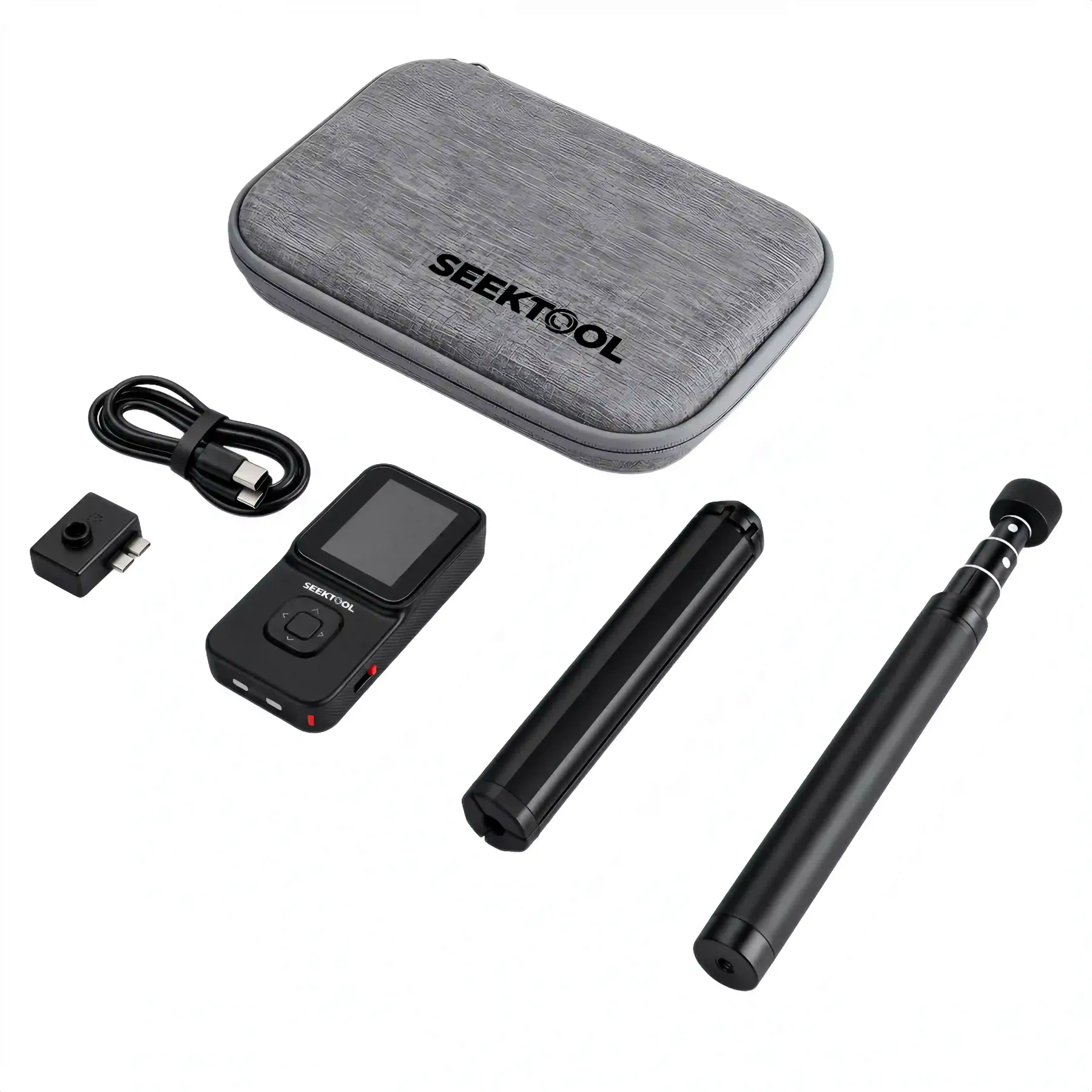
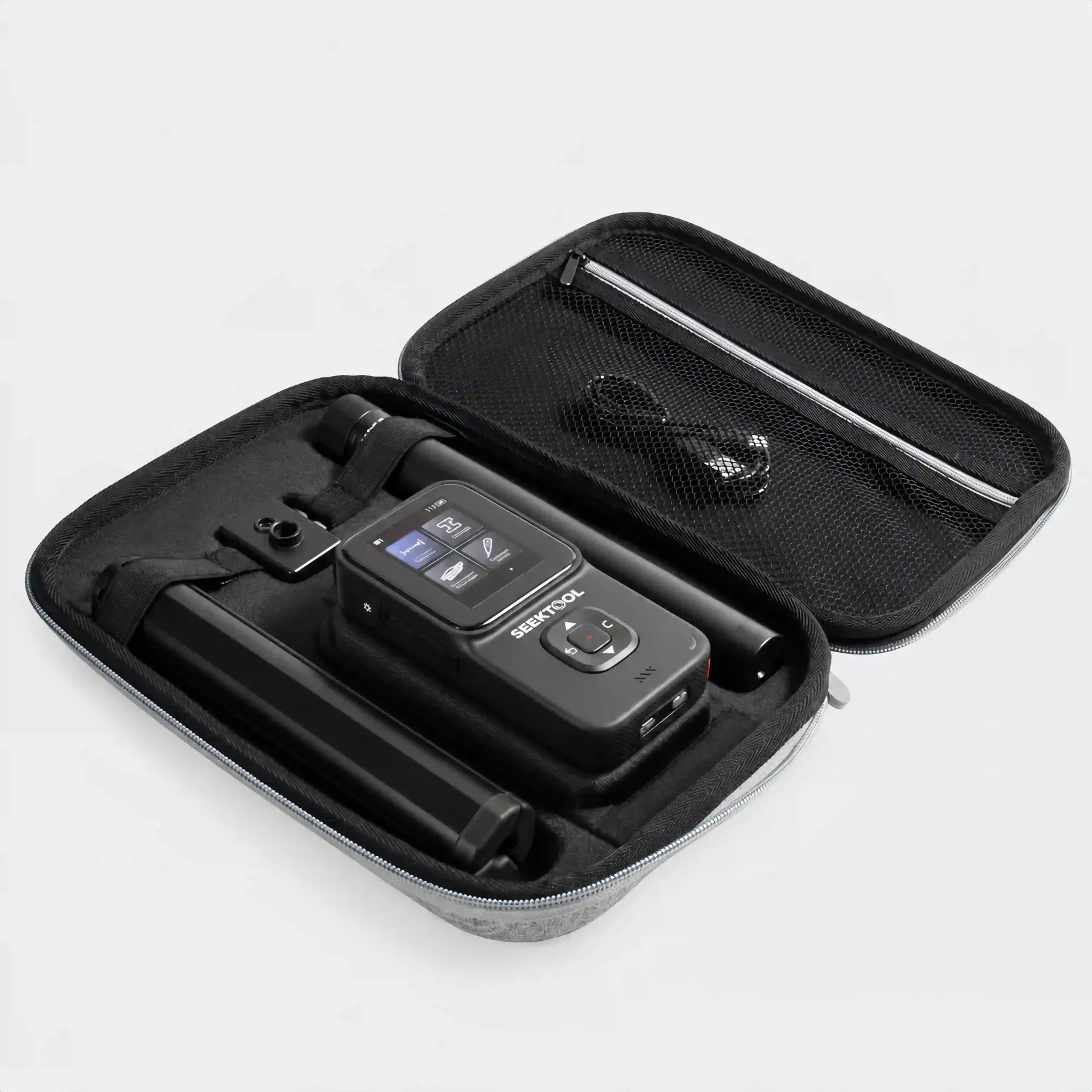
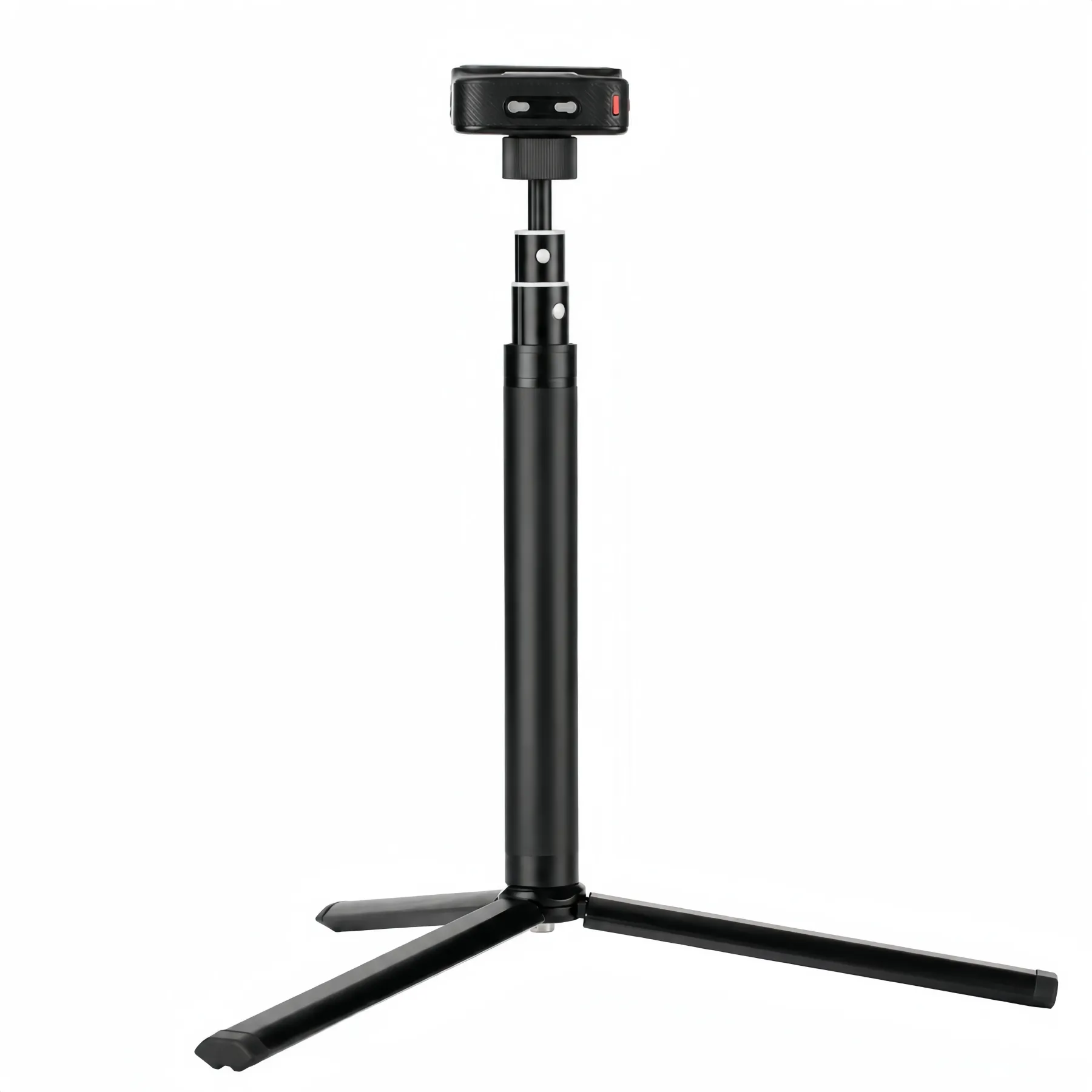
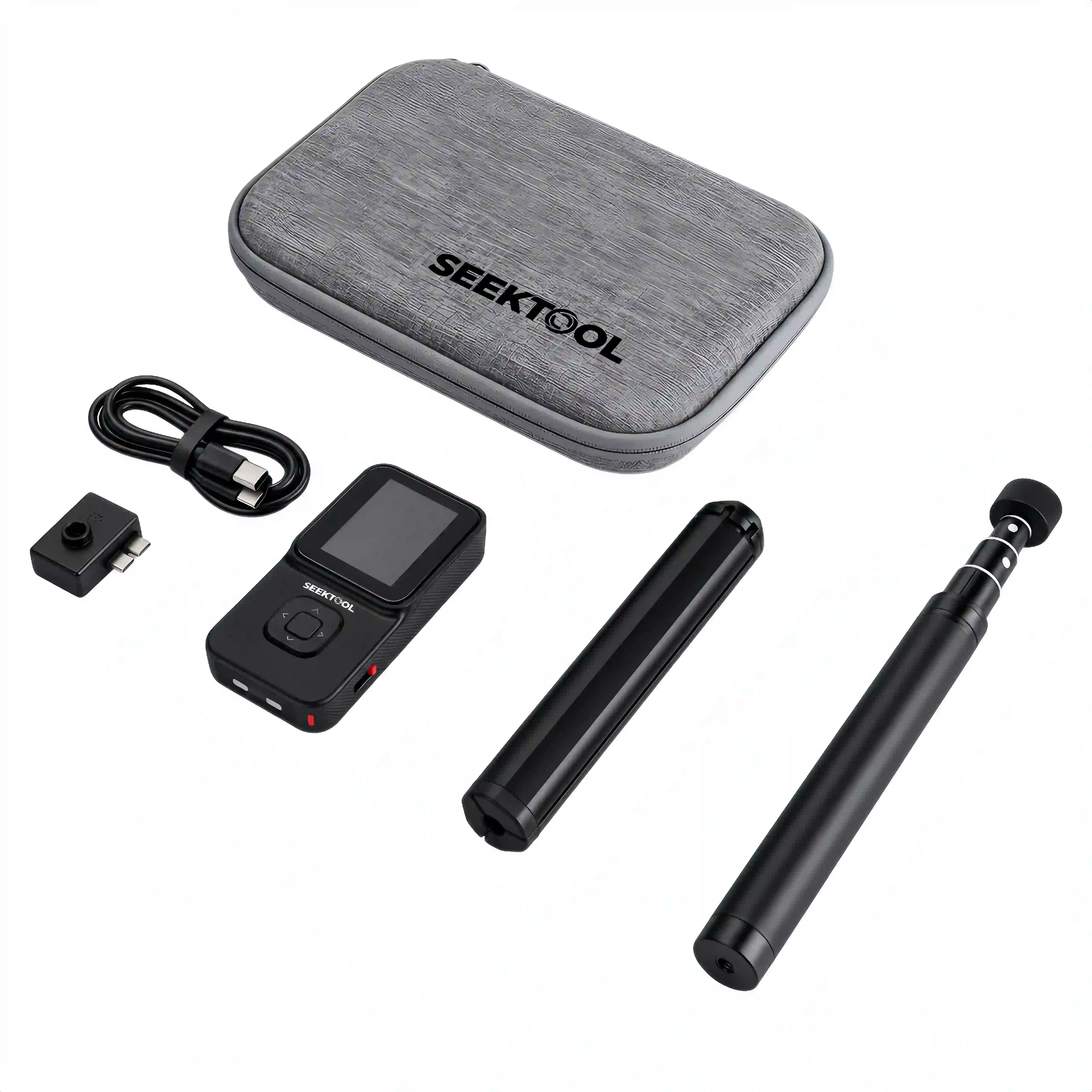
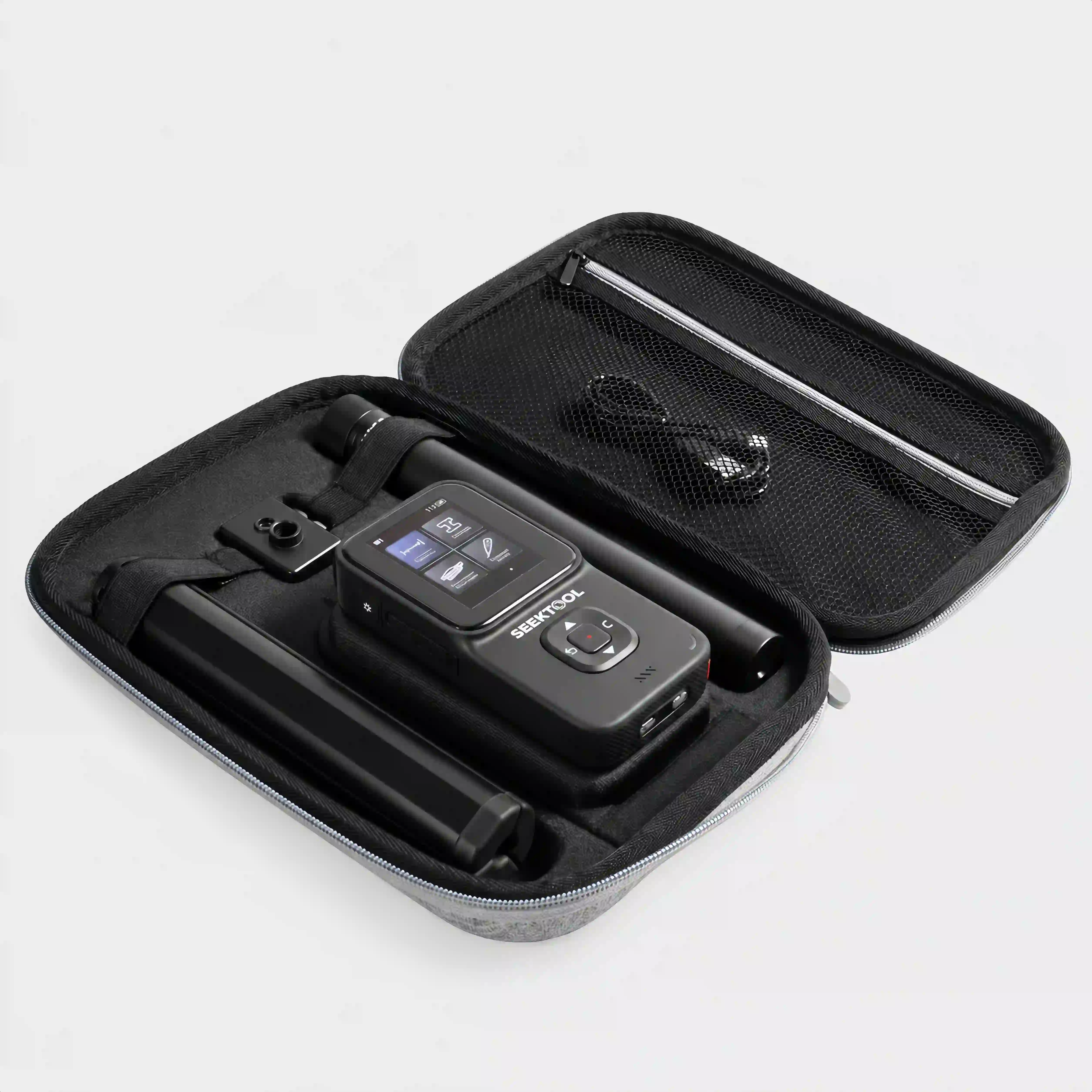
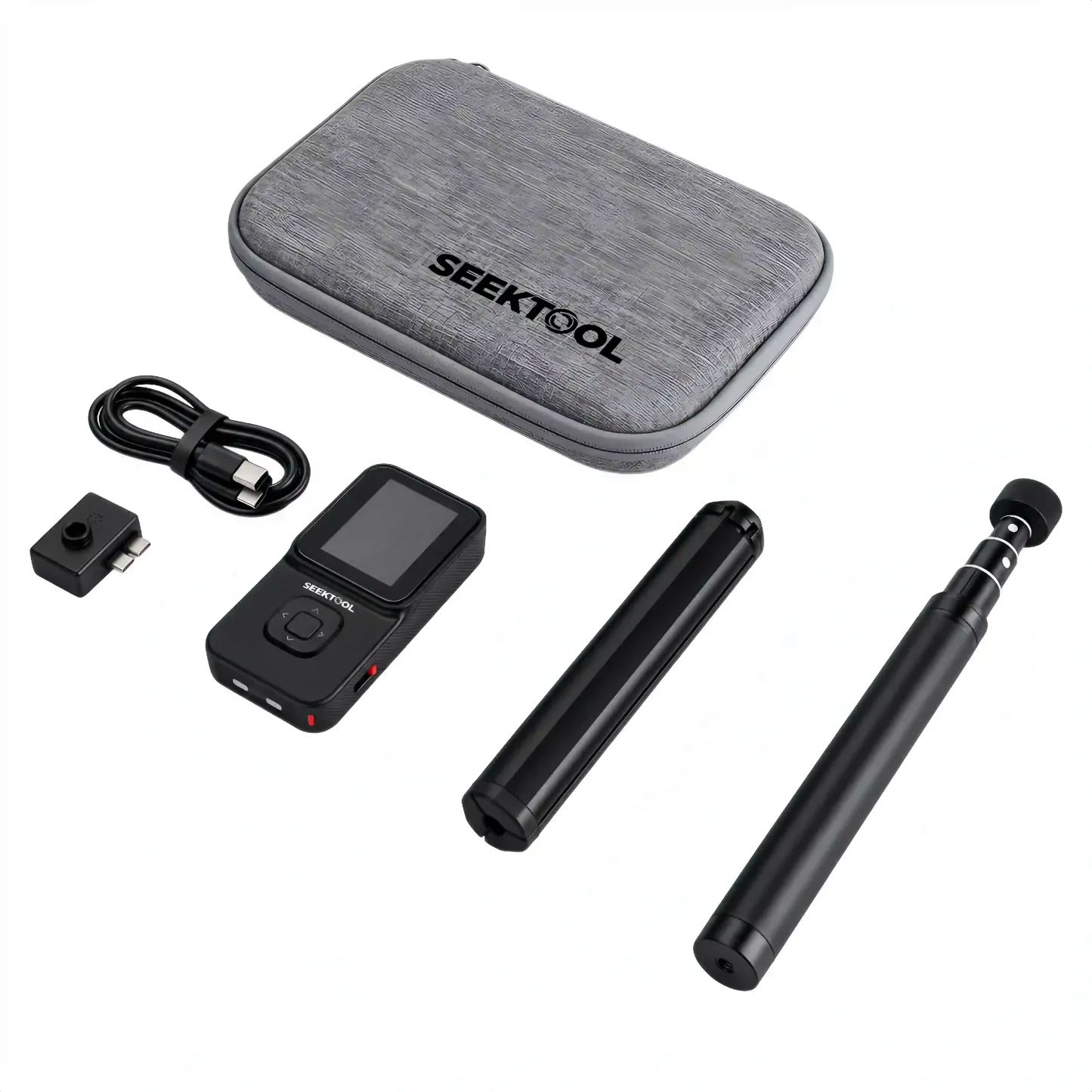
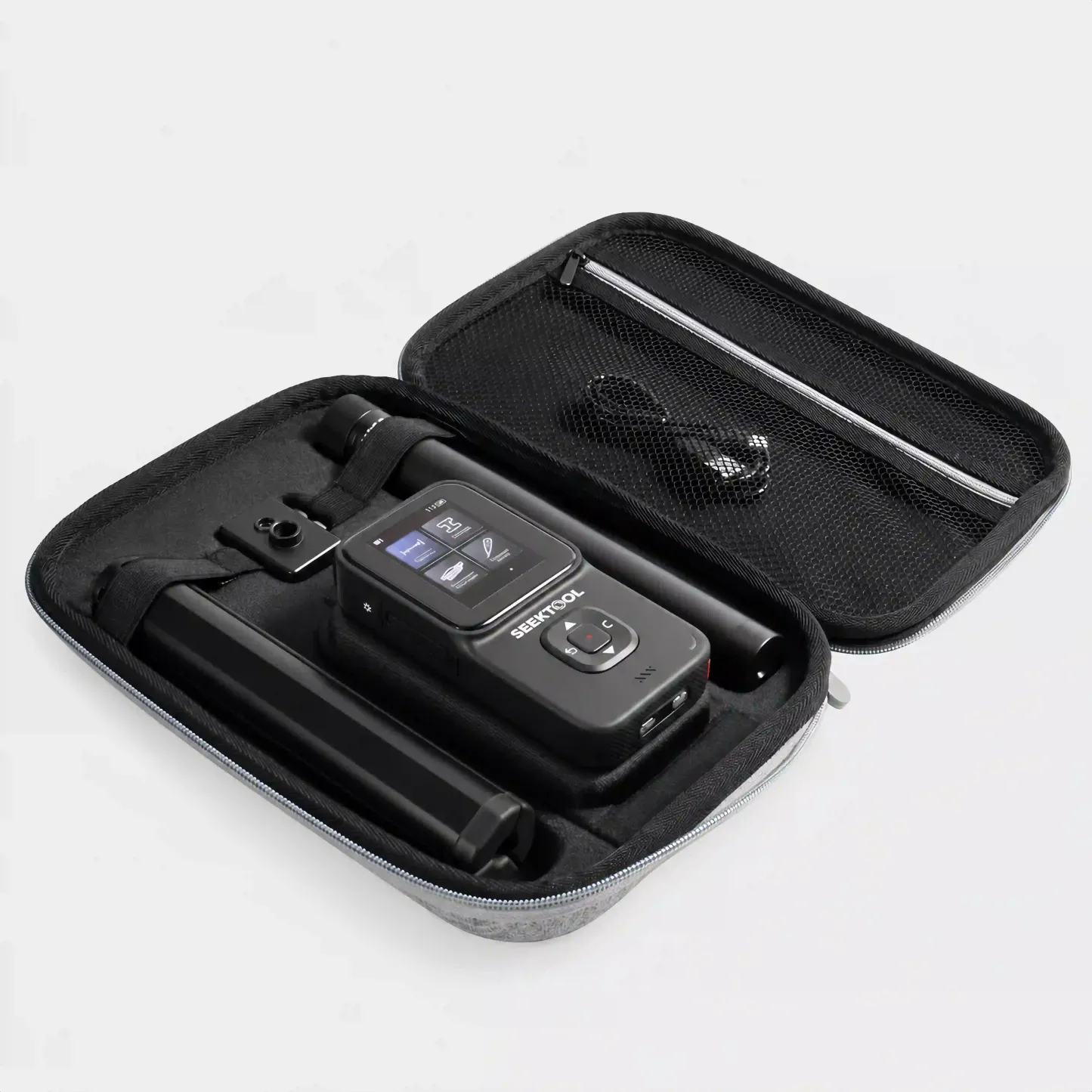
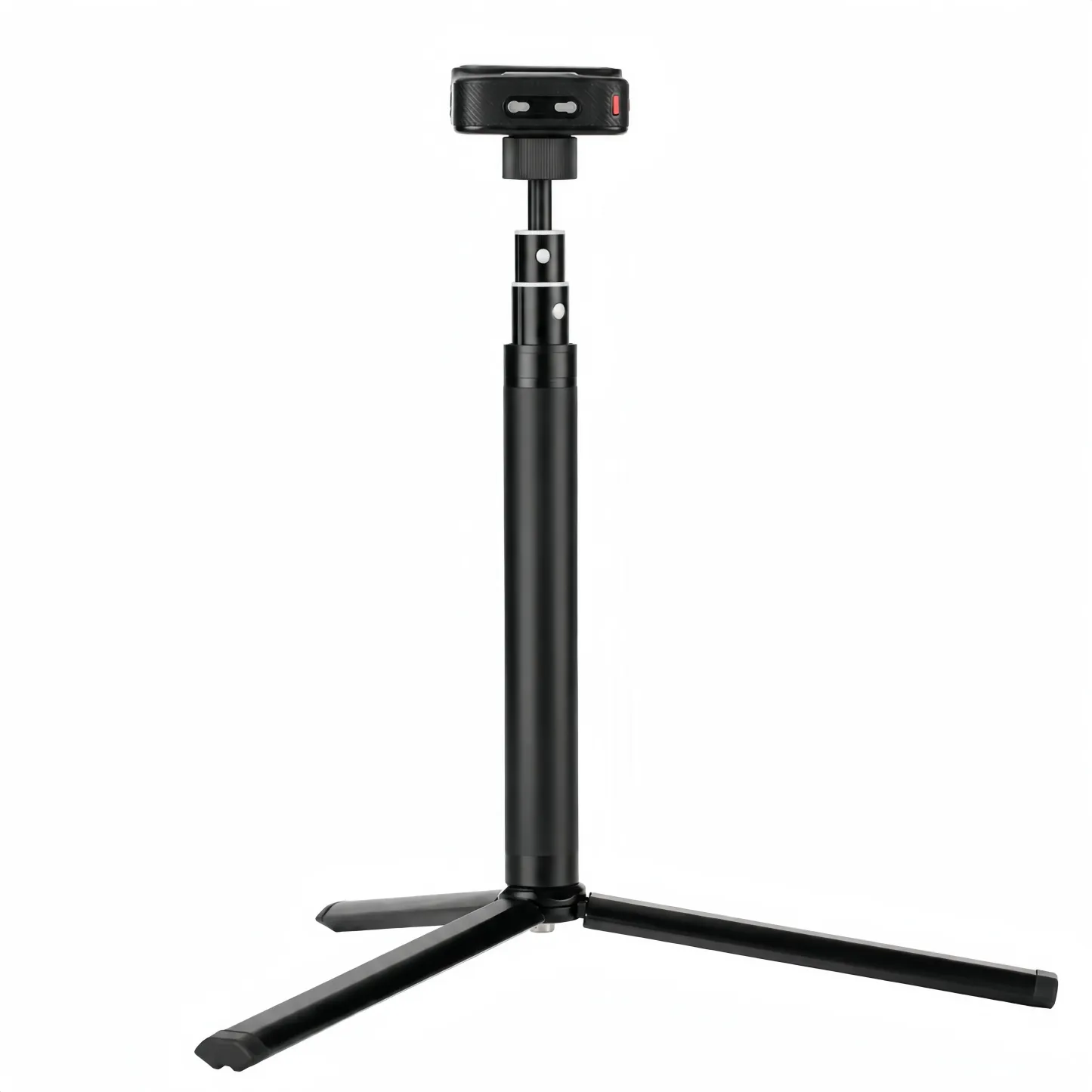
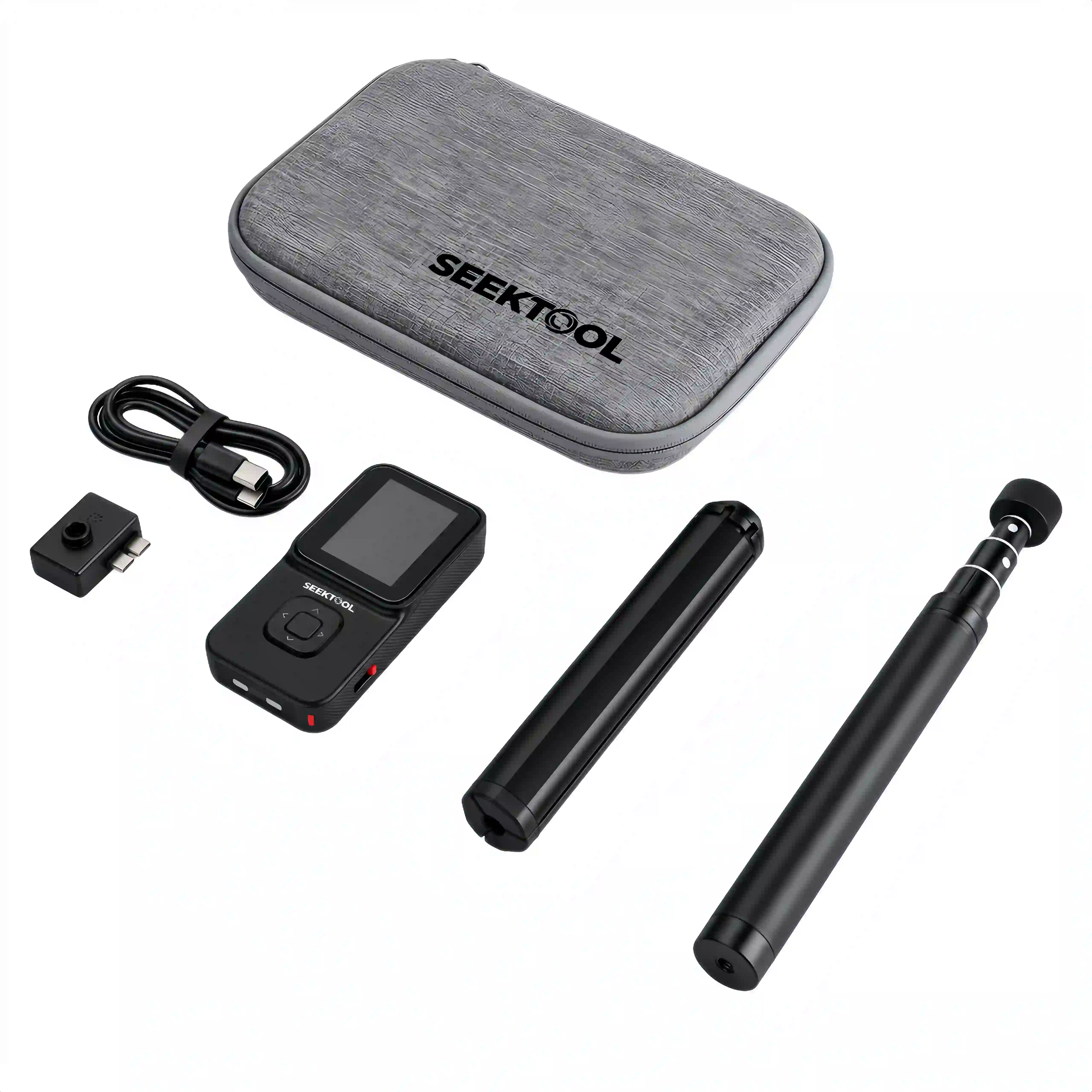
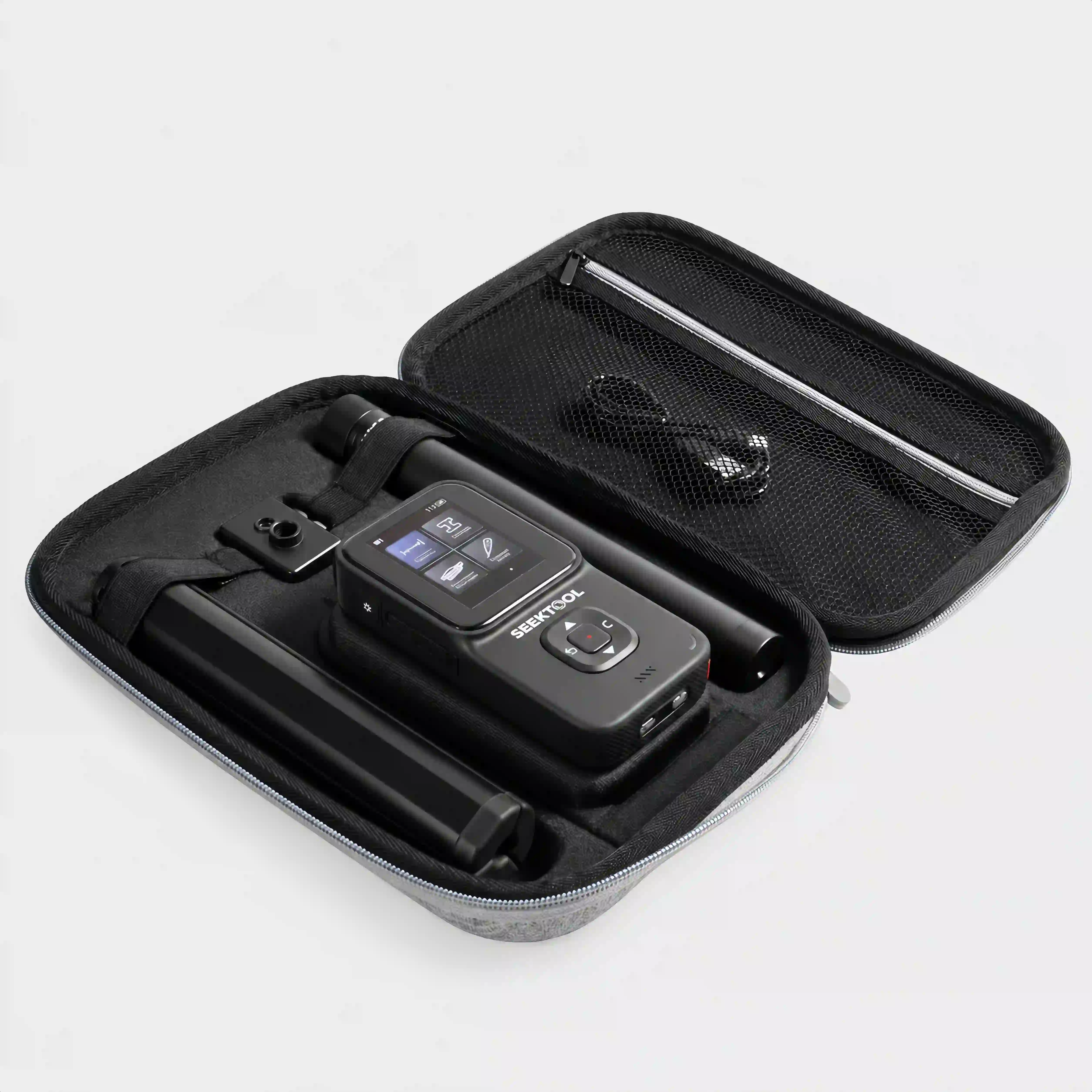
The main unit and accessories each have their place. The Extended Bundle adds the thermal module. Pack the kit for the next job.
No. Wall materials, moisture, target size and depth, and nearby electromagnetic interference can affect results. For critical locations, rescan from two directions and verify with other information before working.
Stud mode is intended for relatively uniform surfaces such as drywall and plywood, primarily to locate wood studs or framing. Light-gauge steel studs, copper wire, and other dense objects may also produce a response.
It is not intended for concrete, mortar, block, brick, foil-backed materials, metal, tile, glass, or walls with highly uneven density. Moisture, material composition, surface texture, and coatings can affect detection depth and accuracy.
A slow reverse scan can help cross-check the target center and reduce error from a single pass. Dampness, conductive finishes, fresh paint or wallpaper, tile, and nearby electromagnetic sources can affect results.
The thermal module is intended for an initial on-site screen of insulation gaps, heat sources, and noticeable temperature differences. For traceable measurements or a formal report, use professional thermal equipment that meets the job requirements.
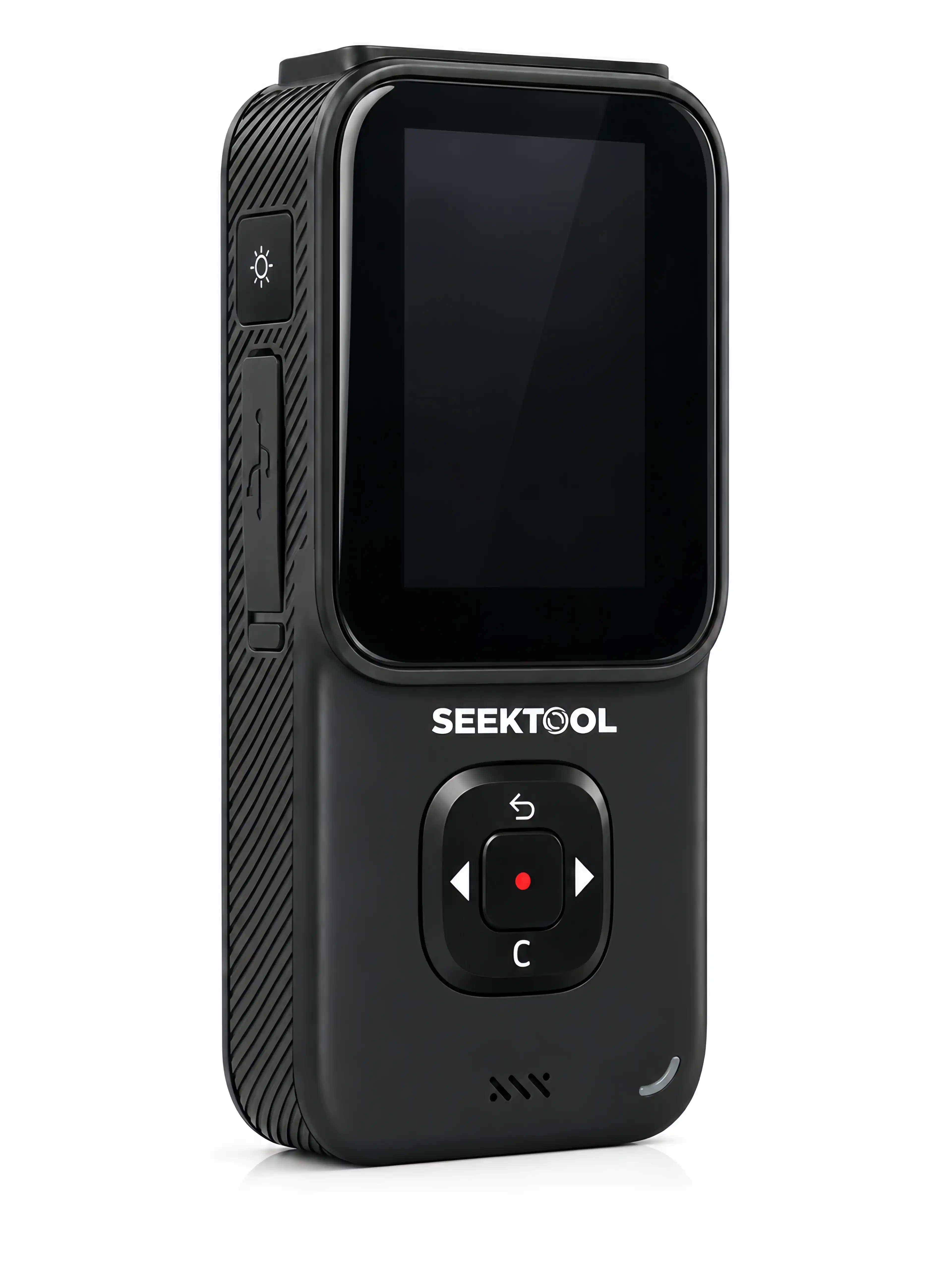
No. The main functions, images, and readings appear on the unit's built-in 2.4 in color display.
No. Use the X/Y dual-axis angle readings to adjust the unit and the projected lines manually.