💥 Built to make every project easier — Save 35% today 💥
Counterfeit Alert: Buy only from the official SEEKTOOL website. All other channels are counterfeit.

Handlekurven Din

Handlekurven er tom.

FORTSETT Å HANDLE

1 / 7

SEEKTOOL STRATA PRO — 7-in-1 Wall Scanner & Diagnostic System

Fra 2.380,00 NOK 3.622,00 NOK Rabatt 1.242,00 NOK
Bundle
Mängden
SEEKTOOL STRATA PRO — 7-in-1 Wall Scanner & Diagnostic System SEEKTOOL STRATA PRO — 7-in-1 Wall Scanner & Diagnostic System SEEKTOOL STRATA PRO — 7-in-1 Wall Scanner & Diagnostic System SEEKTOOL STRATA PRO — 7-in-1 Wall Scanner & Diagnostic System SEEKTOOL STRATA PRO — 7-in-1 Wall Scanner & Diagnostic System SEEKTOOL STRATA PRO — 7-in-1 Wall Scanner & Diagnostic System

The first 7-in-1 wall scanner. One tool for more of the job.

STRATA PRO seven-in-one wall scanner at a jobsite, with seven functions shown along the bottom

One tool in hand.
More answers
on the job.

See what the wall hides.

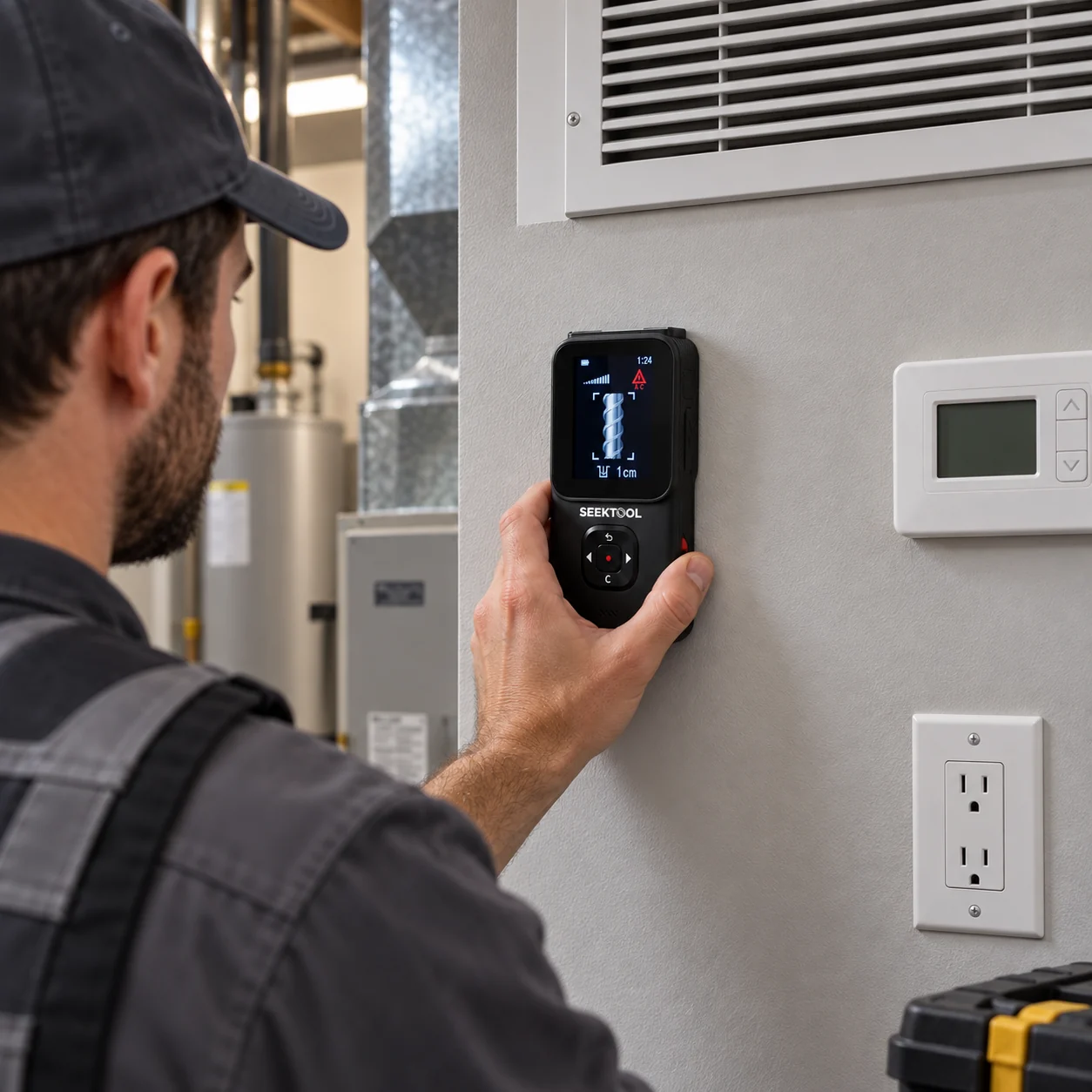
Locate what's behind the wall before you drill or cut.
Check what needs a closer look.

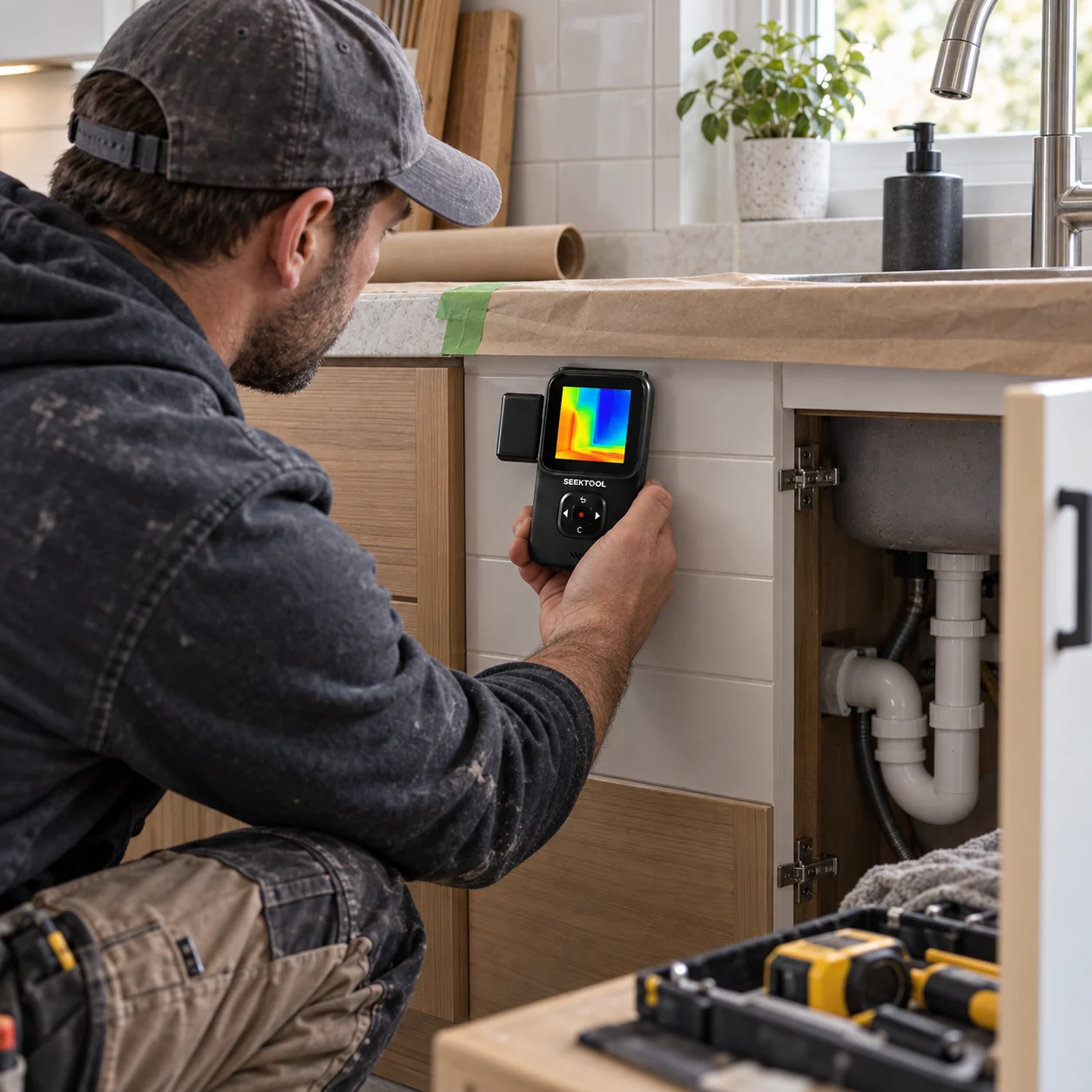
Thermal, moisture, and live-wire indications add context to the job.

Measure it. Line it up.

Measure distance, check angles, and project guide lines for layout.

STRATA PRO Spend less time switching tools and more time on the work in front of you.

From installs
to remodels and maintenance.

TV mounts, kitchen and bath remodels, electrical and HVAC work, and property maintenance all call for different checks.
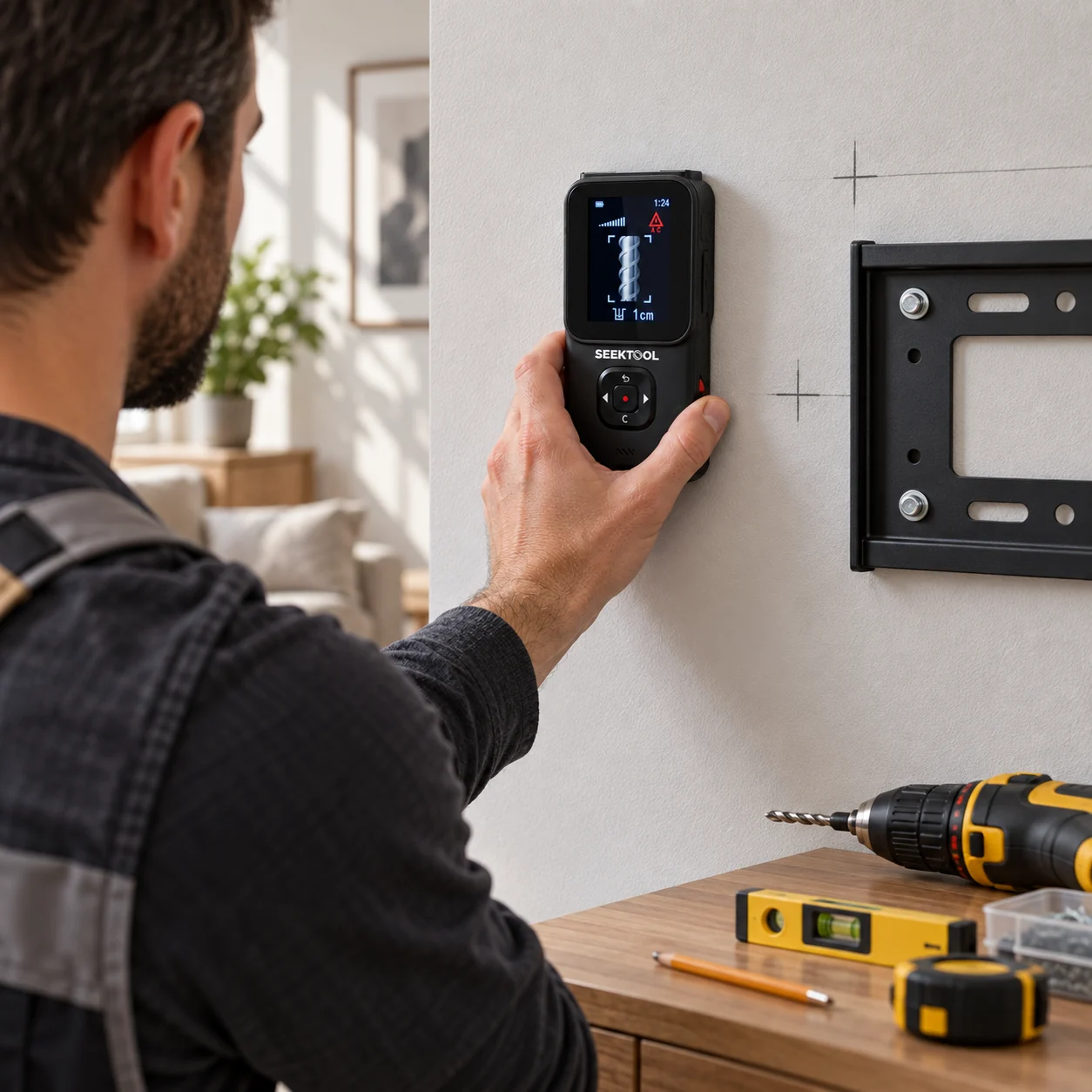
Installer checks the wall with STRATA PRO before mounting a TV bracket

See it in action

Seven capabilities.
Ready for the job at hand.

Scan the wall, measure and lay out the work, and check thermal, moisture, and live-wire signals when the job calls for them.
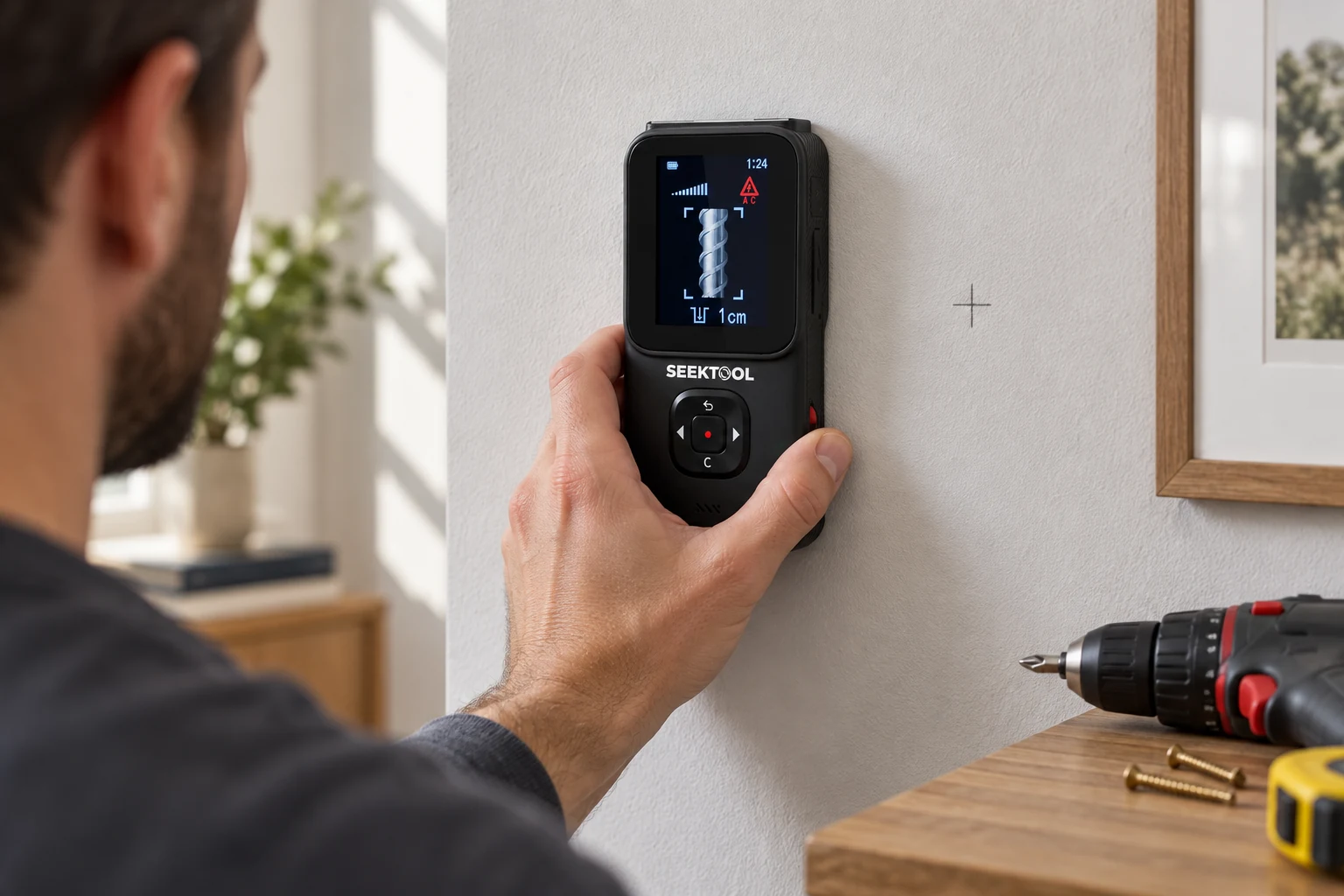
Worker places the STRATA PRO rear sensor flat against a wall before drilling
01

Wall scanning

Detect responses from metal, live wires, studs, and other dense objects.
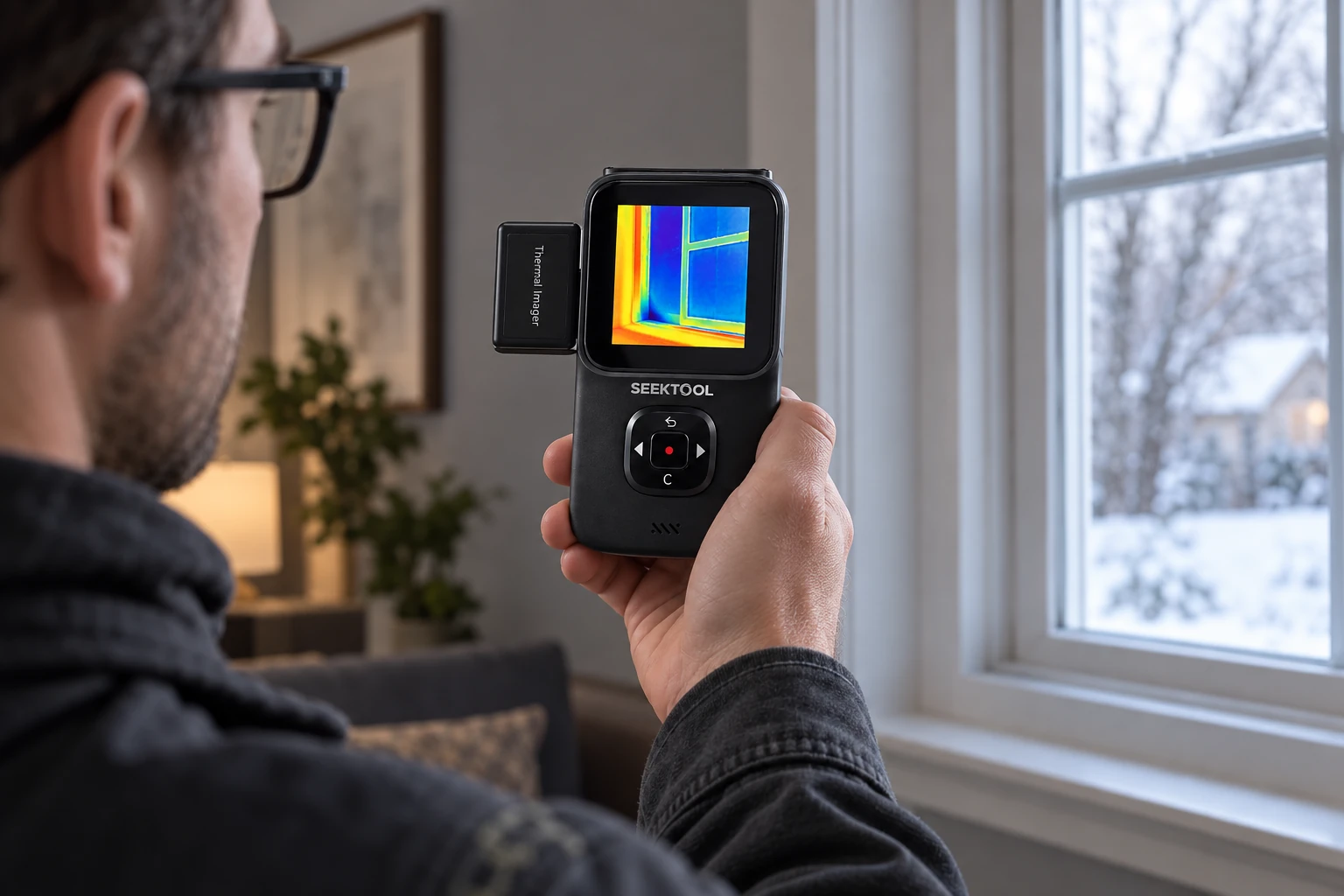
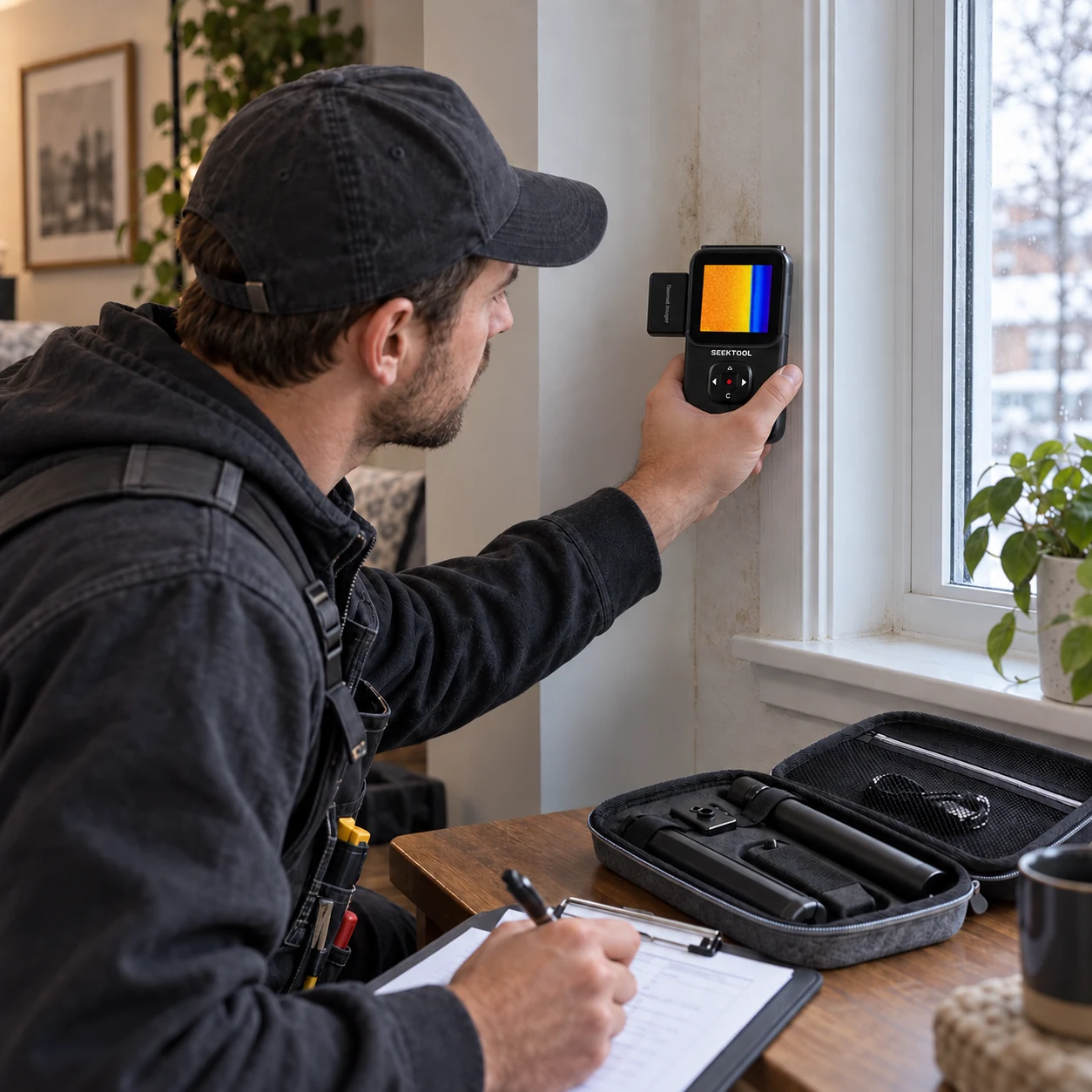
STRATA PRO with thermal module checks insulation and temperature differences at a window
02

Thermal imaging

With the Extended Bundle module, screen for heat sources, temperature differences, and insulation gaps.
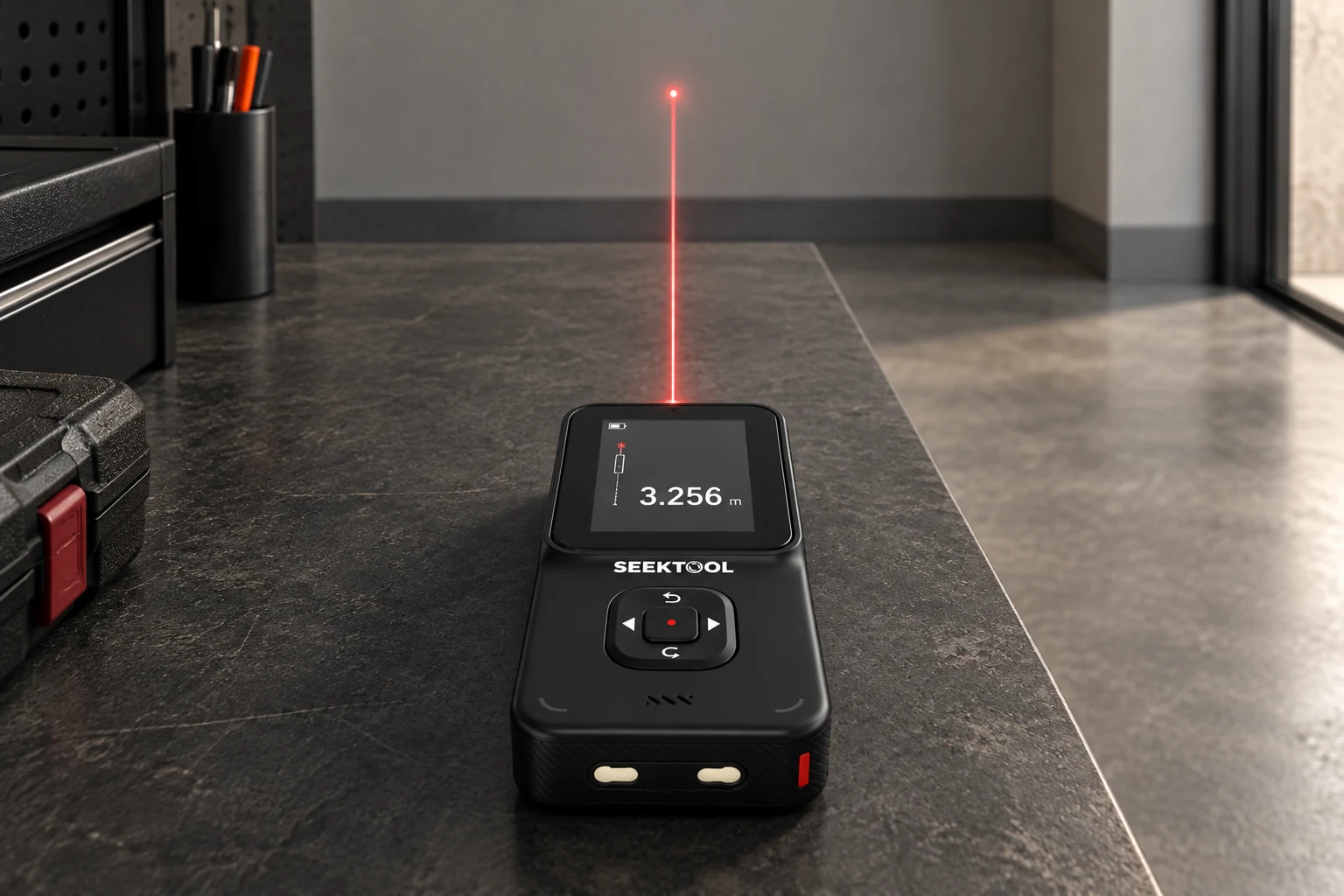
STRATA PRO measures distance forward along its long axis from the top of the unit
03

Laser measuring

Measure distance, area, volume, and indirect lengths.
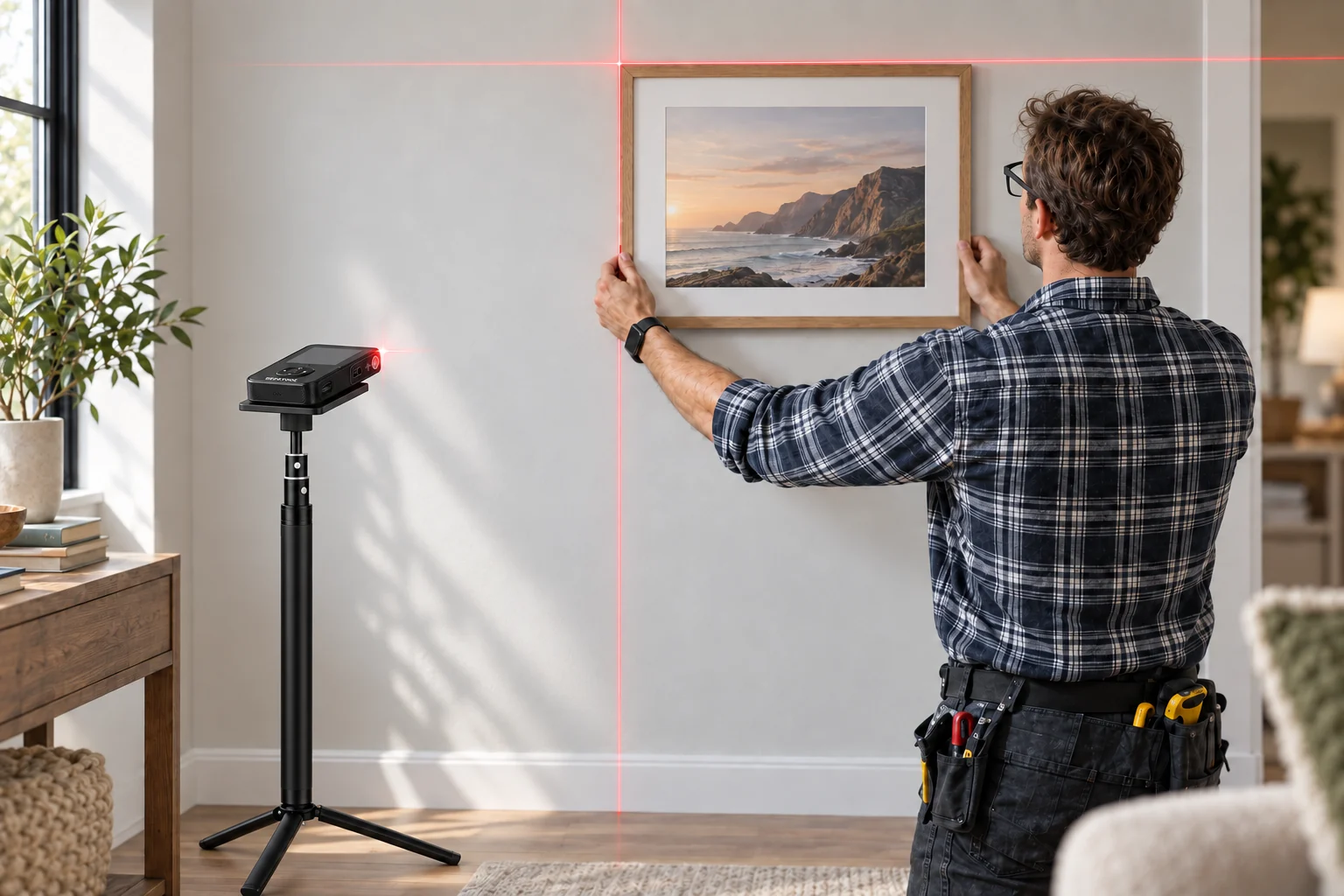
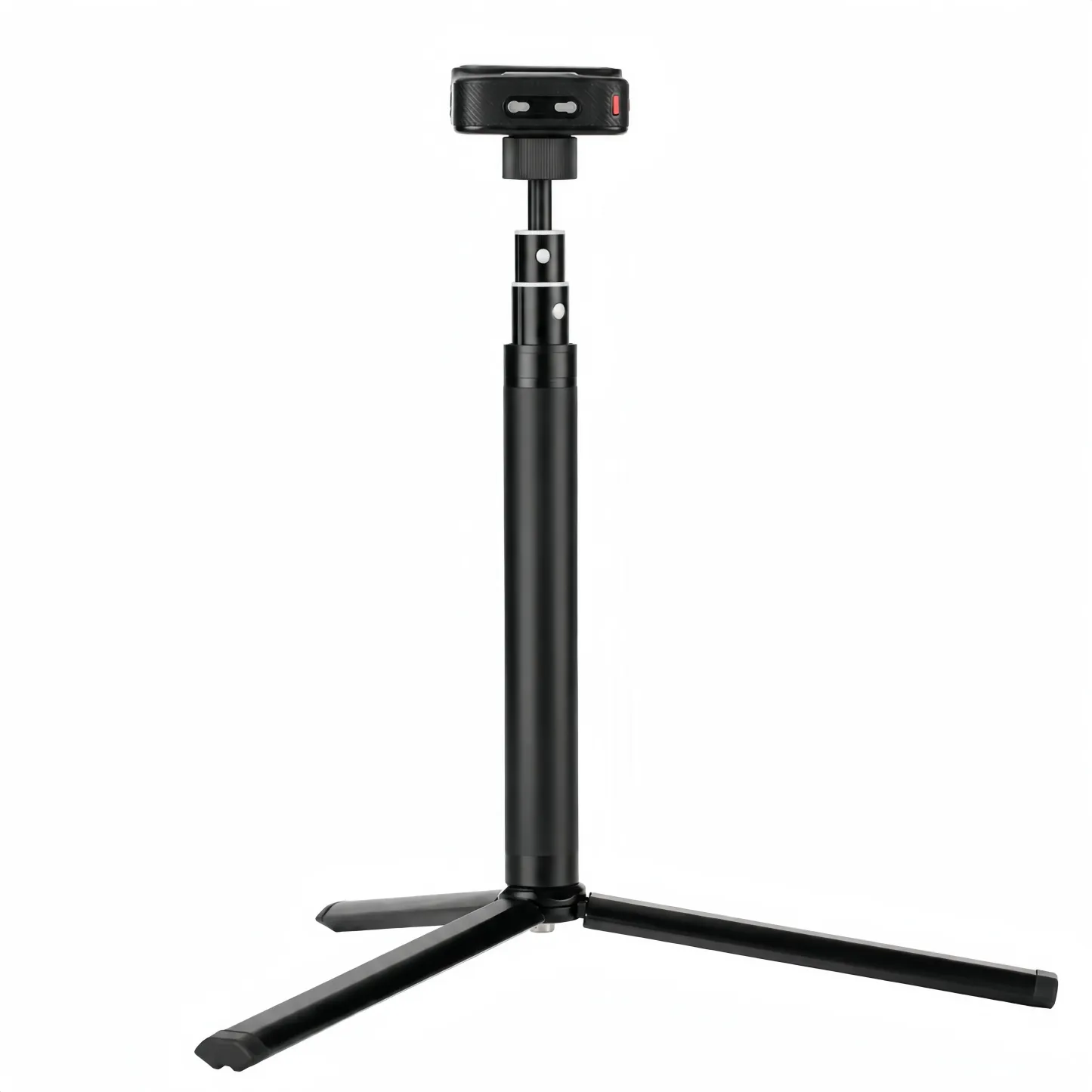
STRATA PRO rests flat on a stand and projects crosshair lines toward picture frames
04

Cross-line laser

Project crosshair guide lines to help position frames and shelves.
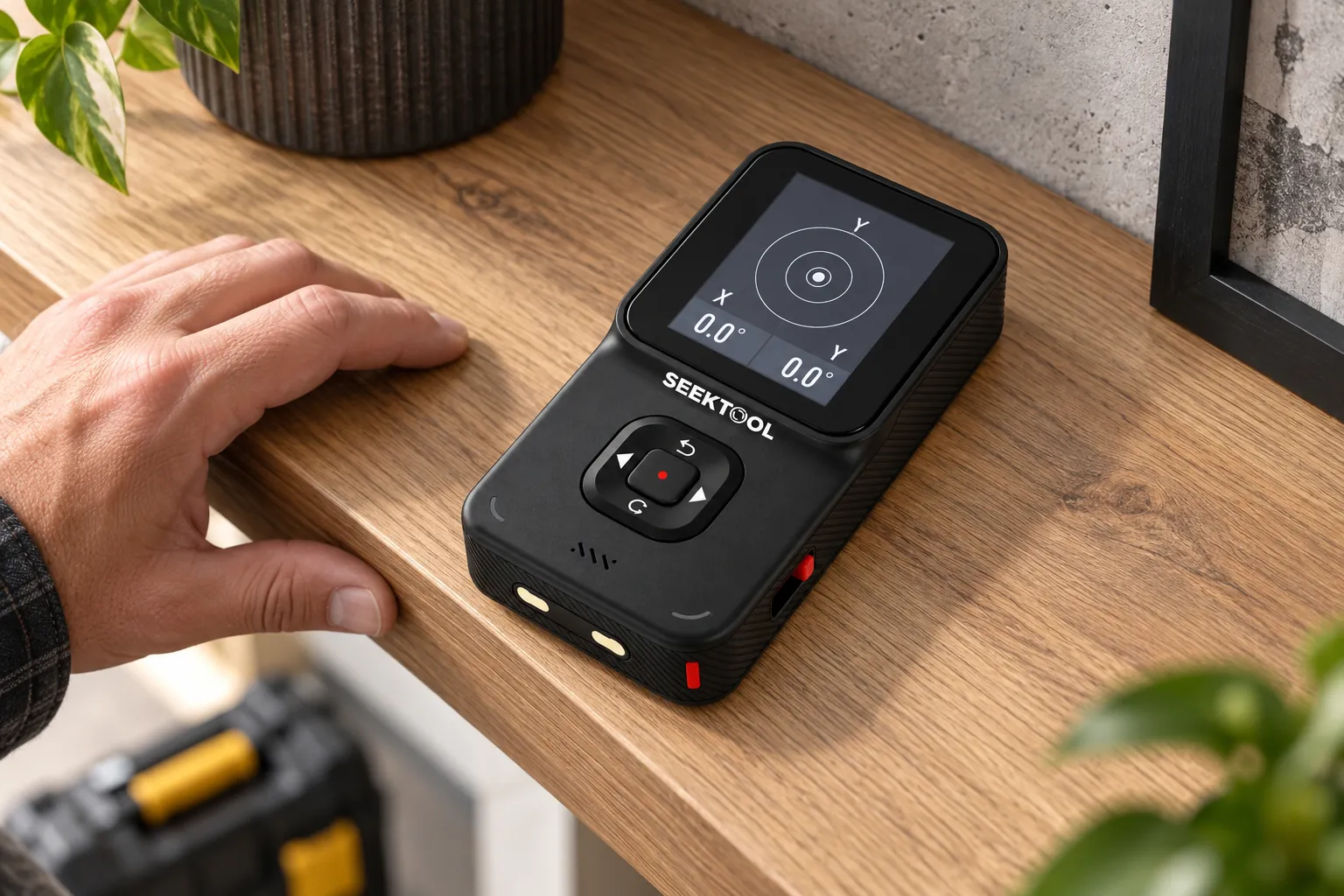
STRATA PRO rests flat on a surface and shows X/Y dual-axis angle readings
05

Digital level

X/Y dual-axis angle readings.

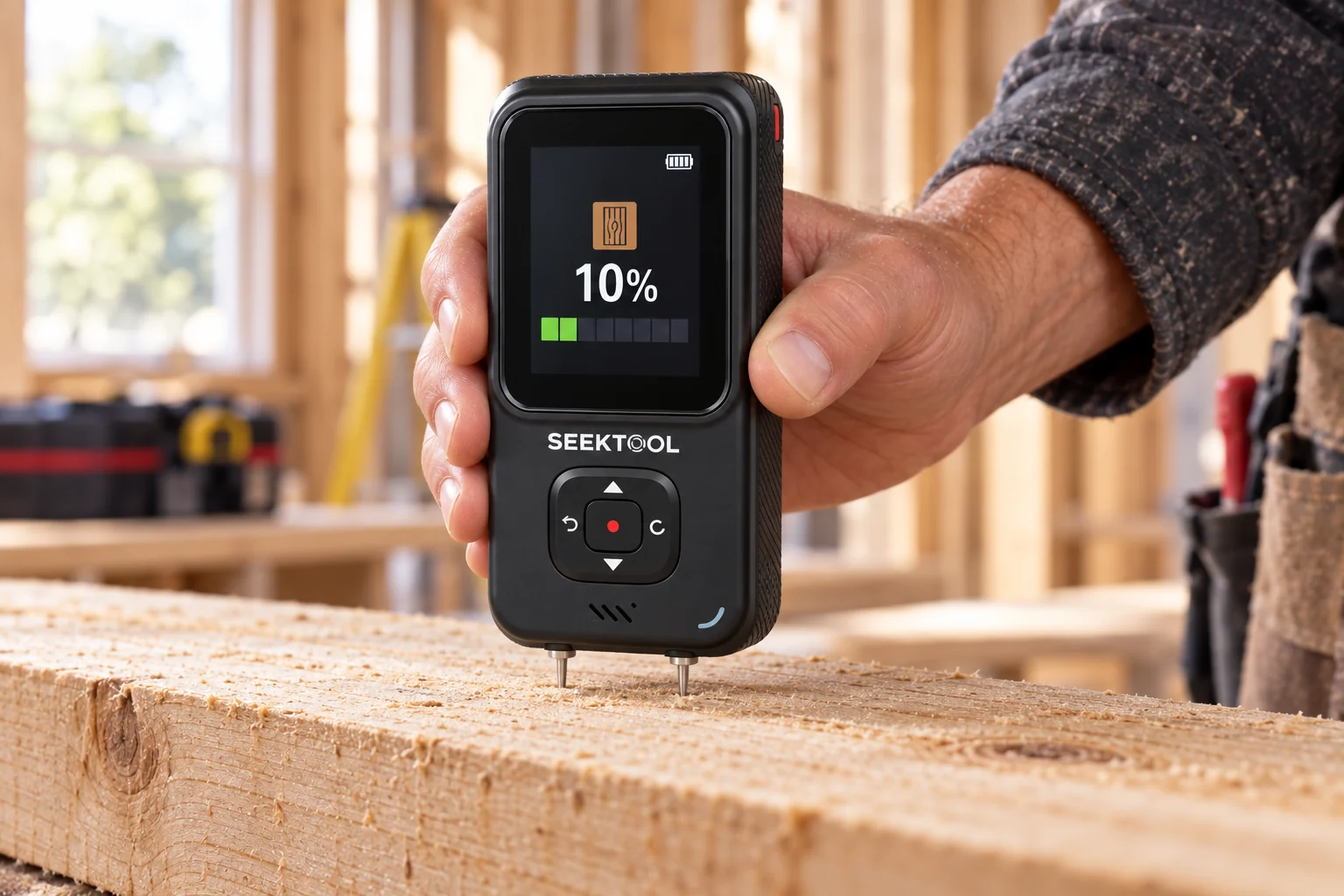
STRATA PRO's two probes contact a wood board to measure moisture; screen example shows 10%
06

Moisture measurement

Check wood and common building materials.
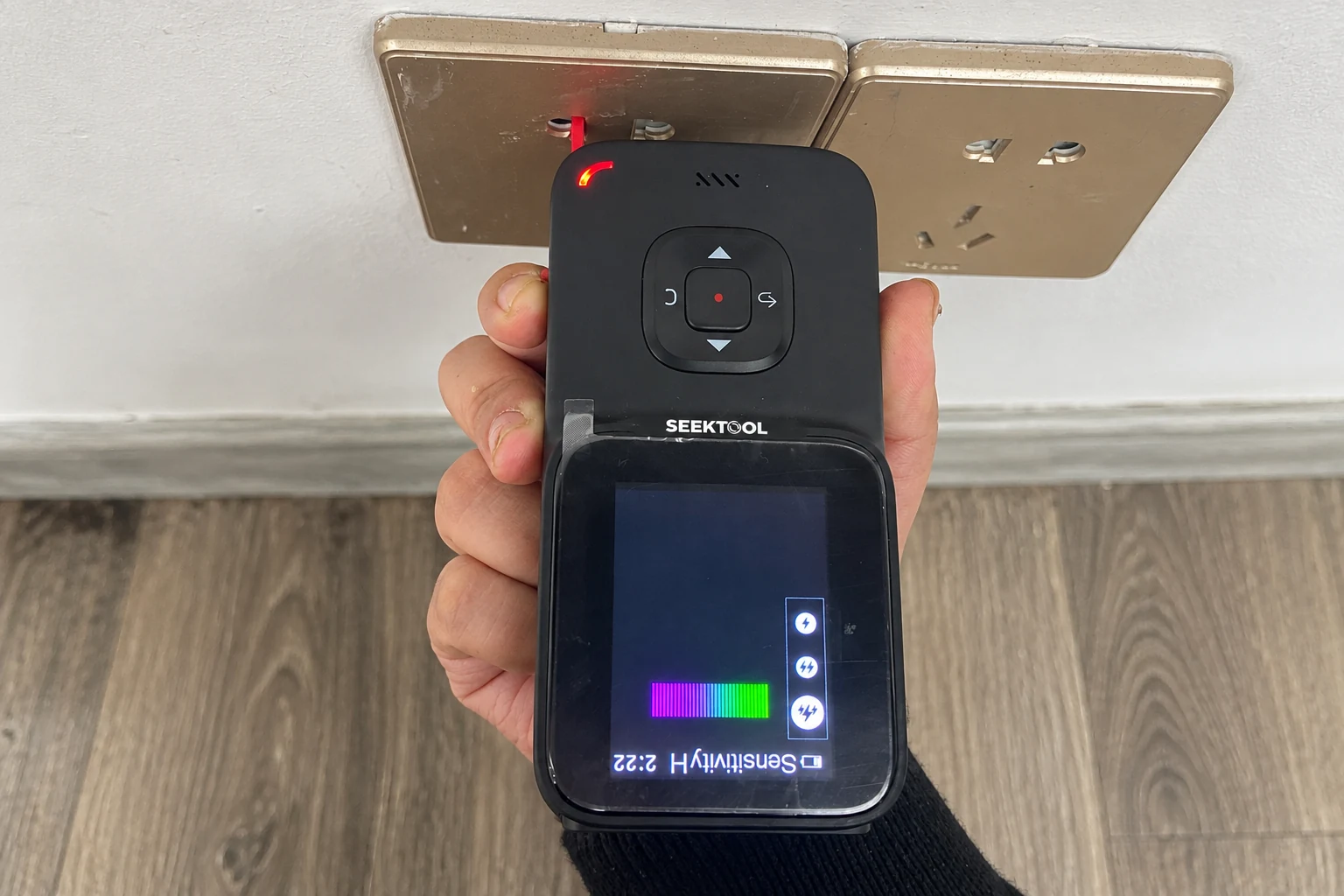
STRATA PRO is held upside down with its red voltage sensor near an outlet
07

AC voltage detection

Use the red sensor on the lower-right side of the unit to check for AC voltage signals.

More than a target alert.
See the clues behind it.

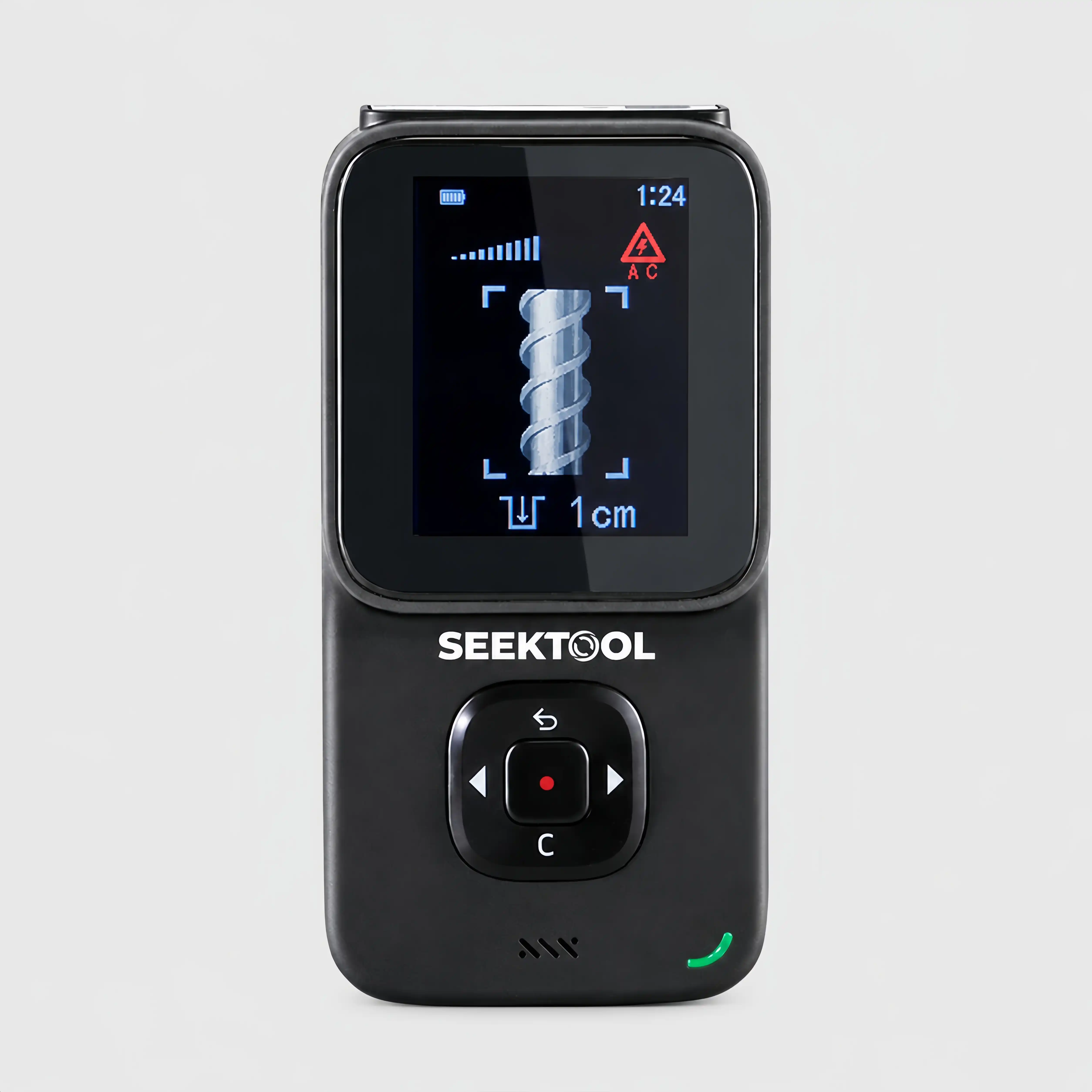
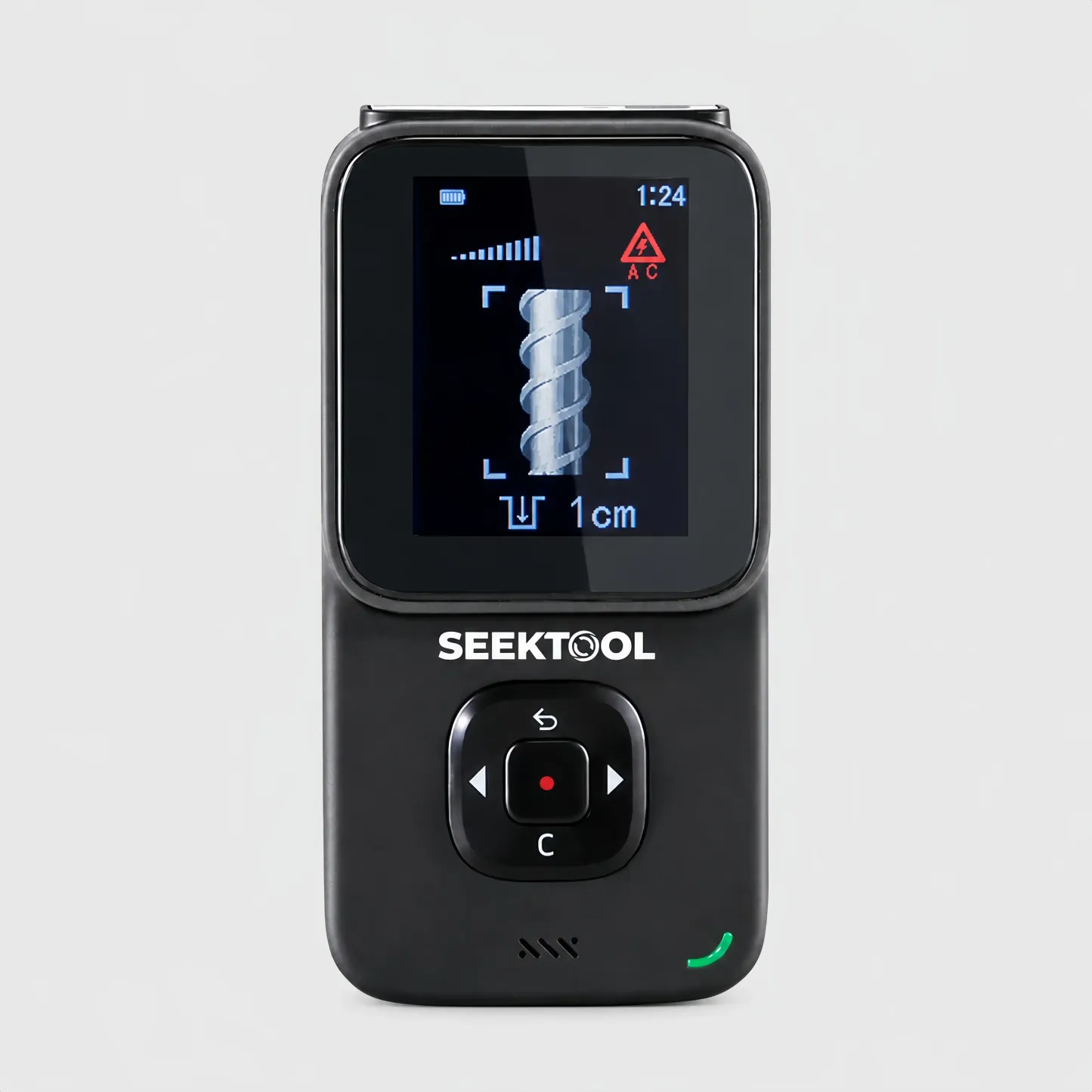
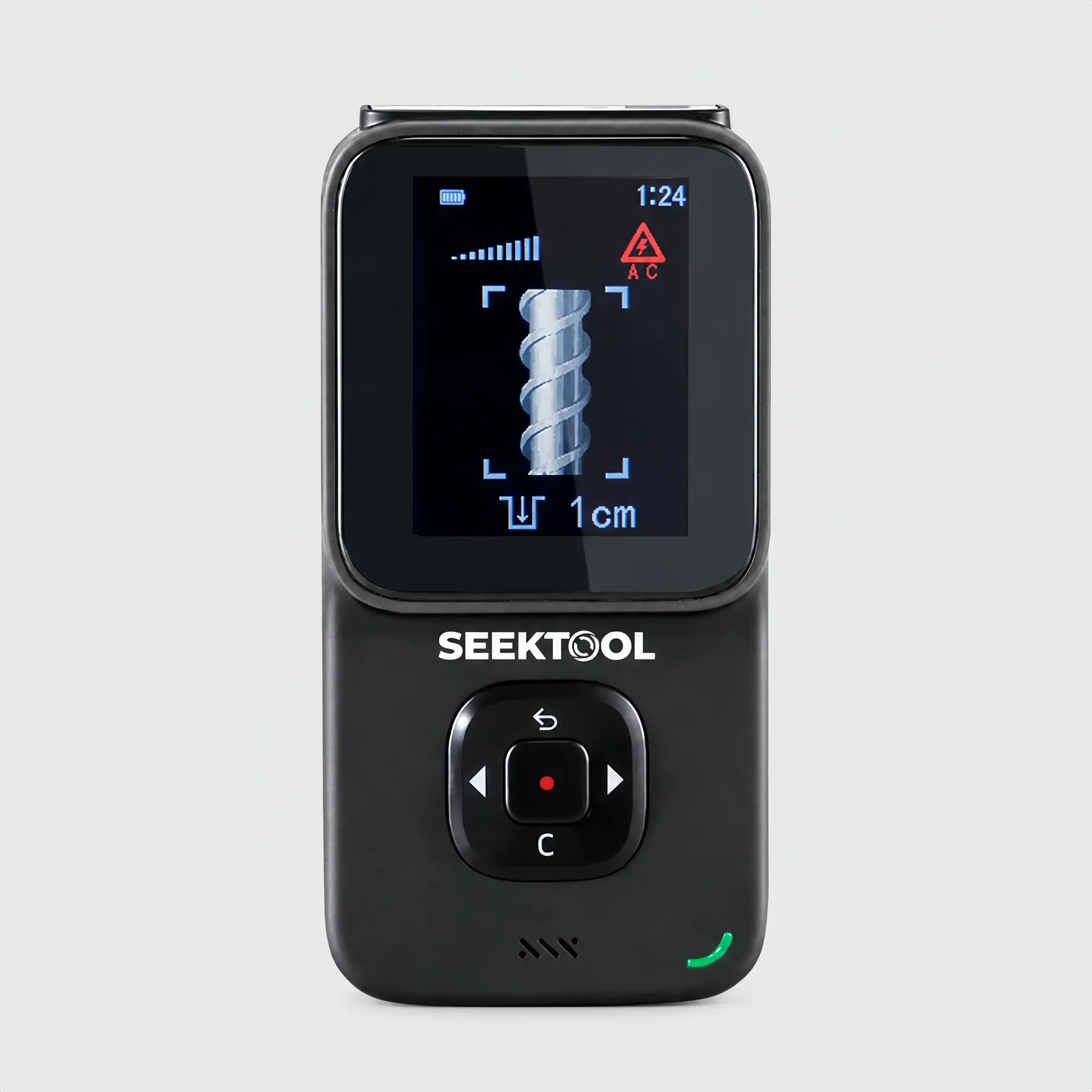
In metal mode, visual, numerical, and voice feedback help identify the target type and likely center. A reference depth appears when conditions support it.
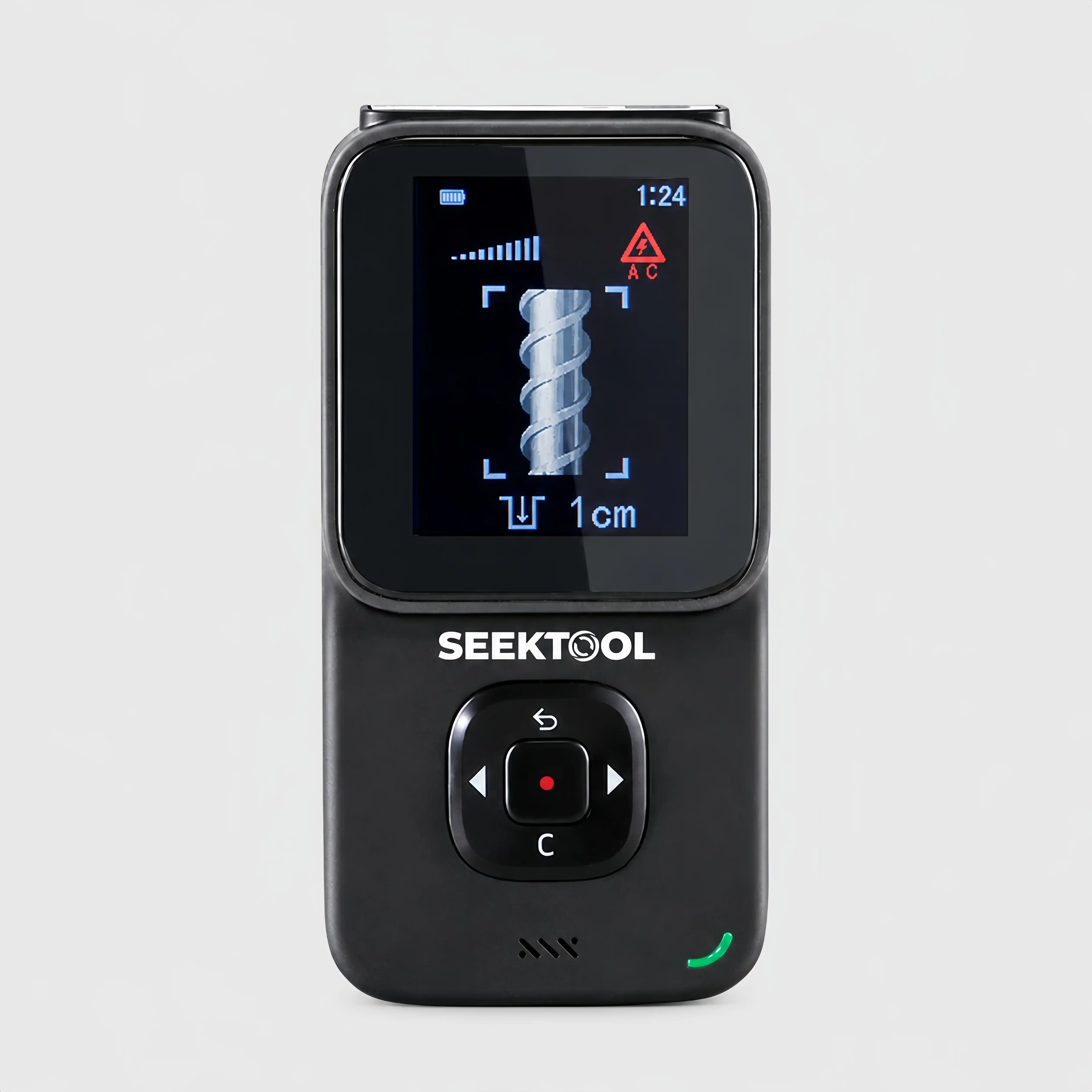
STRATA PRO wall-scan screen showing a metal target and reference depth
Target type · likely center · reference depth
Reference depth, up to 100 mm (3.9 in)
Ferrous metal100 mm

Typical targets include rebar and other iron or steel components

Nonferrous metal (copper)80 mm

Targets such as copper pipe and nonferrous components

Live copper wire40 mm

Test condition: single conductor cross-section ≥ 4 mm²

Studs / dense objects20 / 38 mm

Precision mode 20 mmDeep mode 38 mm

Place. Scan.
Confirm.

A useful reading also depends on how you place, move, and rescan with the tool.

01

Place and calibrate: start from a steady baseline.

Hold the unit flat against the surface. Calibrate in the selected mode before moving.

02

Scan slowly: maintain contact.

Keep even contact and pressure as you move slowly in one direction without lifting the unit.

03

Scan again from the other direction.

Rescan the same area from the opposite direction and compare the responses to help locate the target center.

See the temperature pattern.
Find areas
worth a closer look.

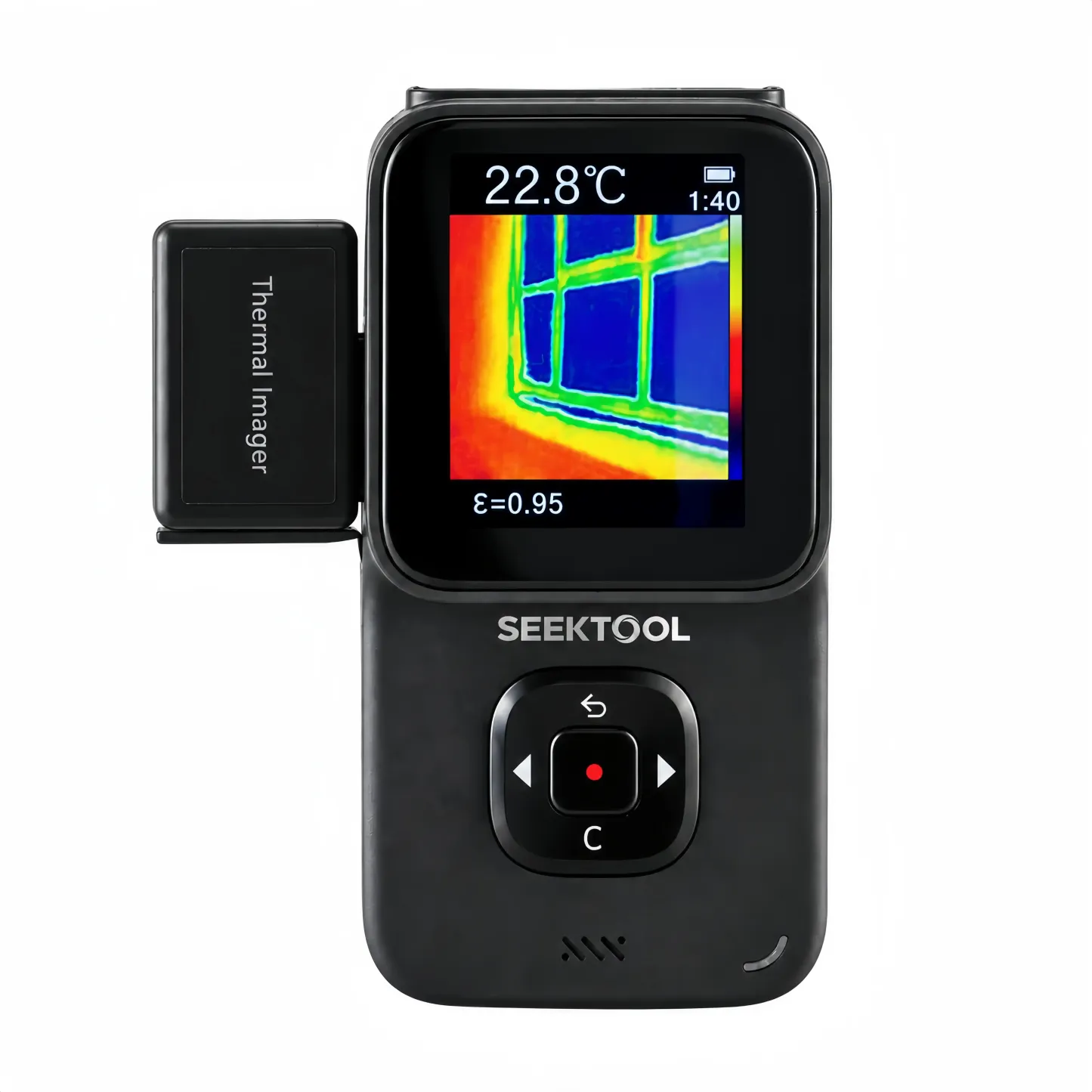
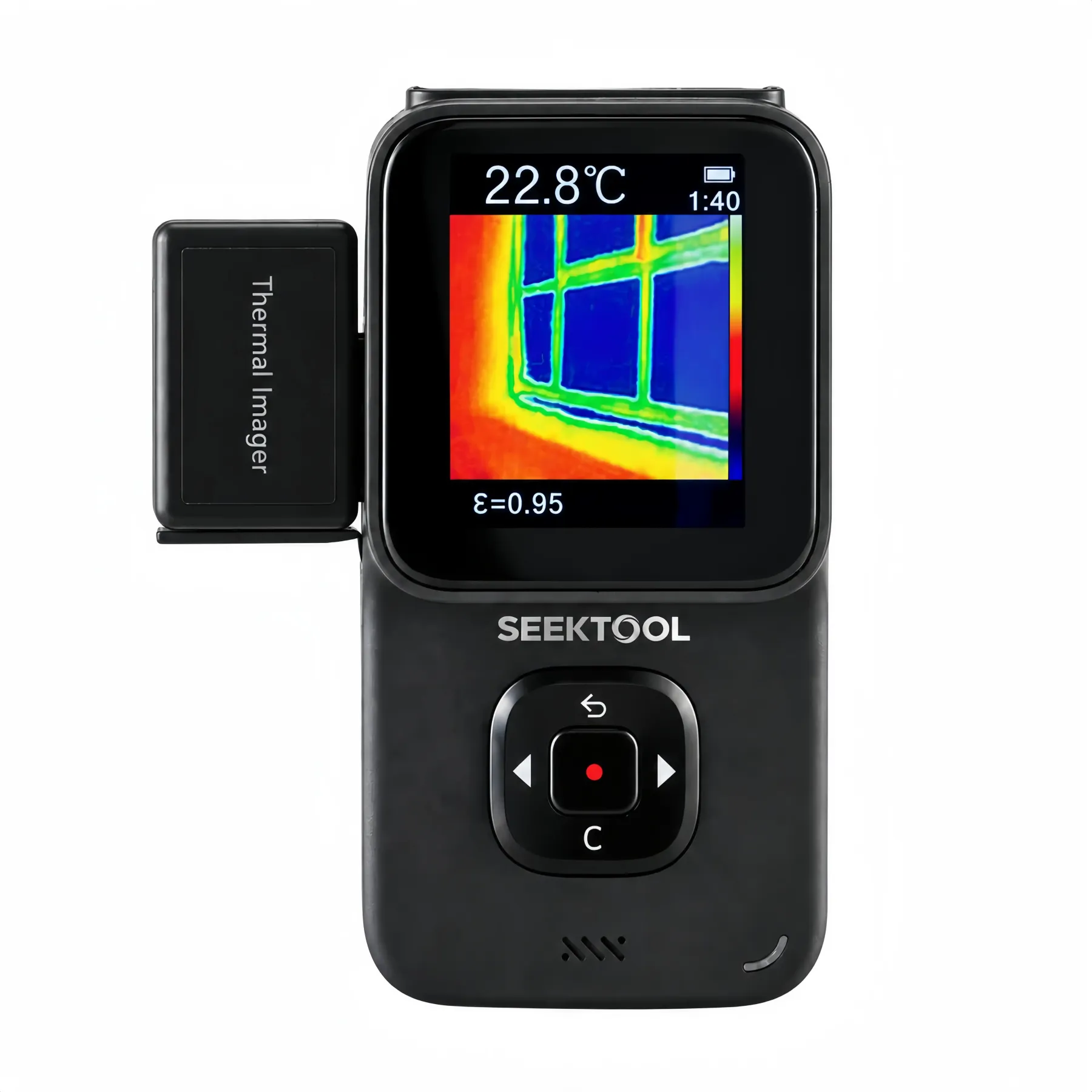
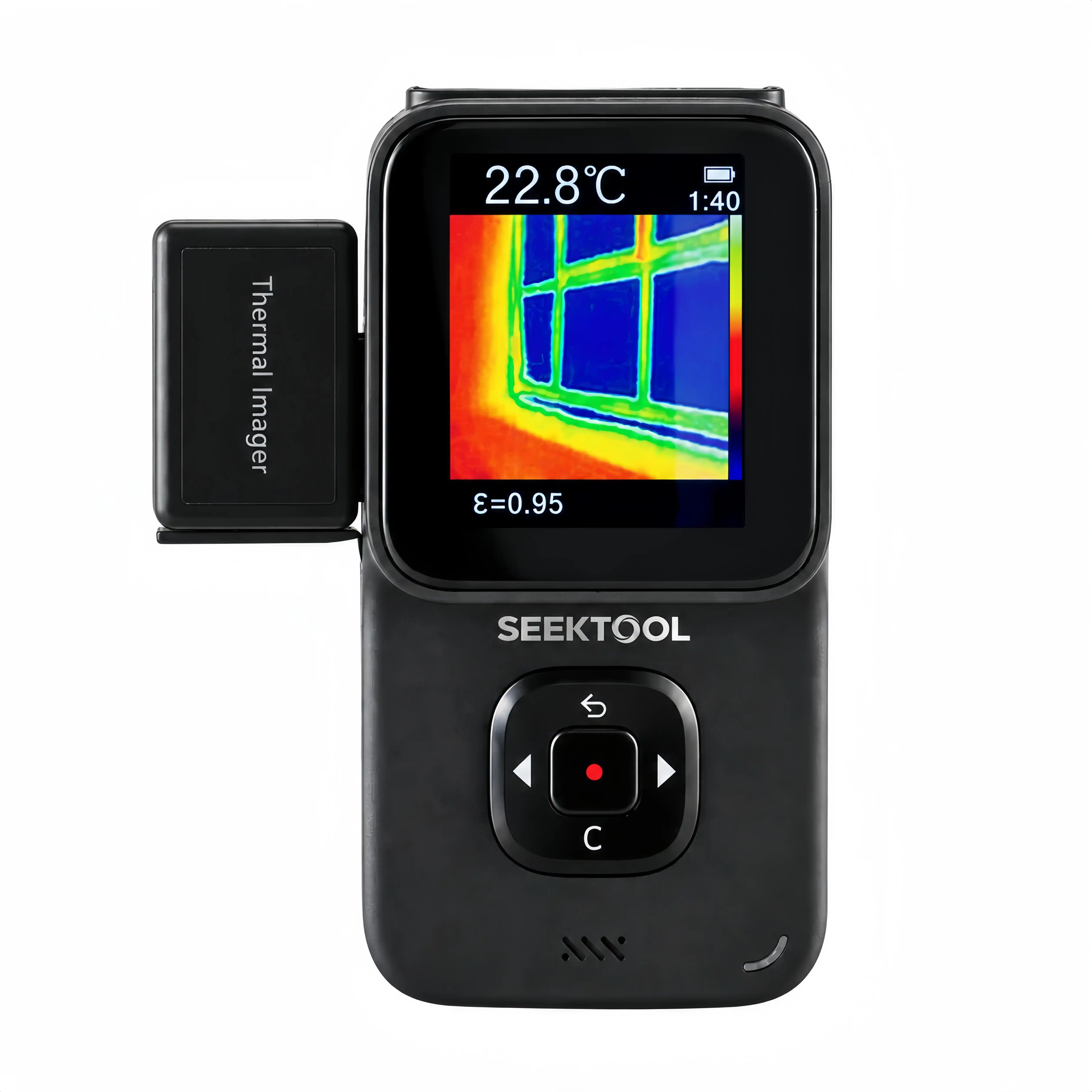
Attach the thermal module (included with the Extended Bundle) to screen for insulation gaps, heat sources, and noticeable temperature differences. Five visible/infrared blend settings help relate the thermal view to the physical area.
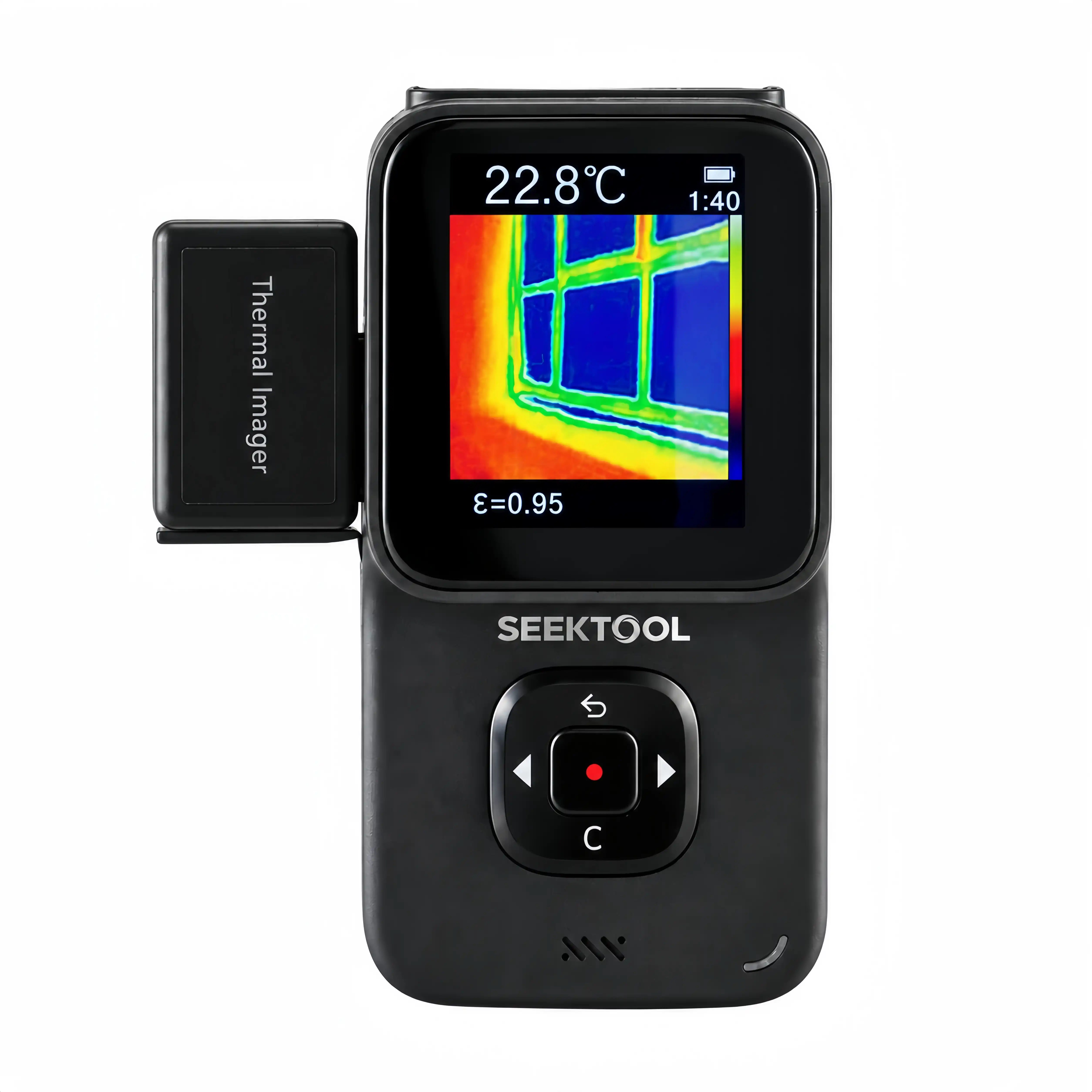
STRATA PRO interface with thermal module attached
Visible / infrared blend5 settings
VisibleInfrared
Color palettes3 options
Iron red
Rainbow
Grayscale
Temperature range−4 to 1,832 °F−20–1,000 °C

Measure. Level.
Line it up.

Measure spaces, check angles, and project guide lines as the job calls for them.
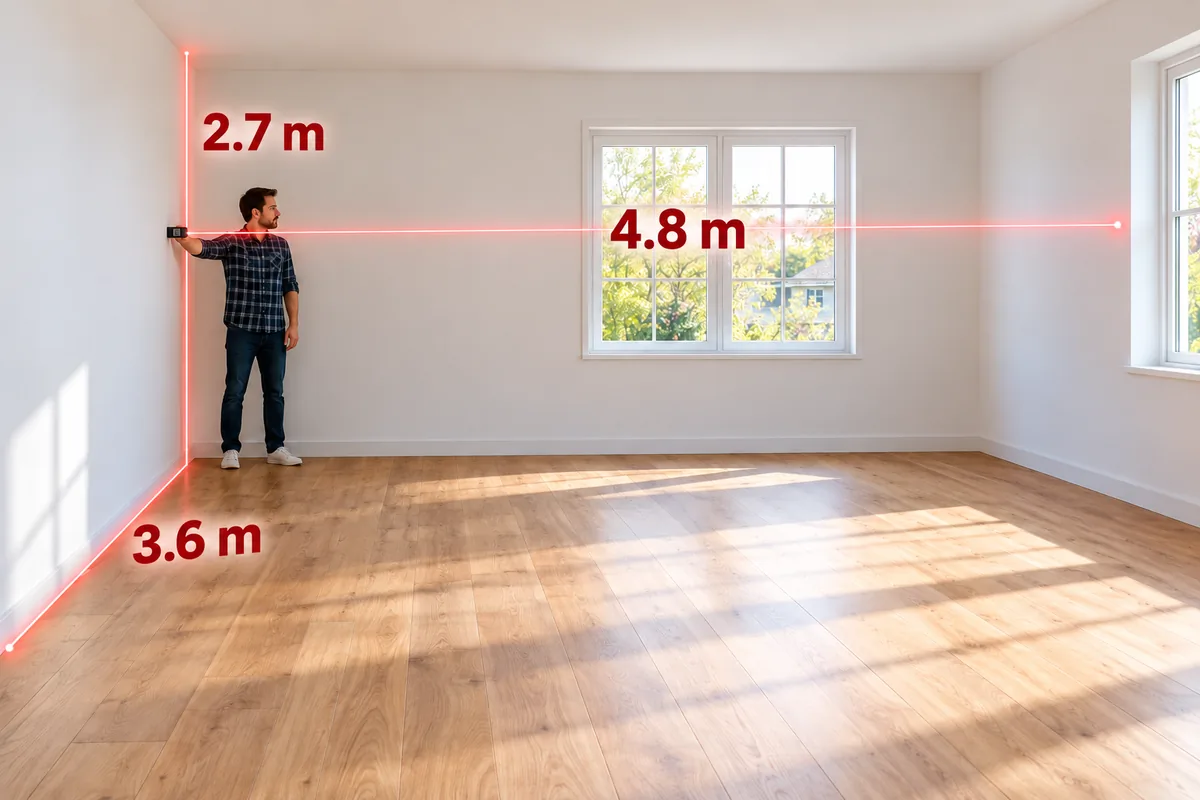
Measure distance

Laser measuring

Worker measures a room with STRATA PRO held against a wall; red lines and readings show width, height, and depth

Measurement range

0.05–40 m

Approx. 2 in–131 ft

Measure distance and calculate area, volume, or indirect lengths.

Store up to 30 measurements
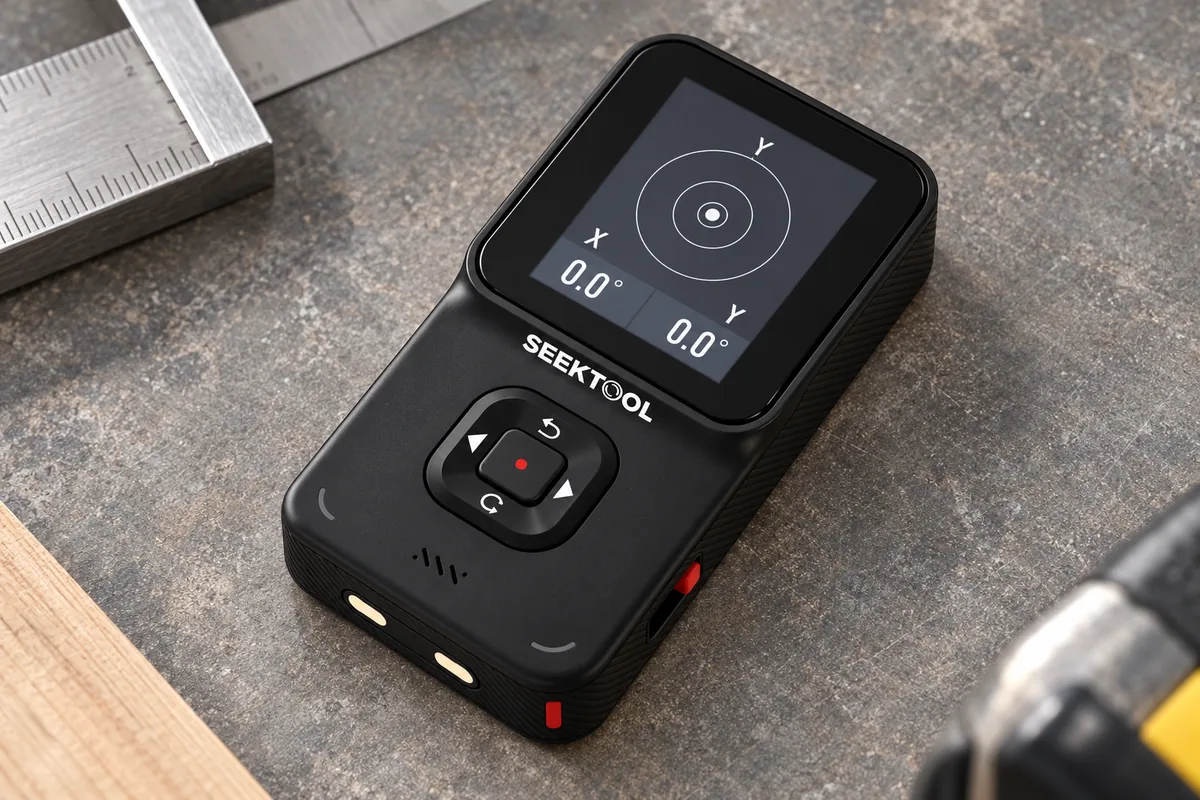
Check the angle

Digital level

STRATA PRO lying flat, with a close-up of X/Y digital level readings

Dual-axis angle readings

X / Y dual axis

Adjust the unit while watching the angle readings on screen.

0.0° shown for illustration
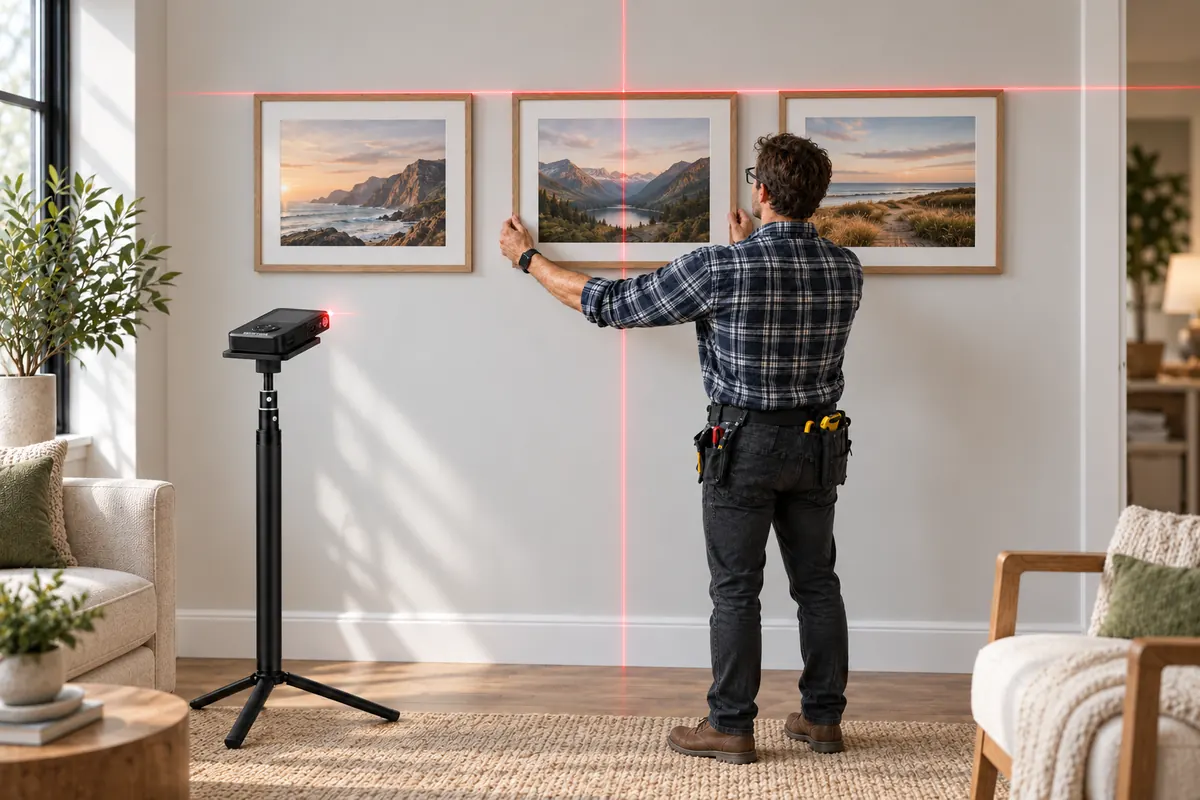
Align the installation

Cross-line laser

STRATA PRO resting flat on a stand, with crosshair lines aligning three picture frames

Cross-line deviation

<0.5°

Project crosshair guide lines to help align and space your layout.

Recommended working distance: up to 16.4 ft (5 m)

Moisture and
live-wire signals,
checked on site.

Built-in probes provide a reference reading for material moisture. Non-contact voltage sensing adds another indication before work begins. Both are built into the same unit.
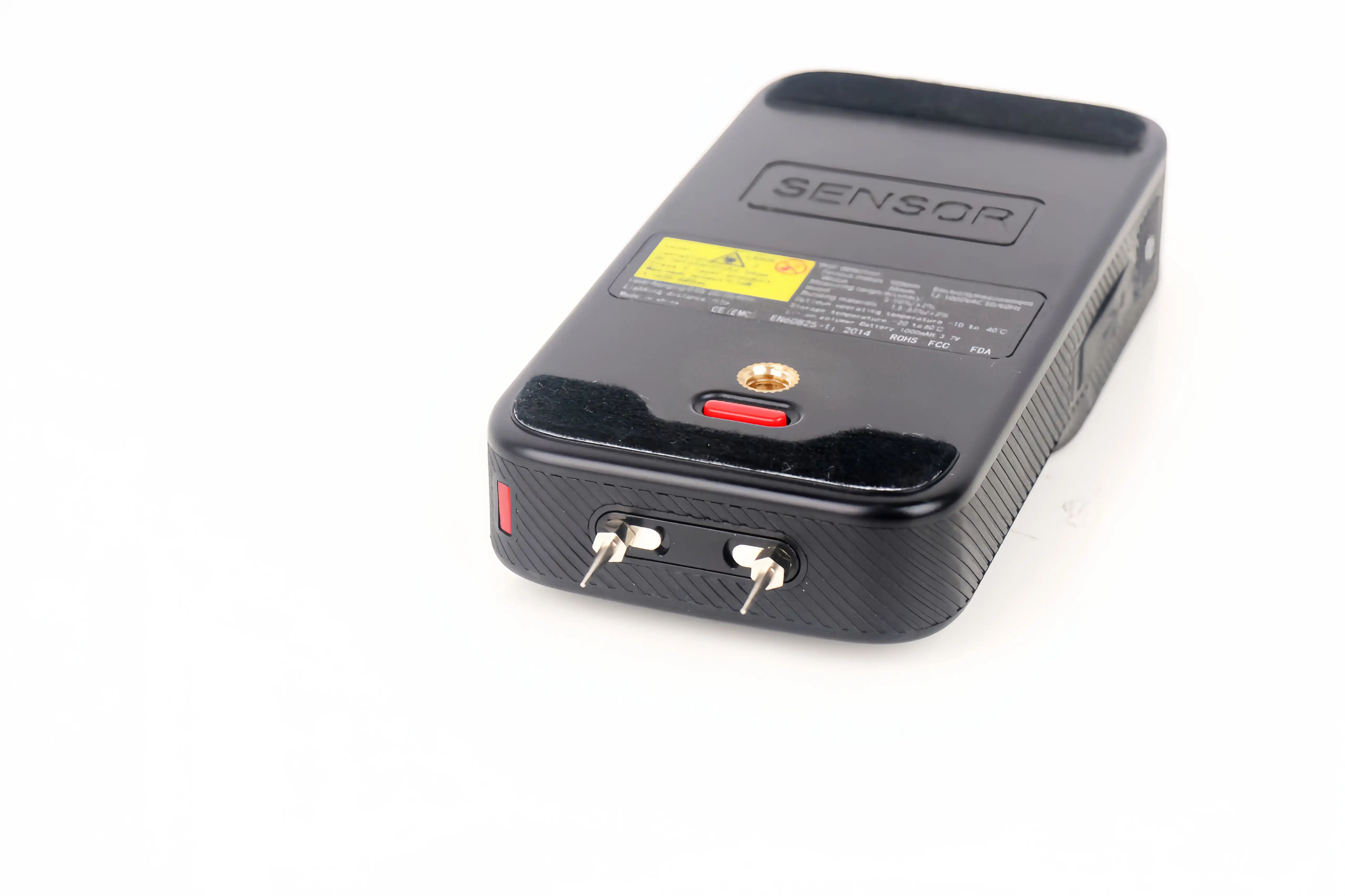
STRATA PRO with moisture probes extended

Moisture measurement

Extend the built-in probes to check wood or common building materials, then freeze the reading on screen for reference.

Wood5–50%
Building materials1.5–33%

Non-contact voltage detection (NCV)

Check for AC voltage signals without touching an exposed conductor. Use it as an additional pre-work indication.

Detection range12–1,000 V AC
50 / 60 Hz

More than a stud finder.
Scan, check, measure, and align.

Each type of tool handles part of the job. The difference is how far you can go after checking the wall.

Basic stud finder

Built for a quick, single-purpose wall check.

Wall-scan feedback
Basic location alert
How you see results
Lights or simple readout
Additional checks
Usually not included
Measuring & layout
Not included
Best suited for
Occasional picture hanging or stud finding

Phone-connected wall scanner

Shows wall-scan results on a phone.

Wall-scan feedback
Visual scanning
How you see results
Typically requires a phone
Additional checks
Primarily wall scanning
Measuring & layout
Usually not included
Best suited for
Viewing scan results on a phone

STRATA PRO

Brings detection, additional checks, measuring, and layout together.

Wall-scan feedback
Visual, numerical & voice feedback
How you see results
Built-in color screen
Additional checks
Thermal imaging (Extended Bundle), moisture & NCV
Measuring & layout
Distance, dual-axis angles & cross-line laser
Best suited for
Renovation, installation, maintenance & serious DIY

Professional wall scanner

Made for more complex or specialized scanning tasks.

Wall-scan feedback
Specialized deep scanning
How you see results
Dedicated display
Additional checks
Varies by model and system
Measuring & layout
Usually requires separate tools
Best suited for
Professional scanning and inspection teams

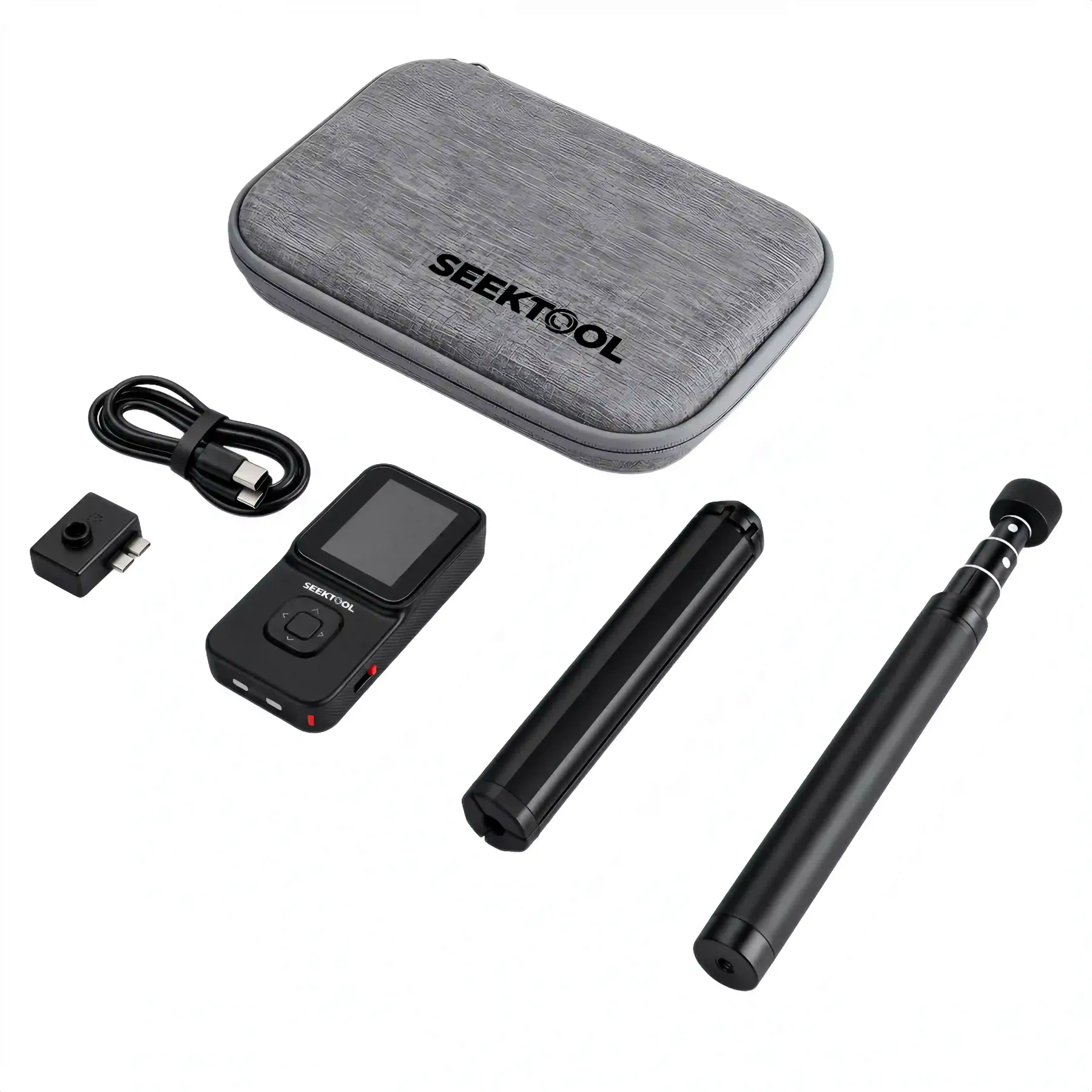
One organized kit.
Ready to go to work.

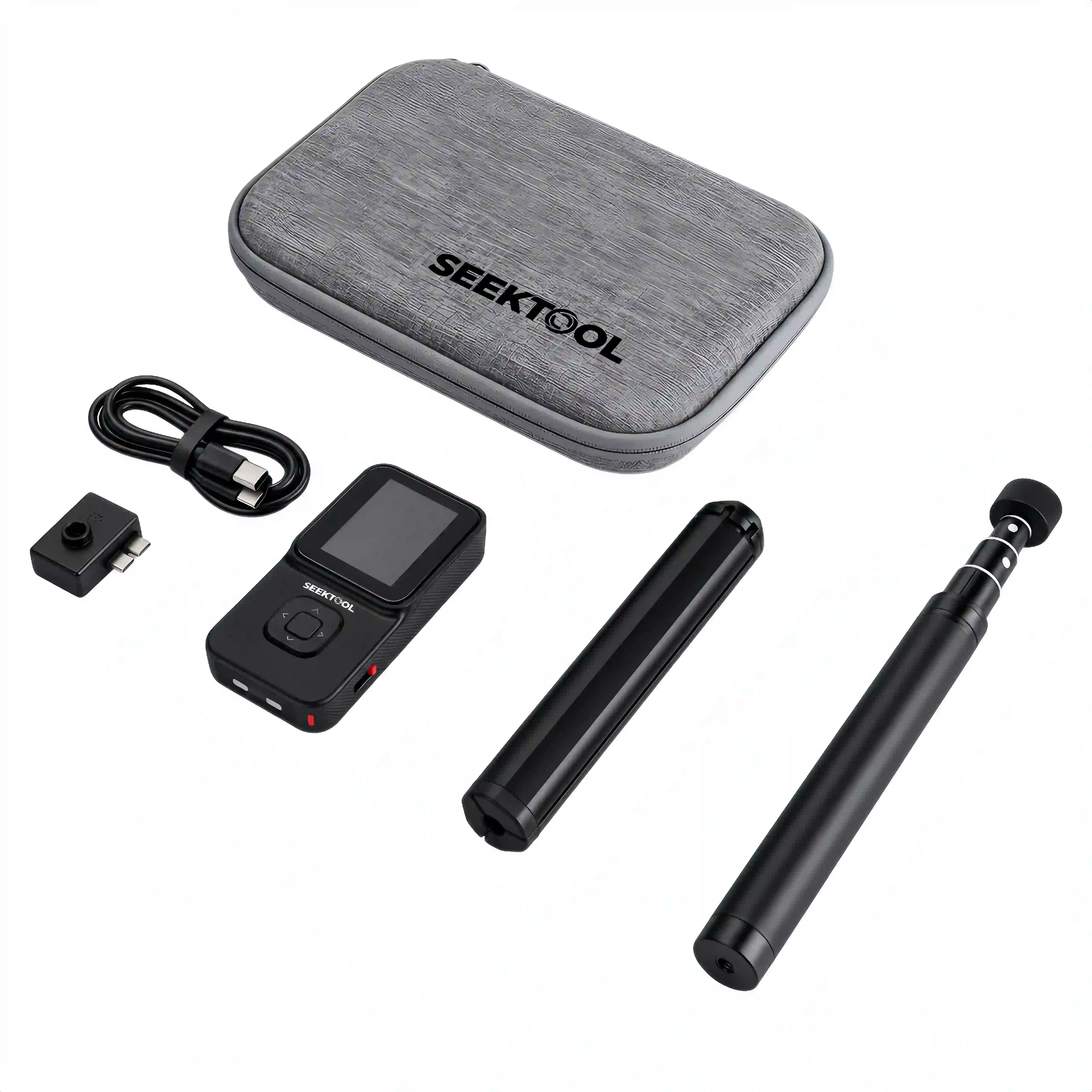
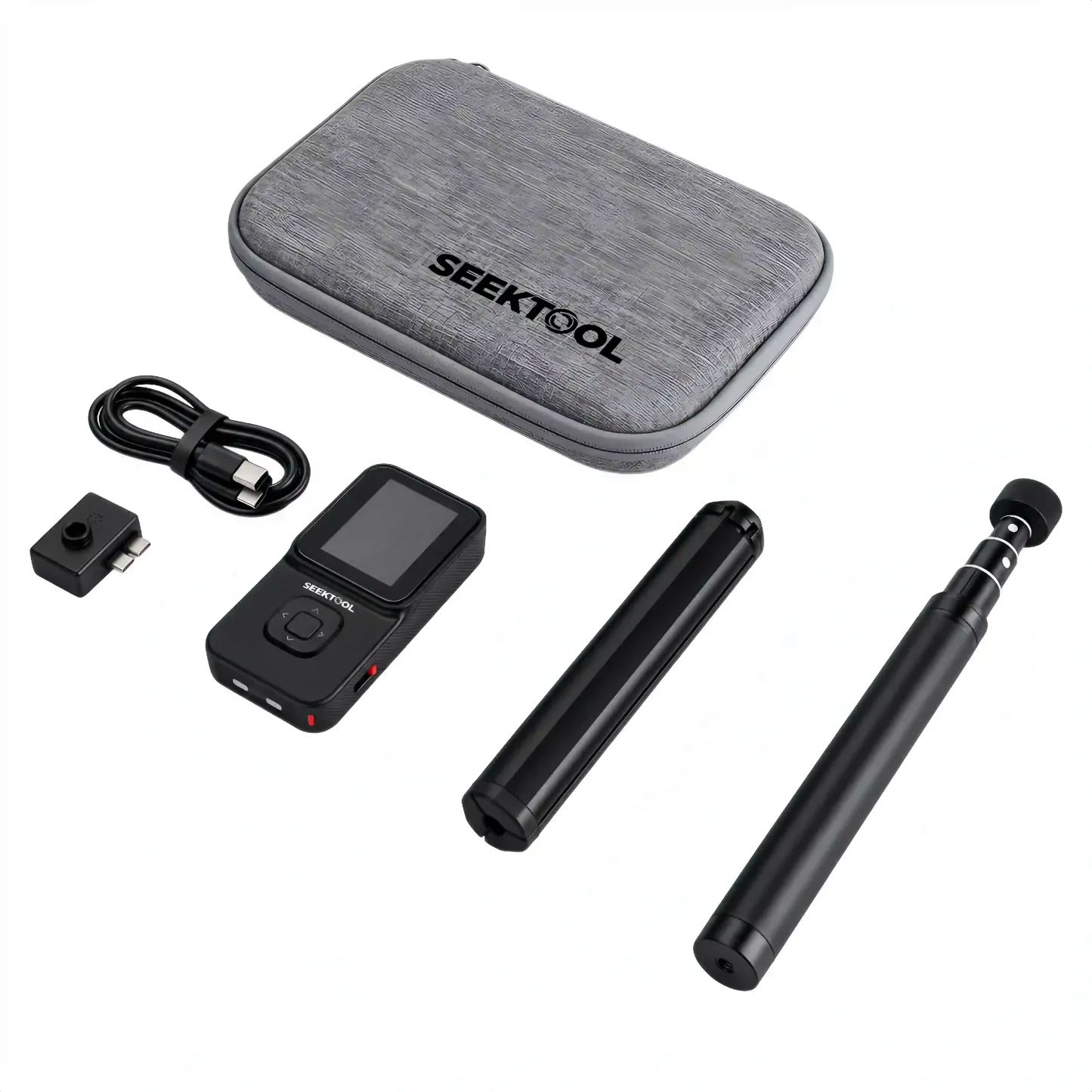
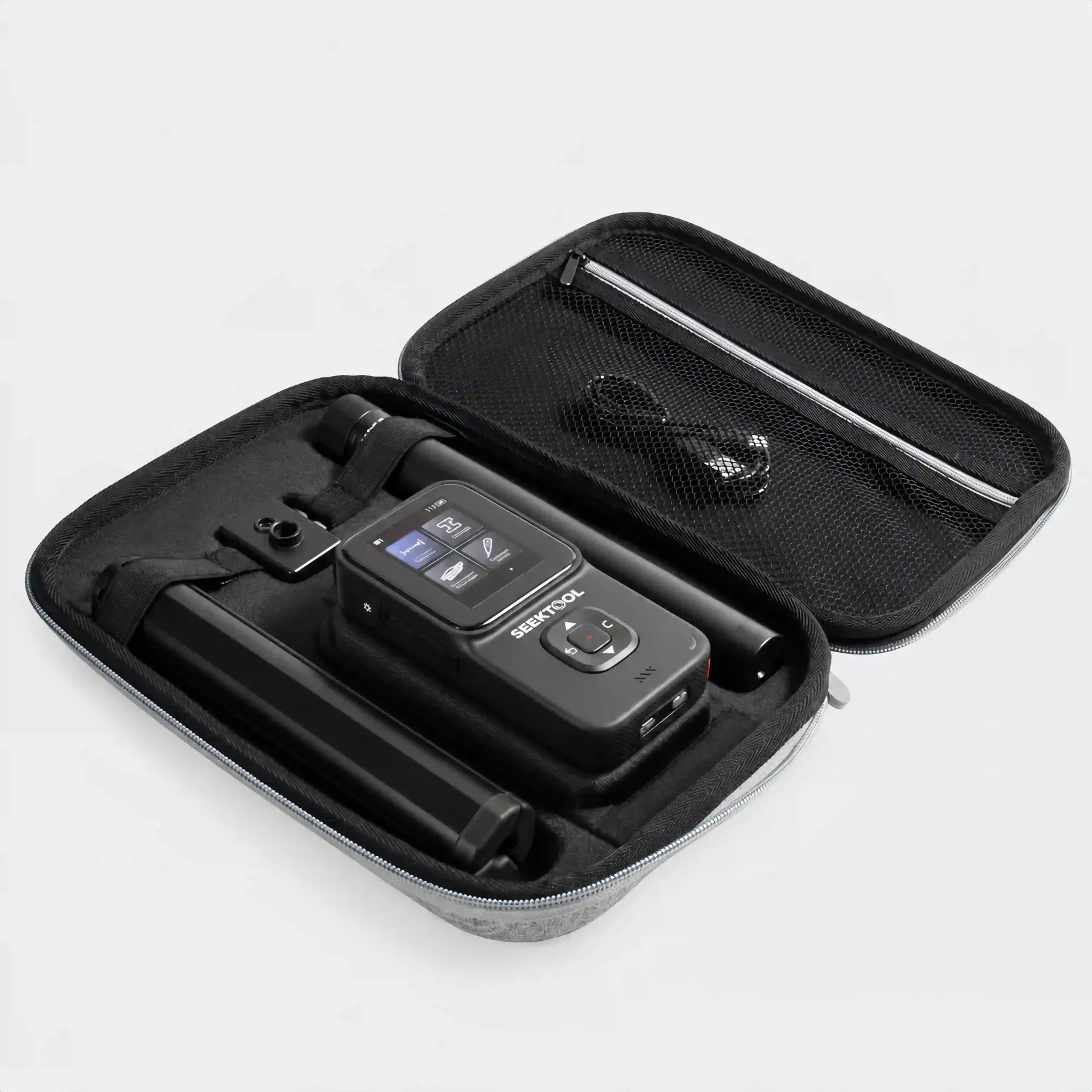
The main unit and accessories each have their place. The Extended Bundle adds the thermal module. Pack the kit for the next job.
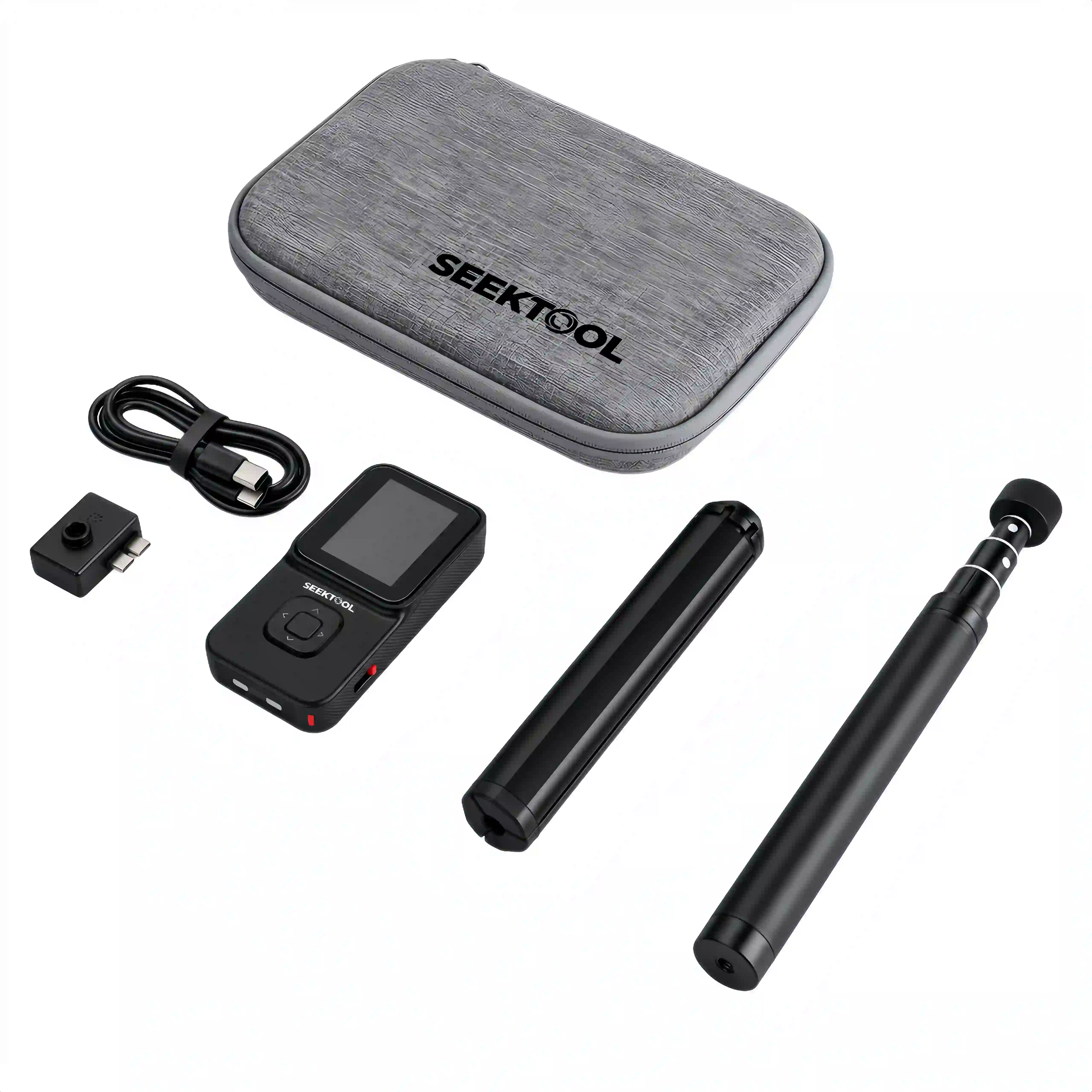
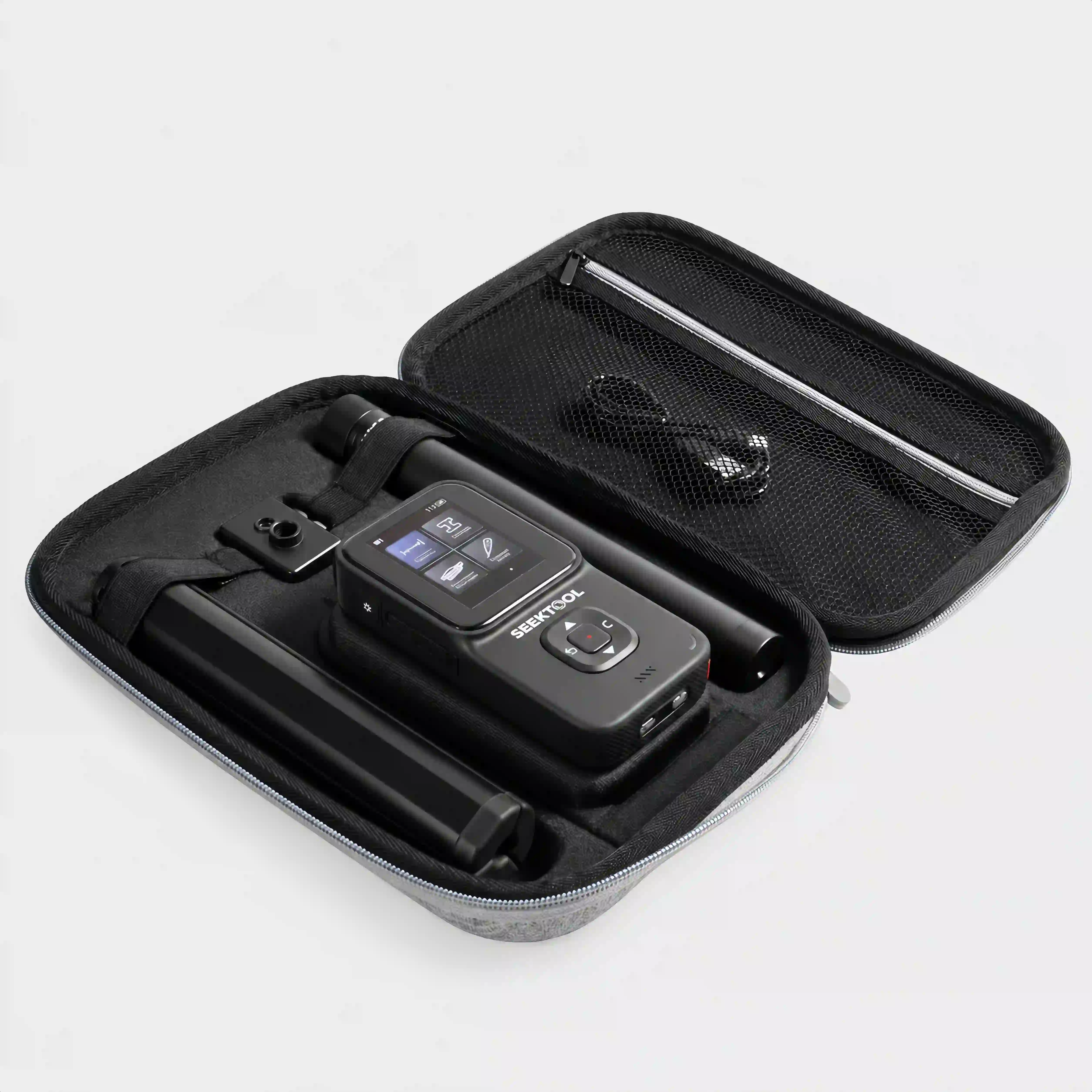
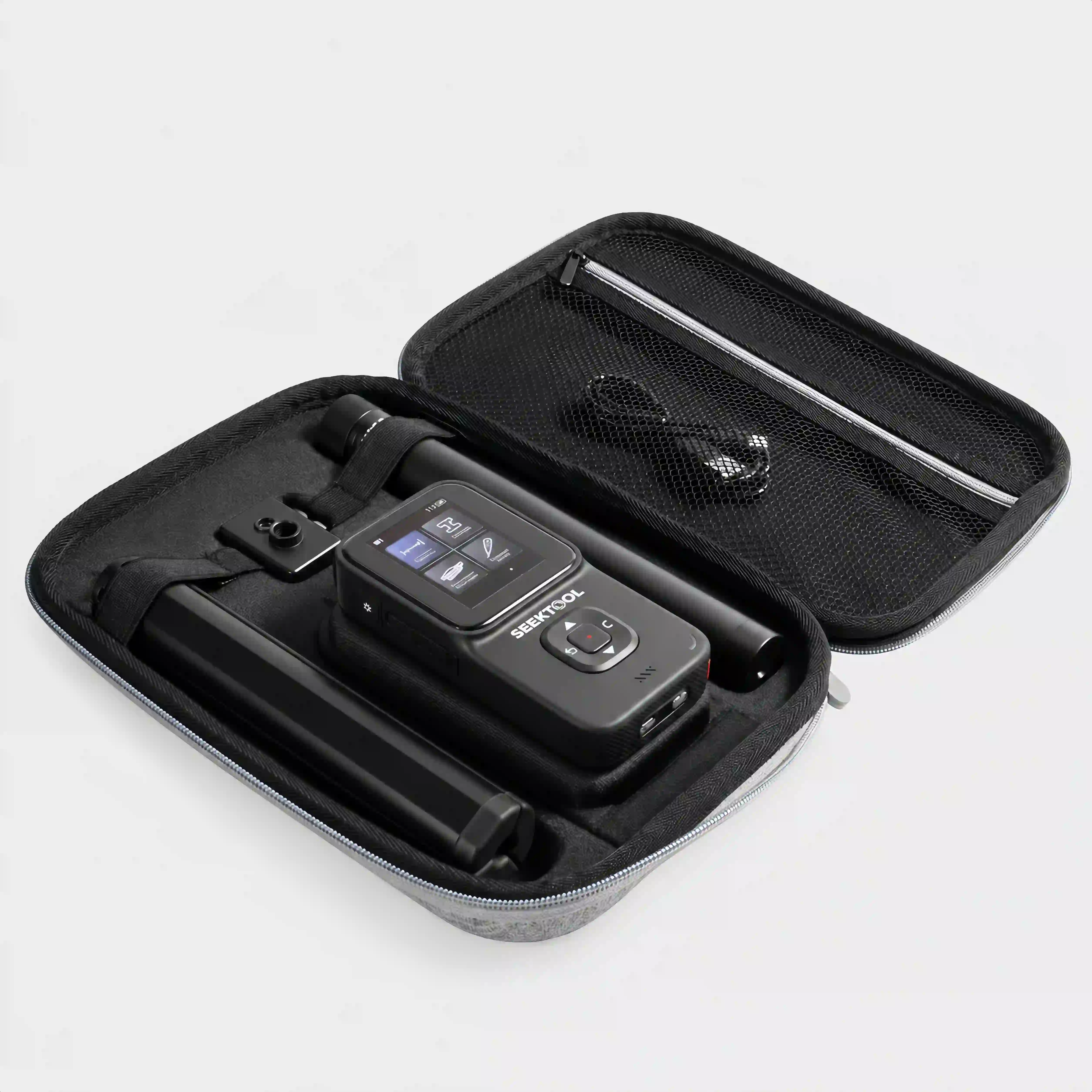
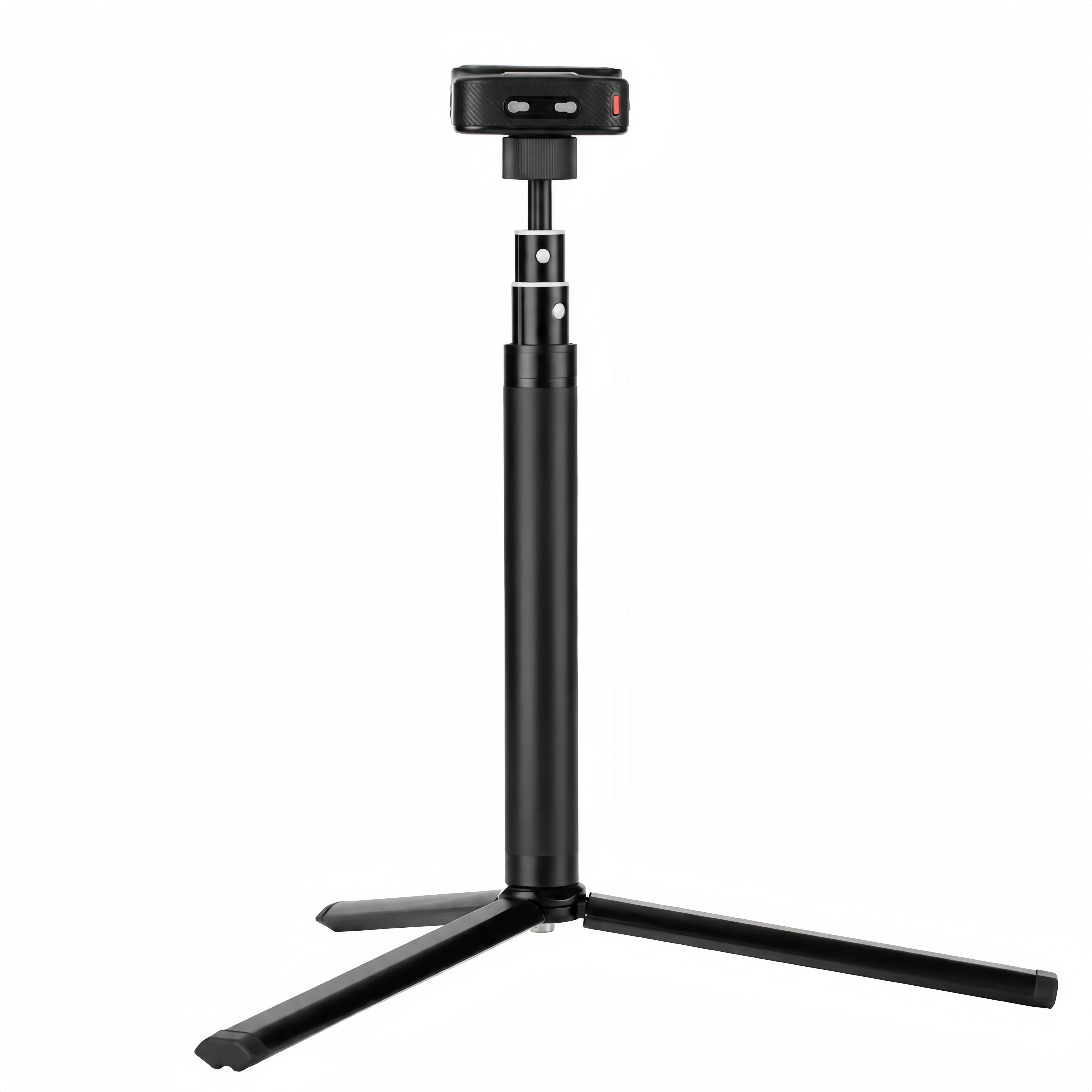
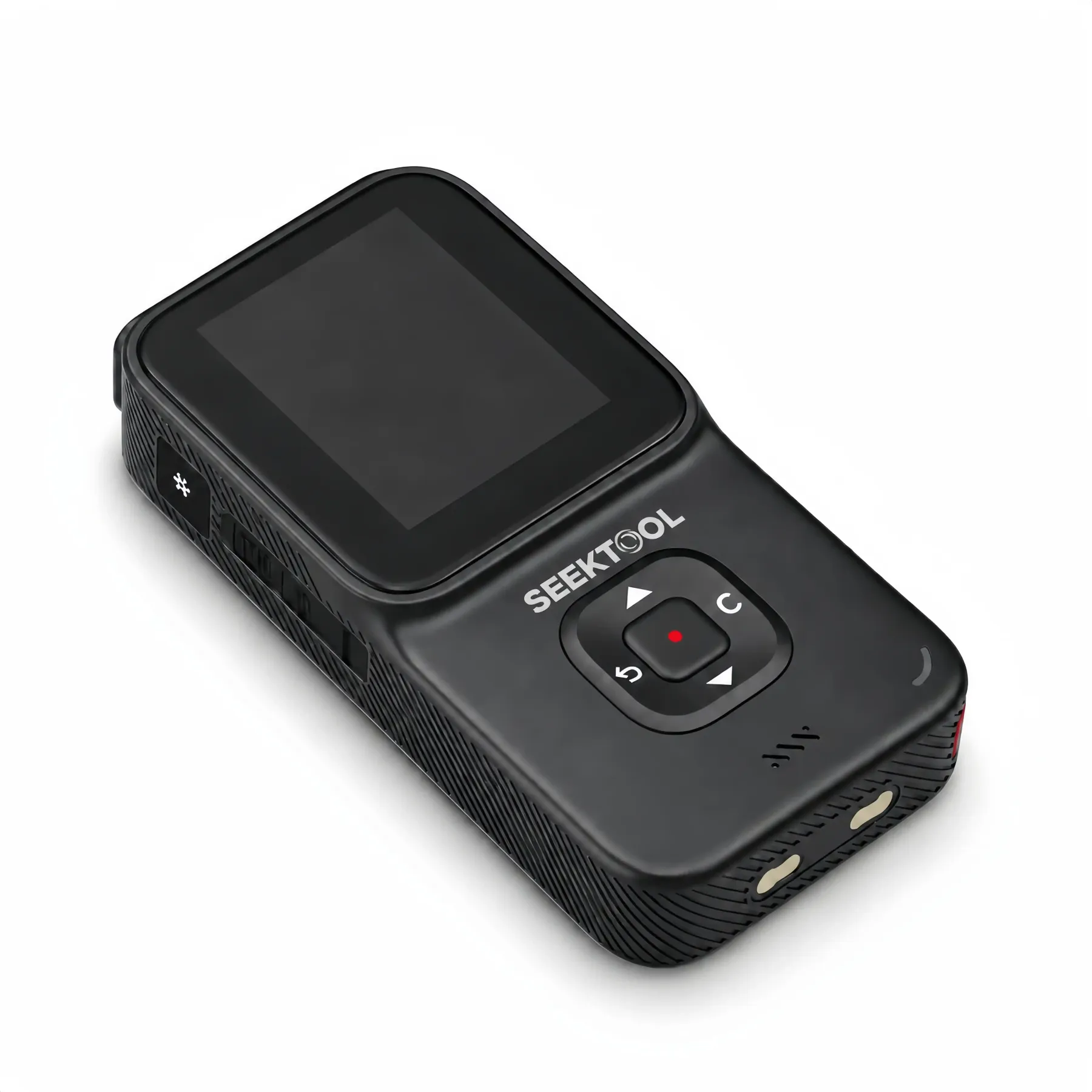
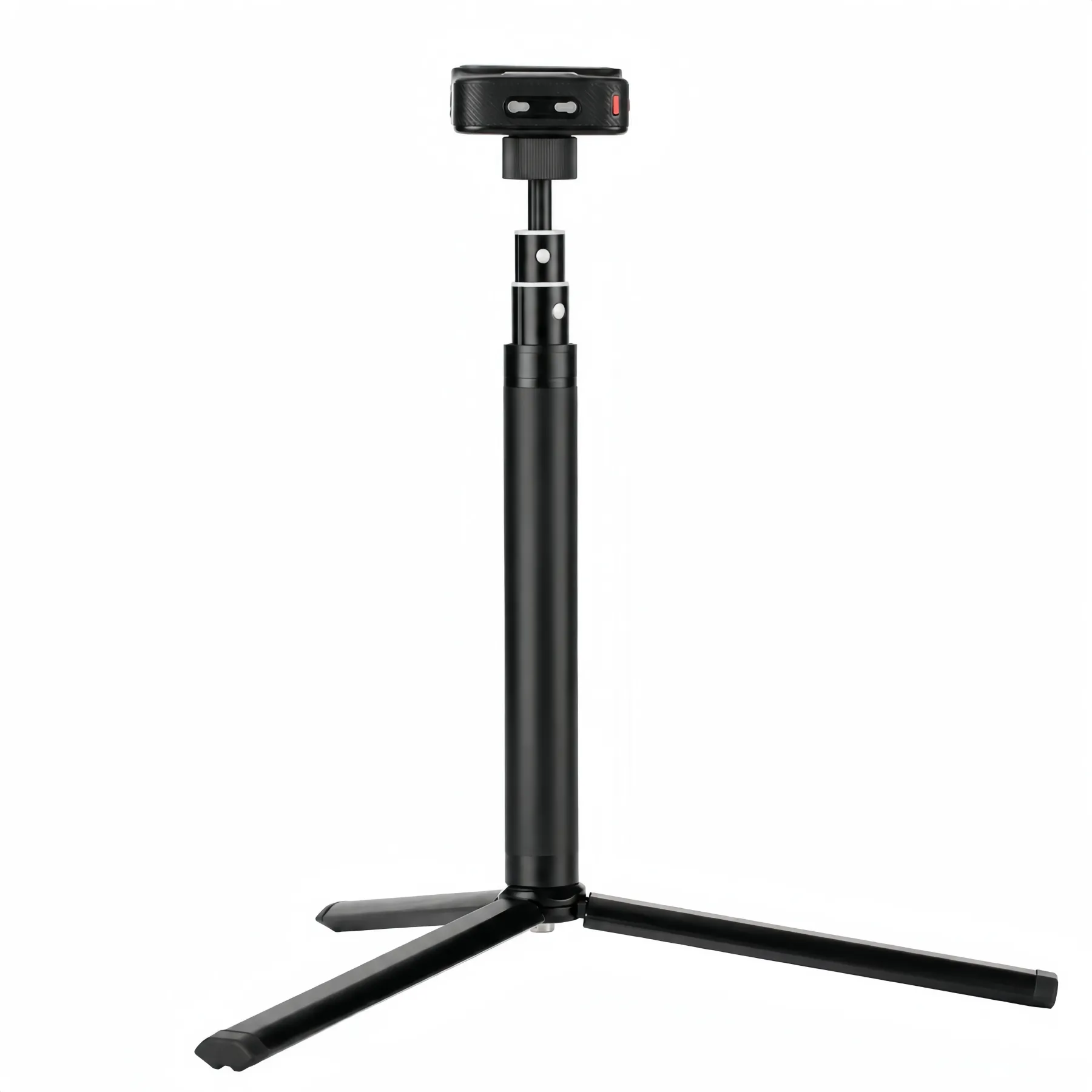
STRATA PRO unit, carrying case, folding tripod, extension pole, and charging accessories
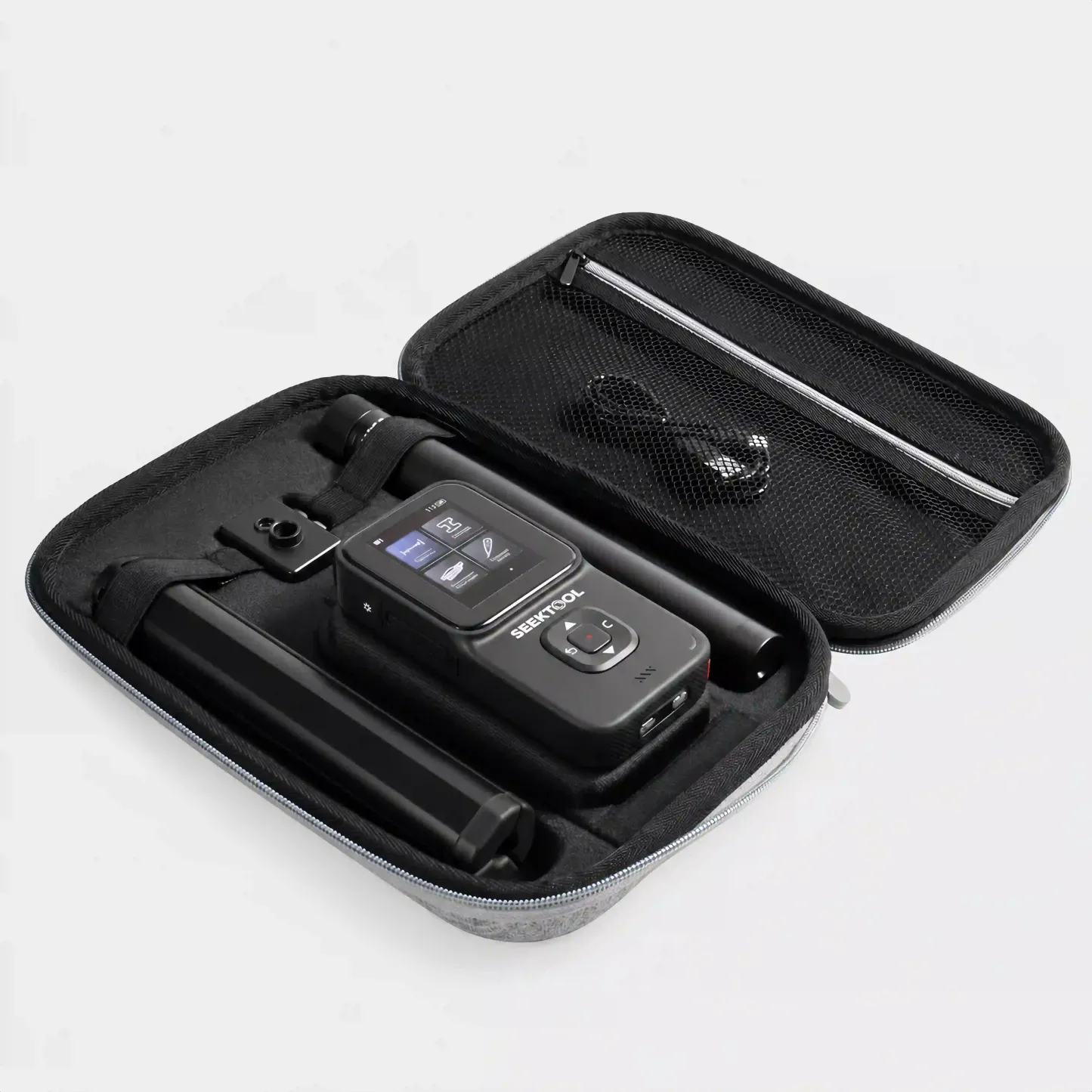
STRATA PRO unit and accessories in the protective carrying case
STRATA PRO with the attachable thermal imaging module
  • STRATA PRO main unit (built-in moisture probes)
  • Attachable thermal imaging module (Extended Bundle only)
  • Folding tripod and extension pole
  • USB charging cable
  • Protective zippered carrying case

Technical specifications

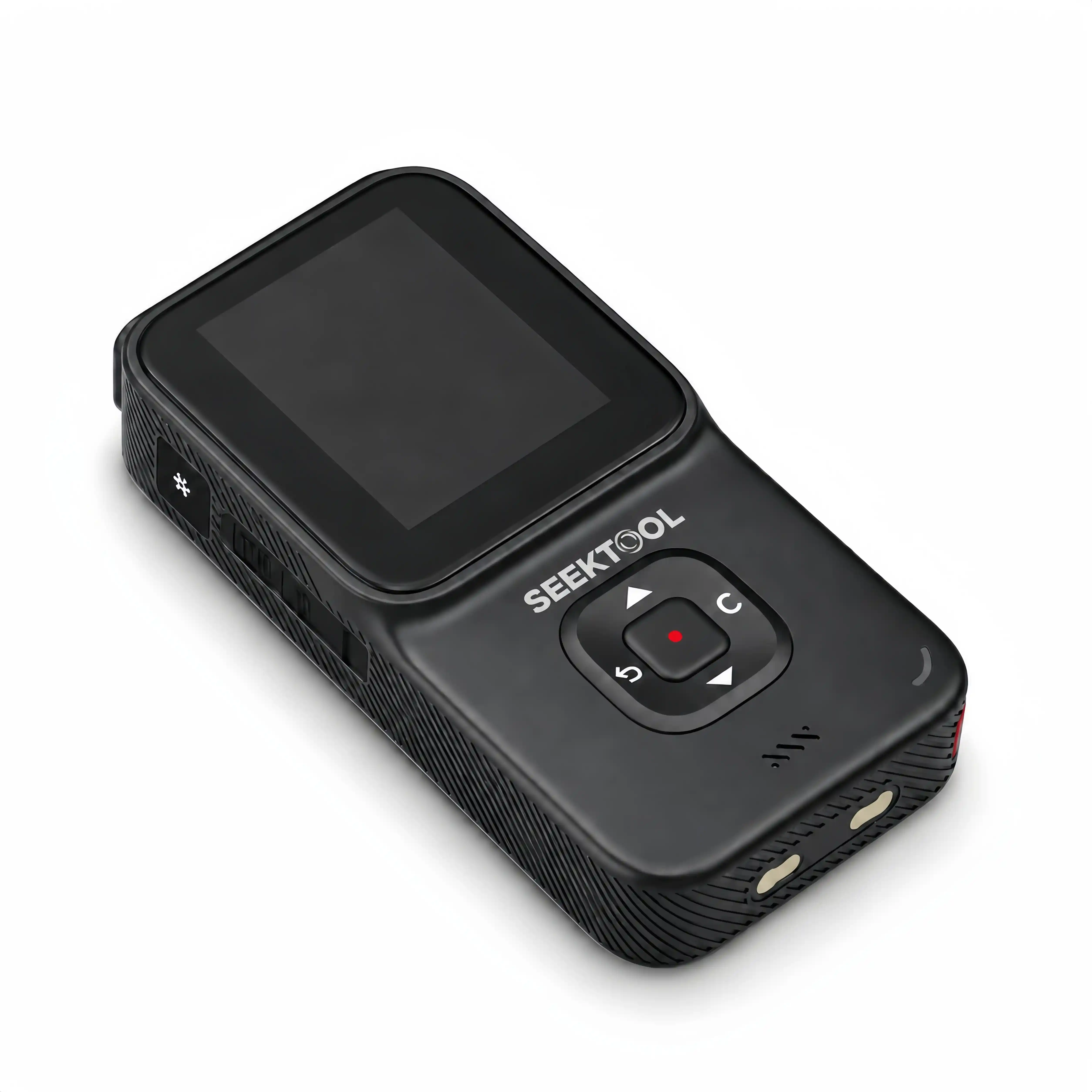
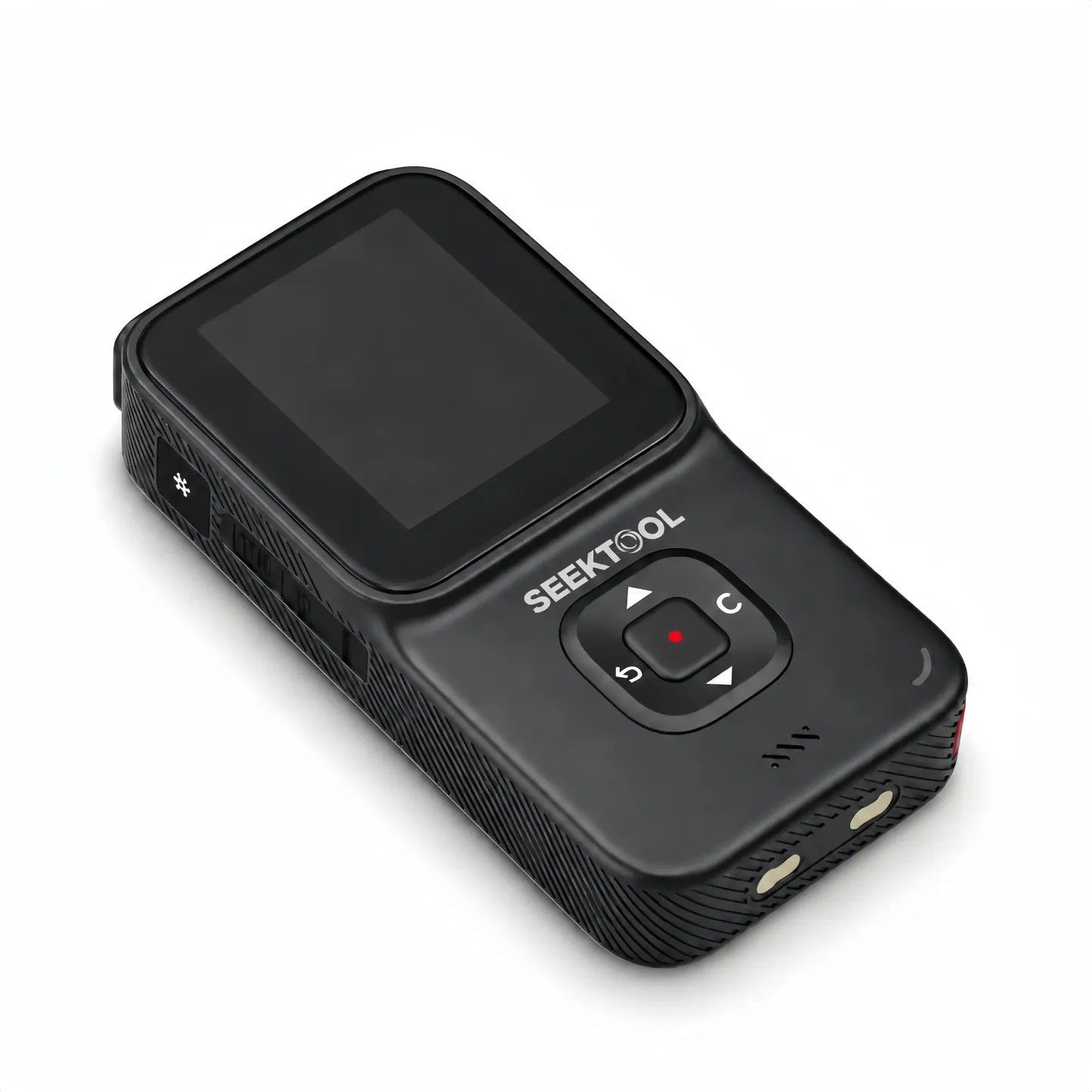
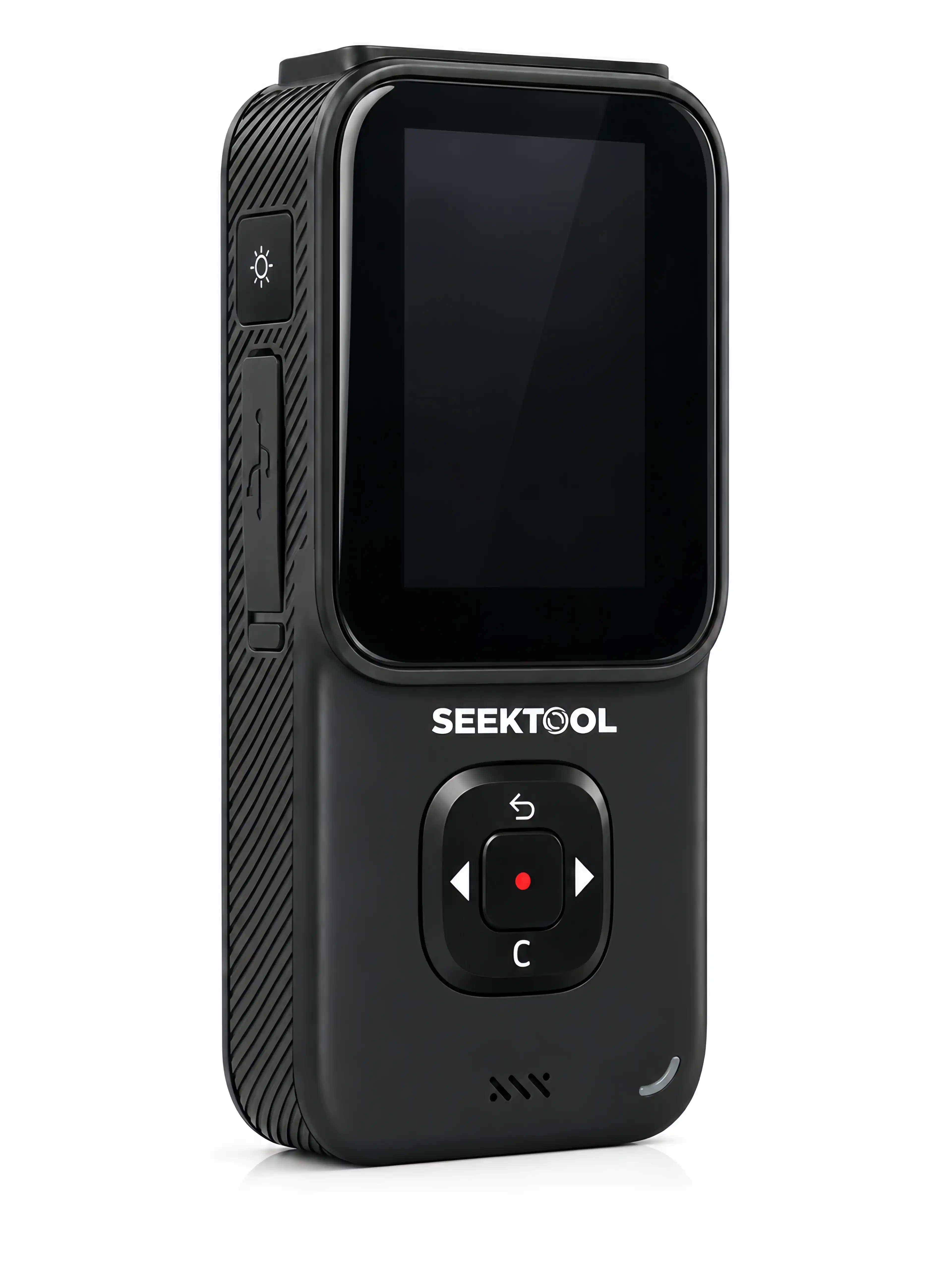
Front and side view of the SEEKTOOL STRATA PRO
Wall scanningMetal, live wires, studs & dense objects
Ferrous metal
Up to 100 mm
Nonferrous metal (copper)
Up to 80 mm
Live copper wire
Up to 40 mm; single conductor ≥ 4 mm²
Studs / dense objects
Precision mode 20 mm; deep mode 38 mm
Operating humidity, metal mode
0–85% RH
Operating humidity, stud mode
0–60% RH
Laser measuring0.05–40 m; up to 30 saved measurements
Measurement range
0.05–40 m (approx. 2 in–131 ft)
Rated accuracy
±5 mm
Measurement time
0.3–4 s
Measurement modes
Single, continuous, add/subtract, area, volume, and single- and double-Pythagorean indirect measurements
Measurement history
Up to 30 measurements
Laser auto-off
Approx. 20 s
Cross-line laser & digital levelCrosshair alignment; X/Y dual-axis angle readings
Recommended projection distance
Up to 16.4 ft (5 m)
Cross-line fan angle
58°
Line width
< 5 mm
Cross-line deviation
<0.5°
Digital level accuracy
±0.5°
Tripod mount
1/4 in
Thermal imaging−4 to 1,832 °F; five image-blend settings
Temperature range
−4 to 1,832 °F (−20 to 1,000 °C)
Rated accuracy
±3 K or ±3%, whichever is greater
Accuracy conditions
Ambient 15–50 °C; target 15–200 °C
Emissivity
Adjustable 0.01–1; default 0.95
Infrared array
32 × 32
Field of view
33°
Response time
250 ms
Thermal sensitivity
200 mK
Image blending
0%, 25%, 50%, 75%, 100%
Color palettes
Iron red, rainbow, grayscale
Built-in storage
8 MB; approximately 52 BMP images
Moisture & non-contact voltage detectionWood, building materials & 12–1,000 V AC
Wood mode range
5–50%; rated accuracy ±2%
Building material mode range
1.5–33%; rated accuracy ±2%
Ambient temperature
32–104 °F (0–40 °C); rated accuracy ±2 °C
NCV detection range
12–1,000 V AC, 50/60 Hz
Unit & operating environment2.4 in color screen; USB-C port
Dimensions
4.92 × 2.44 × 0.98 in (125 × 62 × 25 mm)
Display
2.4 in TFT color display
Port
USB-C
Auto power-off
Approx. 5 min
Operating temperature
32–104 °F (0–40 °C)
Storage temperature
−4–140 °F (−20–60 °C)

Frequently asked questions

Can it guarantee there are no wires or pipes behind the wall?

No. Wall materials, moisture, target size and depth, and nearby electromagnetic interference can affect results. For critical locations, rescan from two directions and verify with other information before working.

Which walls can I use stud mode on?

Stud mode is intended for relatively uniform surfaces such as drywall and plywood, primarily to locate wood studs or framing. Light-gauge steel studs, copper wire, and other dense objects may also produce a response.

It is not intended for concrete, mortar, block, brick, foil-backed materials, metal, tile, glass, or walls with highly uneven density. Moisture, material composition, surface texture, and coatings can affect detection depth and accuracy.

Why scan the same area from two directions?

A slow reverse scan can help cross-check the target center and reduce error from a single pass. Dampness, conductive finishes, fresh paint or wallpaper, tile, and nearby electromagnetic sources can affect results.

Can I use the thermal imager for a formal inspection report?

The thermal module is intended for an initial on-site screen of insulation gaps, heat sources, and noticeable temperature differences. For traceable measurements or a formal report, use professional thermal equipment that meets the job requirements.

Do I need to connect a phone?

No. The main functions, images, and readings appear on the unit's built-in 2.4 in color display.

Does the cross-line laser self-level?

No. Use the X/Y dual-axis angle readings to adjust the unit and the projected lines manually.